ENG
16
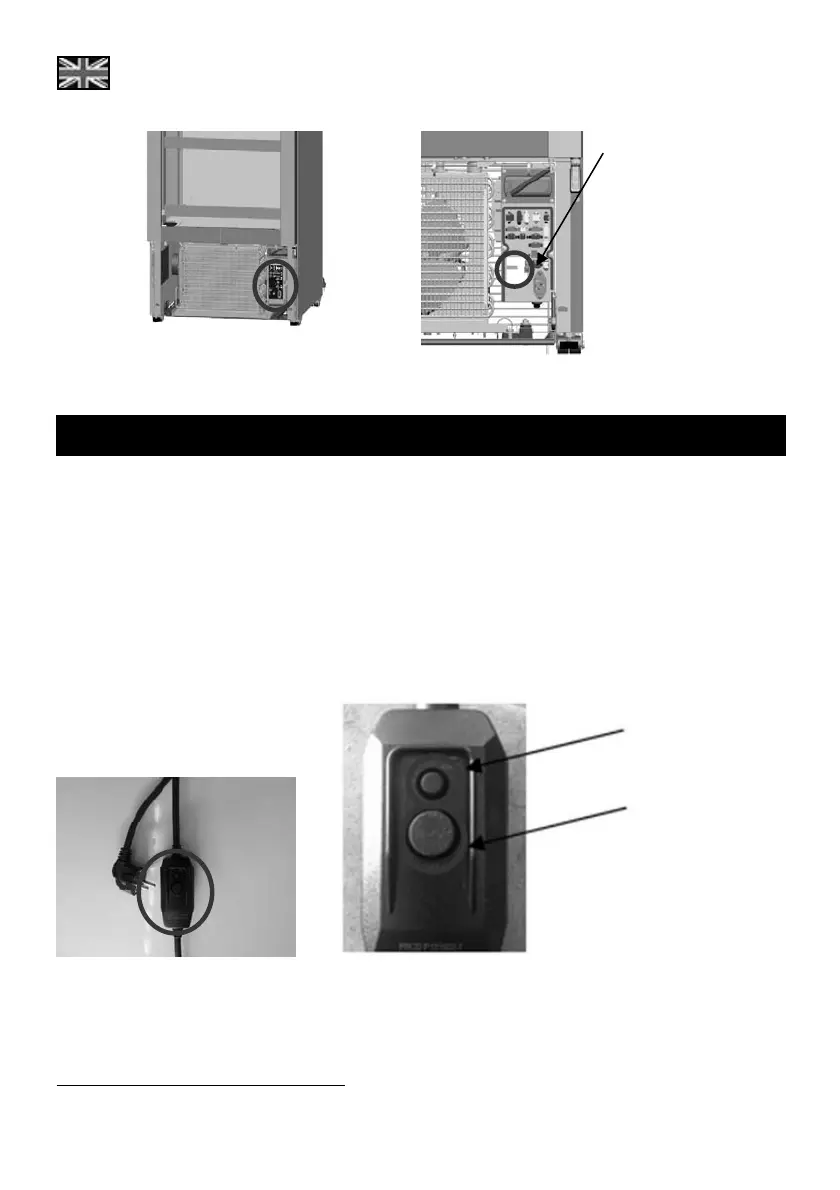
Step 1
Step 2, 3
9. PRCD
*
The PRCD device is integrated to the power cord of the unit (as shown in picture below), close to the
wall plug.
The PRCD device features two buttons; the small one is the “test” button and is used to check the
operational status of the PRCD. The bigger button is the “reset” and is used to rearm the PRCD after a
triggering event.
When plugging off the power cord a test needs to be perfomred to ensure proper operation of the
PRCD. Please follow the steps below:
Step 1: Plug into power.
Step 2: Press (small) “TEST” button. The (big) “RESET” button should pop-up.
Step 3: Press the “RESET” button again. Do not use the device if it fails!
*
optional feature
TEST button
RESET button




 To Next Page