Operating instructions
V-09 - 03/2017 - PM/Stme - English - © FRIMA
33 / 59
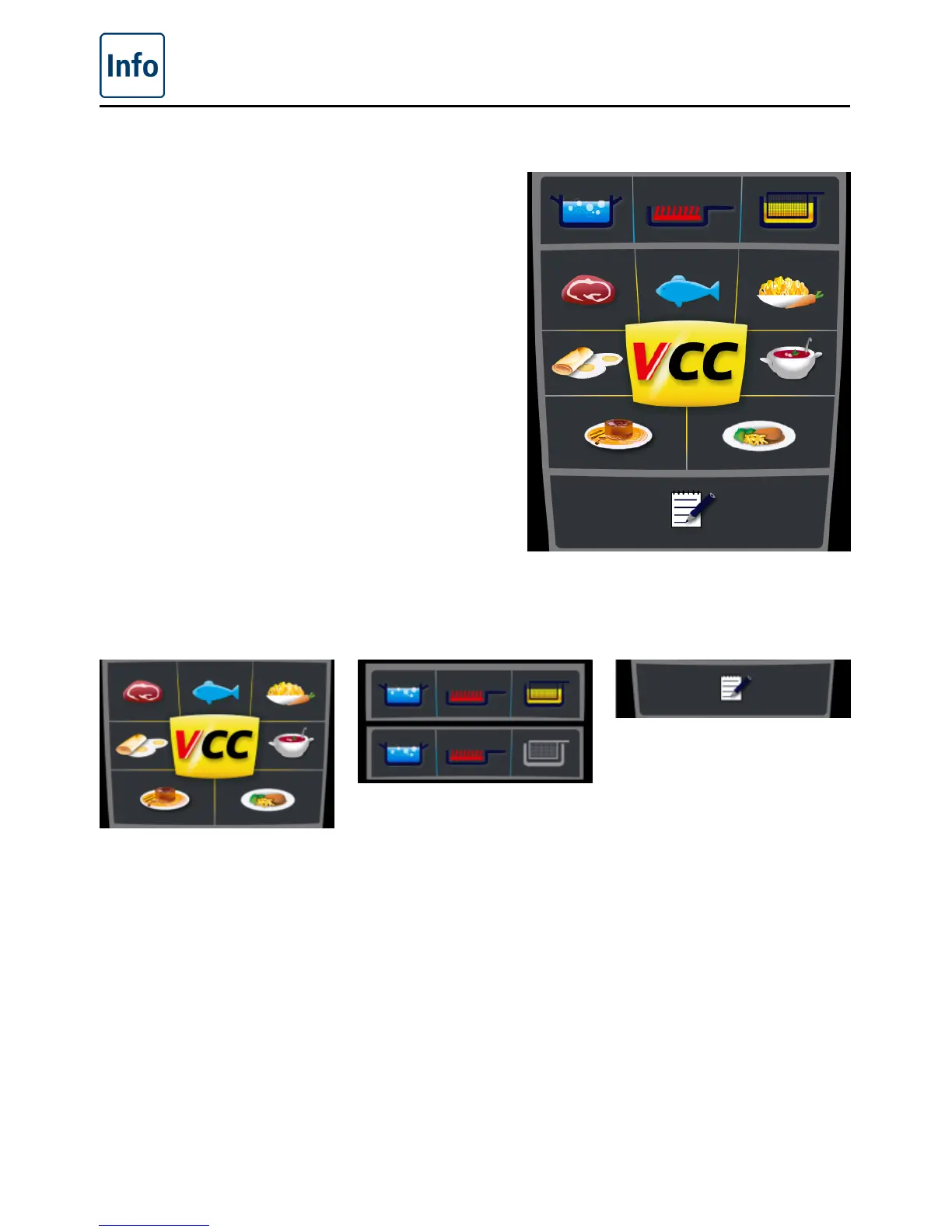
Overview of the cooking modes
When you switch the unit on or hold down the
Home button, you go straight to the Start level.
Here you can select the three cooking modes of
the VarioCooking Center
®
.
VarioCooking
Control® mode
Manual mode Programming/
Save mode
When you press the Meat,
Fish, Vegetables and
Side Dishes, Egg Dishes,
Soups and Sauces, Milk /
Desserts or Finishing
®
and
Service button, the window
for selecting the cooking
processes in VarioCooking
Control
®
mode opens.
When you press the Boil,
Pan-Fry or Deep Fry button,
you switch to manual
mode .
If you have a unit with the
Non-deep frying option, the
Deep Fry button is greyed
out.
When you press the
Programming button, you
switch to Programming/
Save mode .



 To Next Page