9. iPod,Tuner,and Aux Modes(When Wireless function is on the control over the iPod is lost)
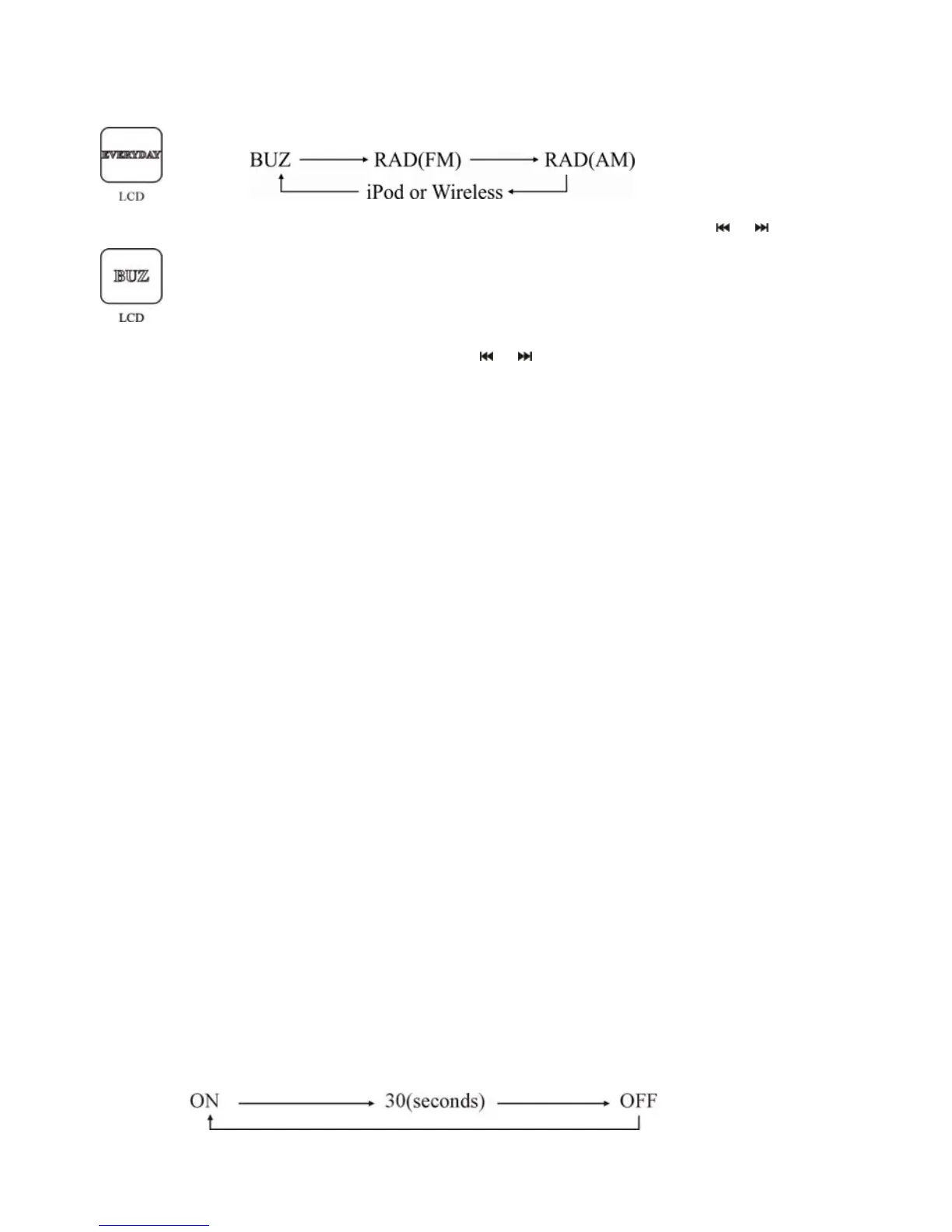
7. You have four options of alarm audio source as follow:
Touch +/- button on the touch screen of the unit or press the / on the
remote control to switch to your prefer option, Touch SET button on the
touch screen of the unit or press ENTER button on the remote control ,
When the unit is to be set the alarm volume, the volume icon will flash.
8. Press +/- on the touch panel or
/ on the RC to adjust alarm volume,
press SET on the touch panel or ENTER on the RC to confirm. When alarm
setting is finished, the unit will enter normal model. Then the alarm settings
are finished and the unit will be in normal mode.
Note:
During the operation of alarm settings, if the interval time exceeds 8
seconds, the current setting will be cancelled.
9. Cancel alarm
When the alarm rings:
a. Press standby button on the remote control to cancel the alarm directly.
b. Touch any button on the touch screen or remote control twice to cancel
alarm.
10. SNOOZE
Touch any button on the touch screen or press any button except standby
button on the remote control once, the alarm stops ringing and the unit enters
into SNOOZE mode, both SNOOZE and ALARM icons Blink. When the
unit is in SNOOZE mode, the alarm stops ringing for 9 minutes, then alarm
sound will start again.
Display mode
Press the Display Mode button on the remote control to select the LCD
display mode. This function is to set the duration of the LCD backlight.
There are three settings for the LCD backlight as shown below:
16


 To Next Page