9. iPod,Tuner,and Aux Modes(When Wireless function is on the control over the iPod is lost)
ALARM
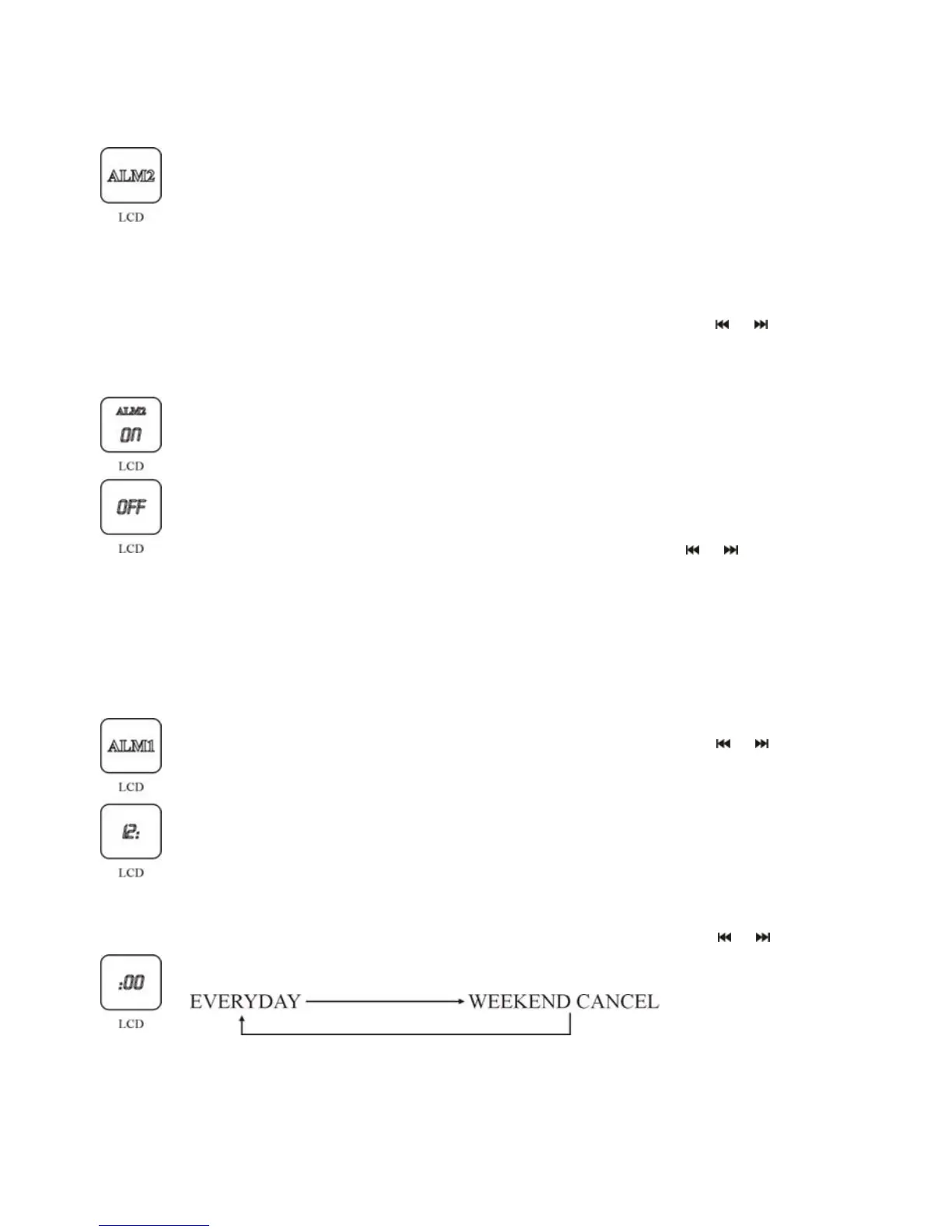
1. Touch SET button on the touch screen of the unit or press ALARM SET
button on remote control till the ALM1/ALM2 icons flicker. Touch +/-
button on front panel of the unit or press ENTER button on the remote
control to enter into alarm ON/OFF settings.
2. Touch +/- button on the touch screen of the unit or press
/ on the
remote control, the ON/OFF will be displayed circularly in the LCD.
3. Touch SET button on the touch screen of the unit or press ENTER button
on the remote control, select OFF to turn off the alarm and exit alarm setting,
select ON to enter into alarm time setting, the hour figures flicker.
4. Touch +/- button on the touch screen of the unit or press
/ the button
on the remote control to adjust the hour figures of the alarm time. Touch SET
button on the touch screen of the unit or press the ENTER button on the
remote control to confirm the hour setting, and the unit will enter into the
minute setting. The minute figures flicker.
5. Touch +/- button on the touch screen of the unit or press the
/ button
on the remote control to adjust the minute figures. Touch SET button on the
touch screen of the unit or press the ENTER button on the remote control to
confirm the minute setting, and the unit will enter into the alarm date setting.
The date icon flickers.
6. Touch +/- button on the touch screen of the unit or press the
/ on the
remote control to adjust the alarm date, you have two options as follow:
Touch SET button on the touch screen of the unit or press the ENTER button
on the remote control to confirm the alarm day setting, then the unit will
enter into alarm audio source. Audio source icon flickers.
15


 To Next Page