Manual of Two-Way Radio System www.FrSky-rc.com P8of9
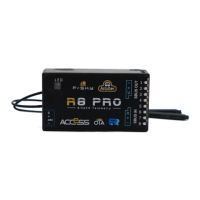
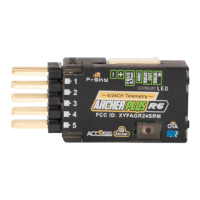
10.2 LED status on Receiver:
Red LED on and Green LED glooming: Working Mode.
Red LED flashing and Green LED off: No Signal.
Red LED flashing and Green LED on: Binding OK.
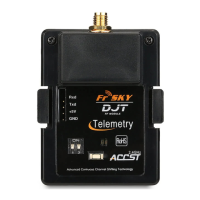
11. Firmware Upgrade
Frsky have developed a mechanism of firmware upgrade. With it, user would like to
upgrade to new version of software when available. And the Two-Way Radios System is
supported by this mechanism.
Steps are the following:
a) Set module to Upgrade Mode.
b) Connect the module to PC through a RS232 cable.
c) Start Upgrade software on PC.
d) Select file and corresponding port.
e) After the Serial No. is got, press Download.
f) After the progress bar reached 100%, the software of the module is
updated.
FCC Statement
Changes or modifications not expressly approved by the party responsible for
compliance could void the user's authority to operate the equipment.
NOTE: This equipment has been tested and found to comply with the limits for a
Class B digital device, pursuant to Part 15 of the FCC Rules. These limits are designed
to provide reasonable protection against harmful interference in a residential installation.
This equipment generates uses and can radiate radio frequency energy and, if not
installed and used in accordance with the instructions, may cause harmful interference
to radio communications.
However, there is no guarantee that interference will not occur in a particular
installation. If this equipment does cause harmful interference to radio or television


 To Next Page