Telecoil Testing 123
4. Use the AMPLITUDE and FREQUENCY knobs to select MAIN F2 under FUNCTION KEY
DEFIN.
5. Press START/STOP repeatedly to select TELECOIL.
6. Press F1 to return to the Main Coupler screen.
7. Press F2 to turn ON the telecoil feature.
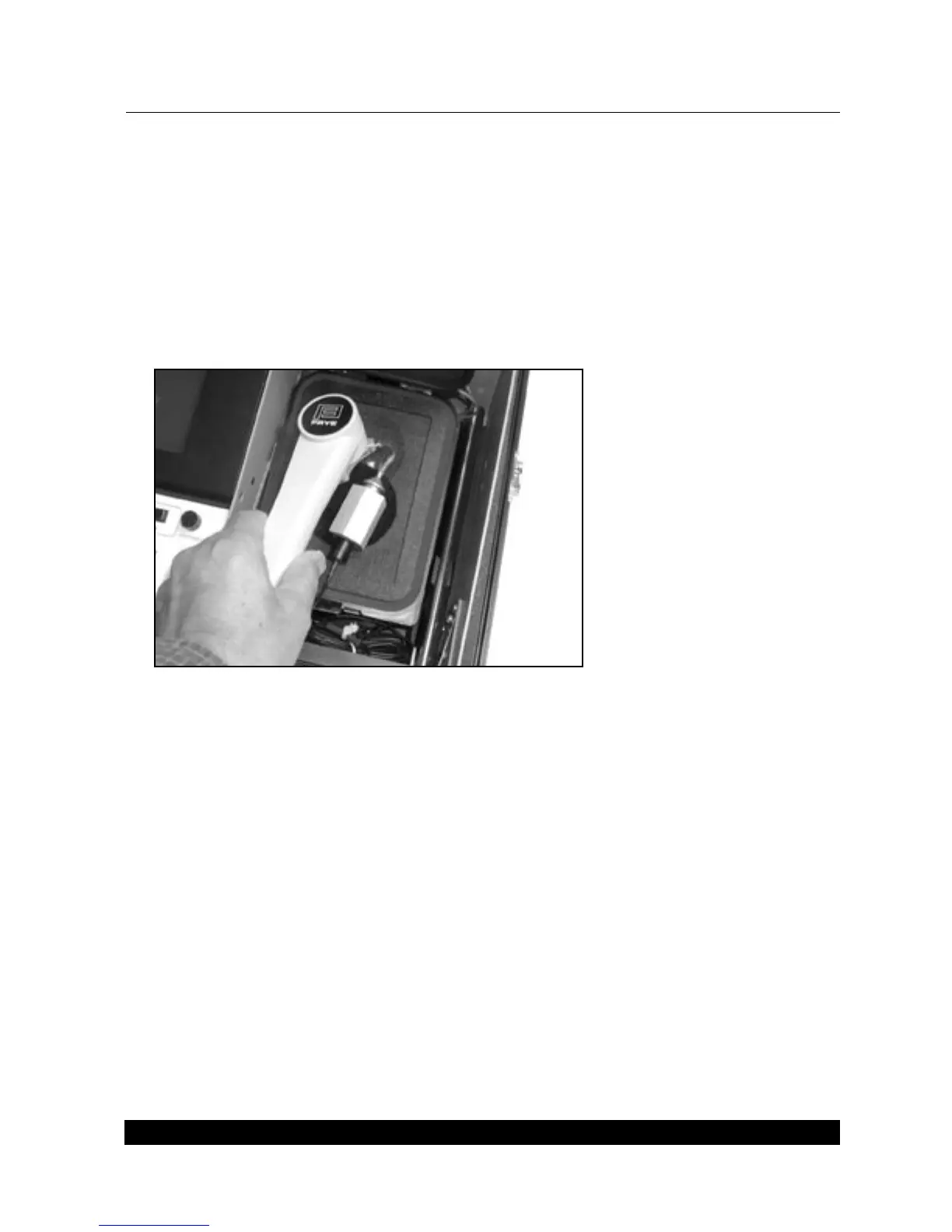
8. Hold the Telewand next to the hearing aid as if you were holding a telephone next to the aid
in the patient’s ear. That is, if the aid is a BTE, hold the Telewand parallel to the aid’s body.
See Figure 7.2. If the aid is an ITE, hold the Telewand against the aid’s faceplate.
Figure 7.2 –Using the Telewand
7.3 Environmental Magnetic Fields
Telecoil testing can be difficult in the presence of magnetic fields. If you normally use an external
monitor with your FP40 analyzer, turn it off for this test and use the LCD only. Check for the pres
-
ence of unwanted magnetic fields by using a wide range linear hearing aid on the “T” setting and
with the volume control full on. Attach the aid to a coupler without the test microphone. Listen
through the coupler. In some locations there will be such a loud raspy hum that you will know
immediately that it is unusable for this location. Power lines and florescent lights can cause prob
-
lems. More subtle problems can be detected as you conduct the test.



 To Next Page