Real-Ear Measurements 85
5.2.4 Creating your own target
Advanced users may want to be able to input their own targets, without applying any particular fit-
ting rule. To do this:
1. Use F3 to select DIRECT.
2. Press F5. This will clear any existing targets and put you in a target editing mode.
3. Use the AMPLITUDE and FREQUENCY knobs to generate your own insertion gain target.
(You cannot input target values in terms of dB SPL.)
5.2.5 Modifying an existing target
All non-DSL targets can be modified. To modify an existing target:
1. Generate the target as described in Section 5.2.2.
2. Press F2 until TAR is highlighted.
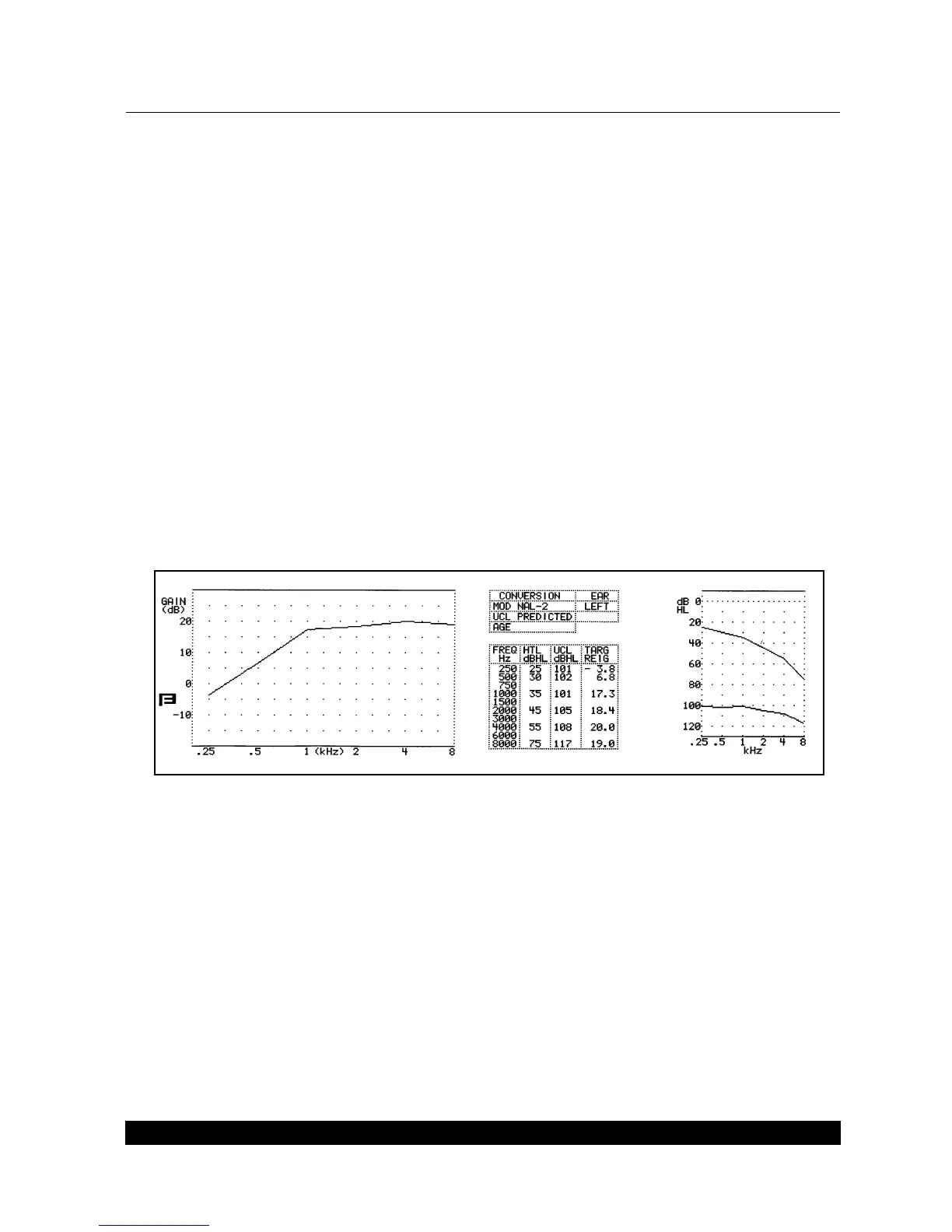
3. Use the AMPLITUDE and FREQUENCY knobs to make any desired modifications. The target
will be labeled with a note denoting that it has been modified. See Figure 5.2.5.
Figure 5.2.5—Modifying an existing target
5.3 Insertion Gain Measurements
The insertion gain test shows you how much gain the hearing aid is providing above the ear’s natu-
ral resonance. When performing an insertion gain measurement, you enter your client’s thresholds
to create a target, take the unaided response, take the aided response, and compare the insertion
gain response to the insertion gain target, adjusting the hearing aid accordingly.



 To Next Page