26 FONIX FP40 Portable Hearing Aid Analyzer
2.5 Display Mode
Although the FP40 comes standard with an LCD screen, it is easy to hook up an external monitor
for a larger, more colorful display.
To attach the video monitor:
Hook a standard computer monitor to the port labeled “Video Monitor” on the back of the FP40
analyzer.
To view with the video monitor:
• Press F5 from the Opening Screen of the FP40 analyzer. This is the screen that appears only
when you first turn on the analyzer.
— or —
• Highlight DISPLAY MODE in the General Setup Menu by using the Amplitude and Frequency
knobs. Select VGA by pressing the START/STOP button. You can also use this selection to
switch back to LCD mode.
2.6 Battery Current Drain
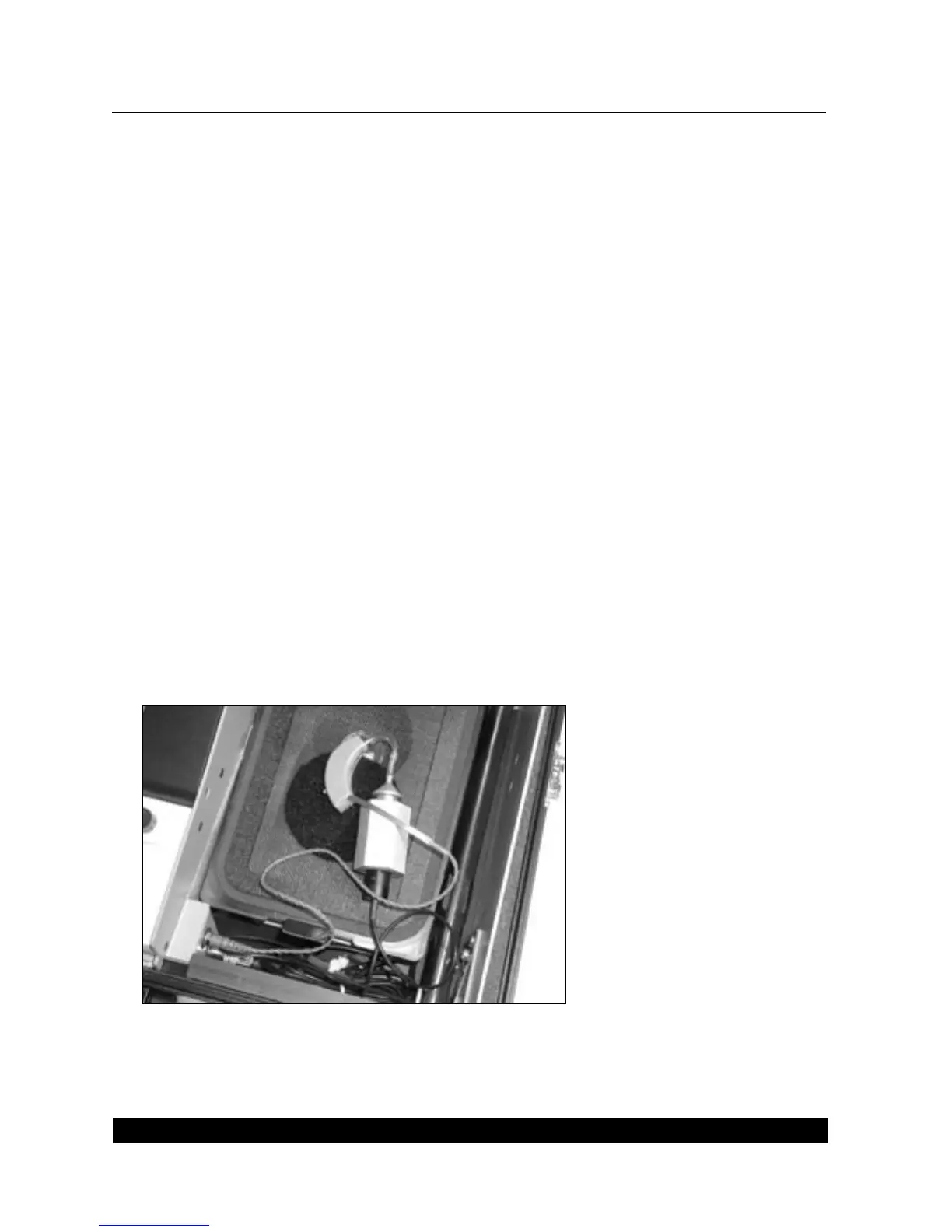
You can measure the battery current drain of hearing aids in the Main Coupler Screen and in any
of the screens of the automated test sequences (such as ANSI ’96). To do this, you must insert the
appropriate battery pill into the hearing aid, and plug the battery pill into the jack located on the
left side of the internal sound chamber. See Figure 2.6A.
Figure 2.6A—Using a battery pill to measure the battery current drain



 To Next Page