General Operation 27
To turn on the battery current drain measurement in the Main Coupler Screen:
1. Press F1, MENU, from the Main Coupler Screen.
2. Select BATTERY DISP in the third column of the screen, under COUPLER SETTINGS.
3. Press START/STOP to toggle ON.
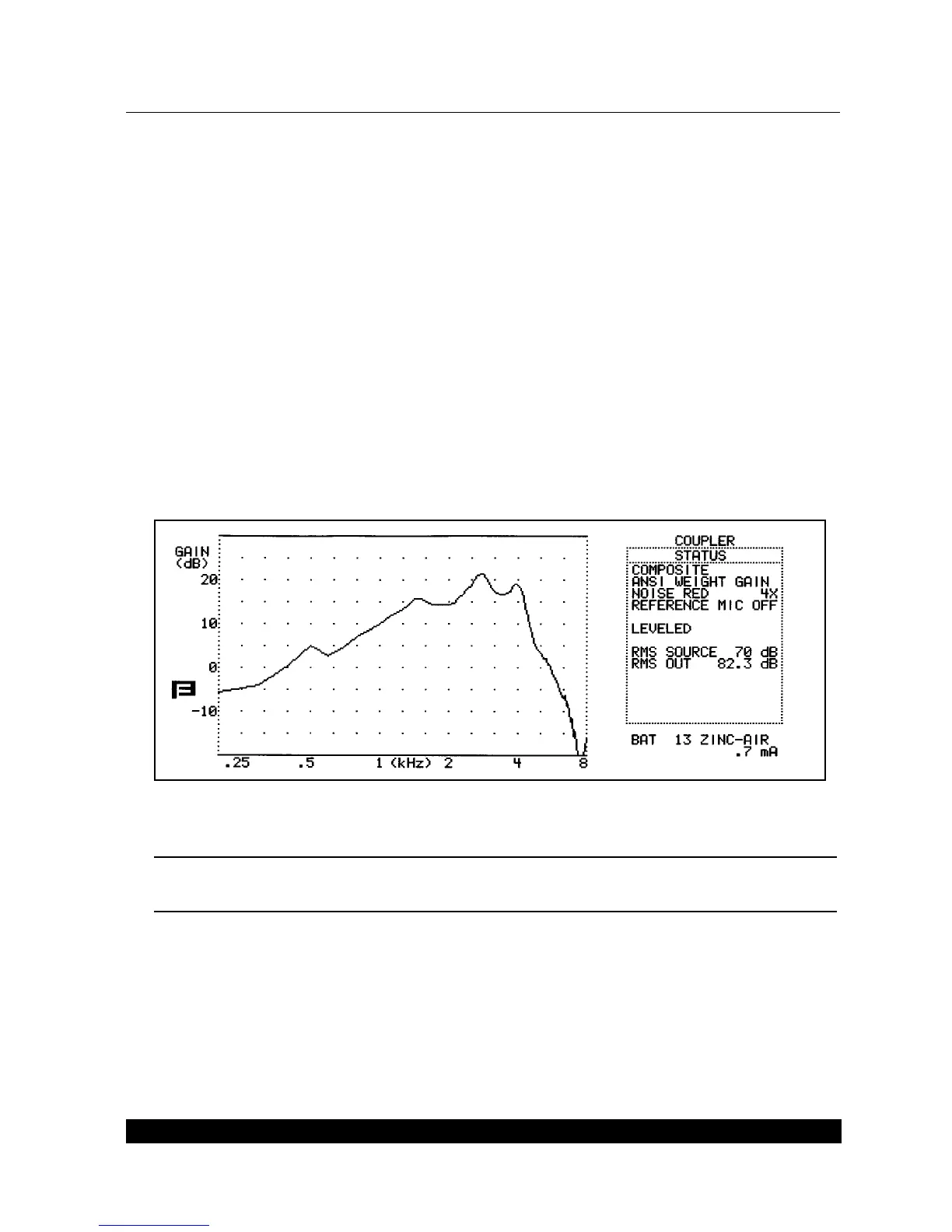
4. Press F1 to exit back to the Main Coupler Screen. You should now see a battery current read
-
ing under the Status Box. See Figure 2.6B.
5. Press F7 to select the battery pill that you are using.
To set the default battery pill:
1. Press F1, MENU, from the Main Coupler Screen.
2. Select BATTERY in the third column on the screen, under COUPLER SETTINGS.
3. Press START/STOP to toggle the desired selection.
4. Press F8 to store that selection as the default.
Figure 2.6B—Coupler screen with battery drain
Note: You must use a pure-tone or composite source for the battery current drain to function. It
will not work with the Digital Speech source types.



 To Next Page