© 2014 Flanders Scientic, Inc.
22
Return to Table of Contents
Scopes & VU Meters Menu
Main Menu Scopes & VU Meters
Function Scopes & VU Meters Prole 1
Scopes & Audio Meters Window 1 Luminance
Video Window 2 Vector
Audio Waveform Position Bottom Right
Marker Scopes Stack Horizontal
System Waveform Scale IRE Level
Alarm Audio Display Mode Pairs
OSD Alignment Level -18 dBFS
GPI Permitted Max Level -9 dBFS
Color Management Audio Display Channels 1-16
System Status Peak Hold Time 2
Support OSC Mode Off
Alignment Level
Allows audio level meter alignment level to be set to -12dBFS, -14dBFS, -16dBFS, -18dBFS or -20dBFS, -22dBFS.
Audio Display Mode
This option can be set to either Groups or Pairs. When organized in pairs the odd channels will be displayed on the left side
of the screen and even channels of the right side of the screen. When organized in groups the channels will be arranged
with all channels of an Audio Group displayed on the same side of the screen together.
Audio Display Channels
Allows you to select the Audio Level Meters Channels that will be shown on the Vertical or Horizontal Audio Level Meters.
Select from Channels 1-2, 1-8, 9-16, or 1-16.
Permitted Max Level
Allows you to specify the Max Audio Level for your onscreen Audio Level Meters: Select from: -10 dBFS, -9 dBFS, -8 dBFS,
-7 dBFS, -6dBFS, -5dBFS.
Peak Hold Time
Allows you to specify the number of seconds that a peak audio level will be held (shown) by the Audio Level Meters.
OSC Mode (LM-0750W Only)
Ballistics
This allows you to select the the type of Audio Level Meters to display. You
can select from PPM Type I, PPM Type II, or True Peak.
NOTE: The Scope & VU Meters
Menu only sets your Waveform,
Vector, & Audio Level Meter
display preferences. To toggle
the onscreen display of your
congured Scopes & VU Meters
proles assign the Scopes & VU
Meters proles to specic keys.
See the Function Menusection
of this manual for more details.
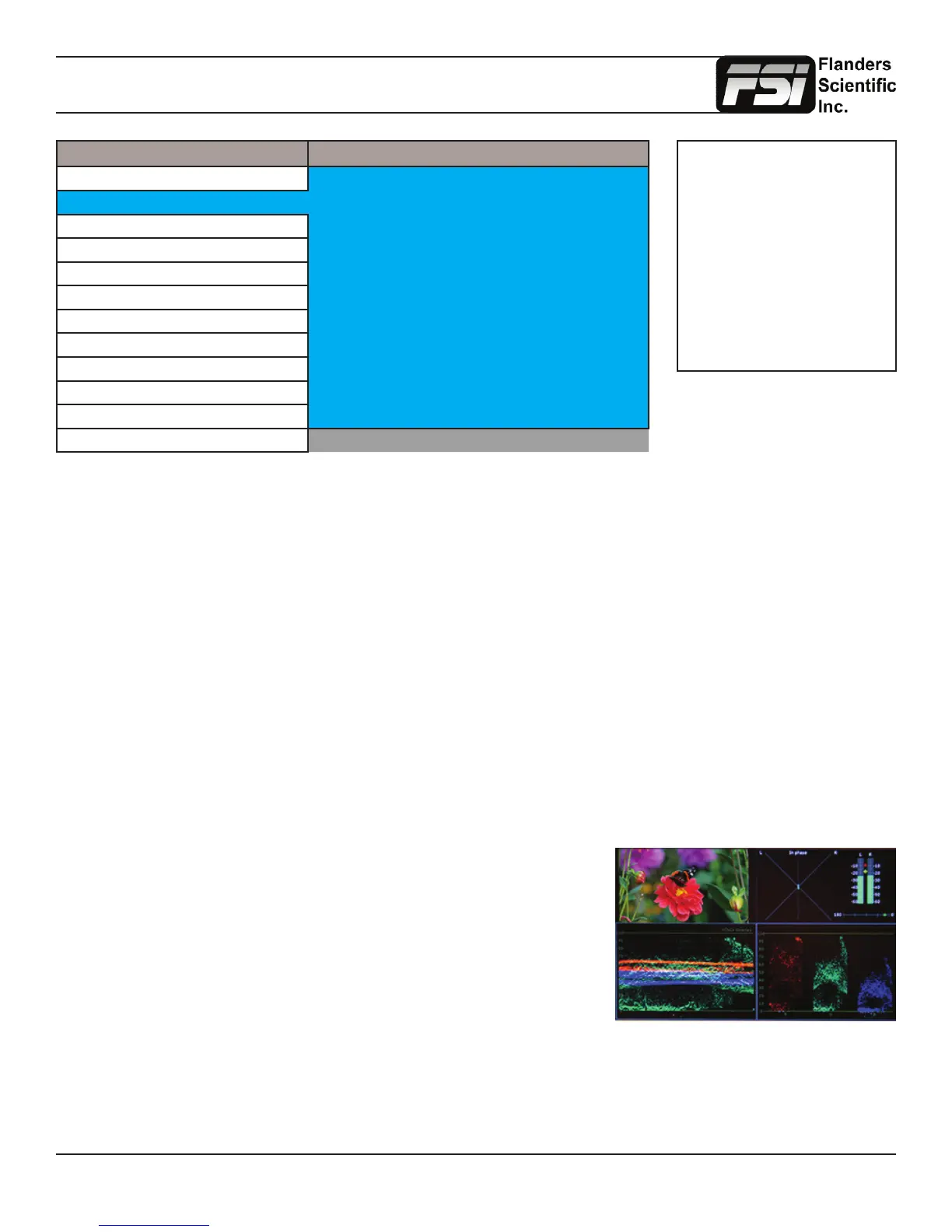
Activating this mode, only available on the LM-0750W, will generate a quad
viewing mode with 2 Scopes of your choice (Window 1 and Window 2) as well an
Audio Phase Meter and 2 Channel Audio Level Meters in addition to a preview
window showing the active signal whenever the corresponding Scopes and VU
Meters prole is selected.



 To Next Page