© 2014 Flanders Scientic, Inc.
36
Return to Table of Contents
Color Management Menu
Custom Calibration LUTs
Starting with Firmware 0.9.49, FSI models equipped with the Color Fidelity Engine are capable of loading custom calibration
3D LUTs. This advanced feature requires use of color management software (such as Light Illusion’s LightSpace CMS or
SpectraCal’s CalMAN, both of which are currently supported) and a professional grade probe. The steps below cover the
general process of updating LUTs on the monitor.
Check your monitor’s rmware version by accessing System Status from the Main
Menu. If necessary, update your FSI CFE equipped monitor to rmware version 9.50
or newer. Firmware updates and instructions can be found at FlandersScientic.com.
If you already have rmware 9.50 or newer and the supporting CFE les installed
on your monitor, skip ahead to Page 38: Generating Custom LUTs.
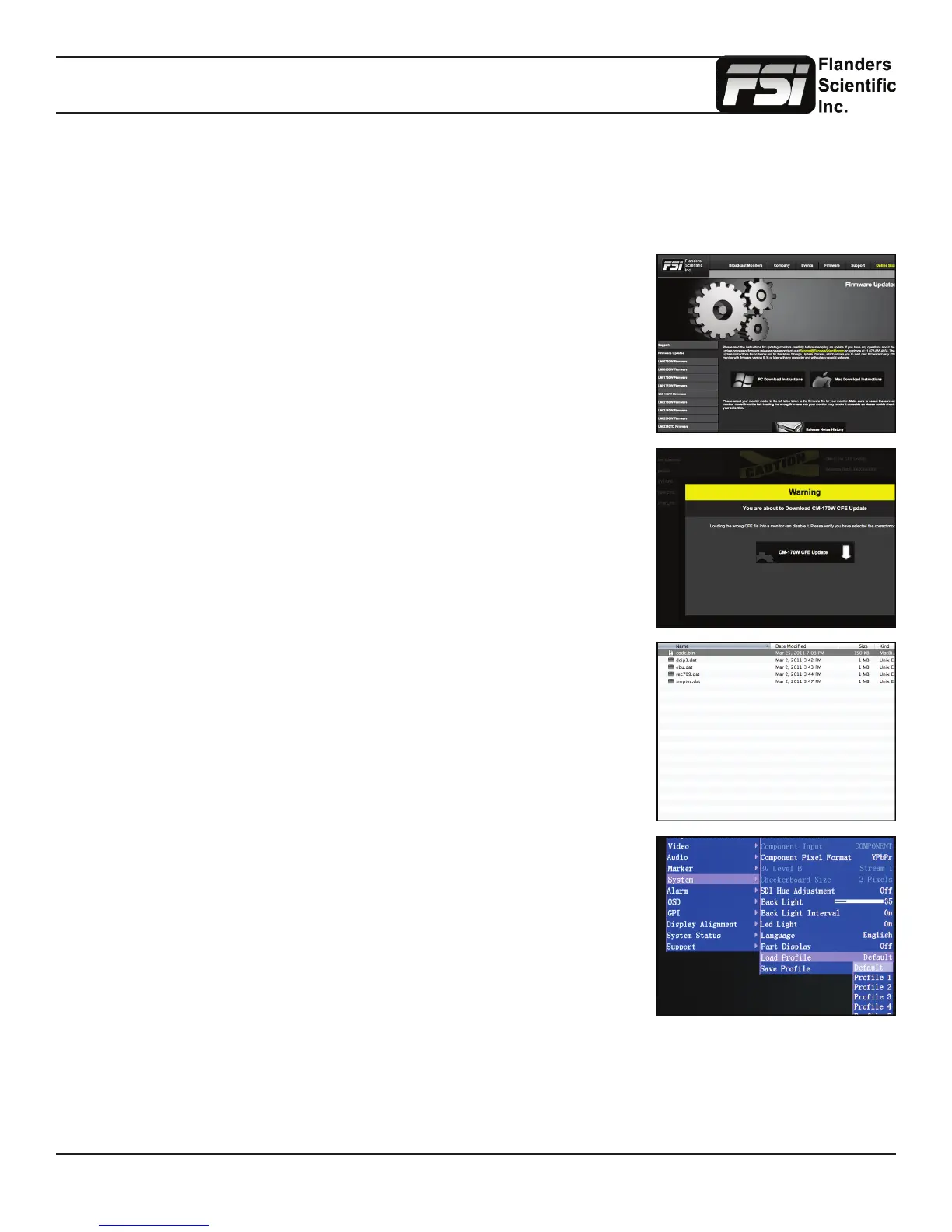
Download the latest CFE distribution package from the Firmware section of
FlandersScientic.com.
Select your monitor’s model from the left hand side and then click on the download link.
A verication box will appear with a warning about downloading the correct update for
your model of monitor.
The download will be a zip le containing a code le, and data les related to each
color space.
Unzip this le on your computer.
Load the default prole on the monitor.
Menu \ System \ Load Prole \ Default
Hit ENTER and conrm with Yes.



 To Next Page