© 2014 Flanders Scientic, Inc.
37
Return to Table of Contents
Color Management Menu
After the monitor has loaded the prole and restarted, turn the monitor off by using the
POWER button on the keypad.
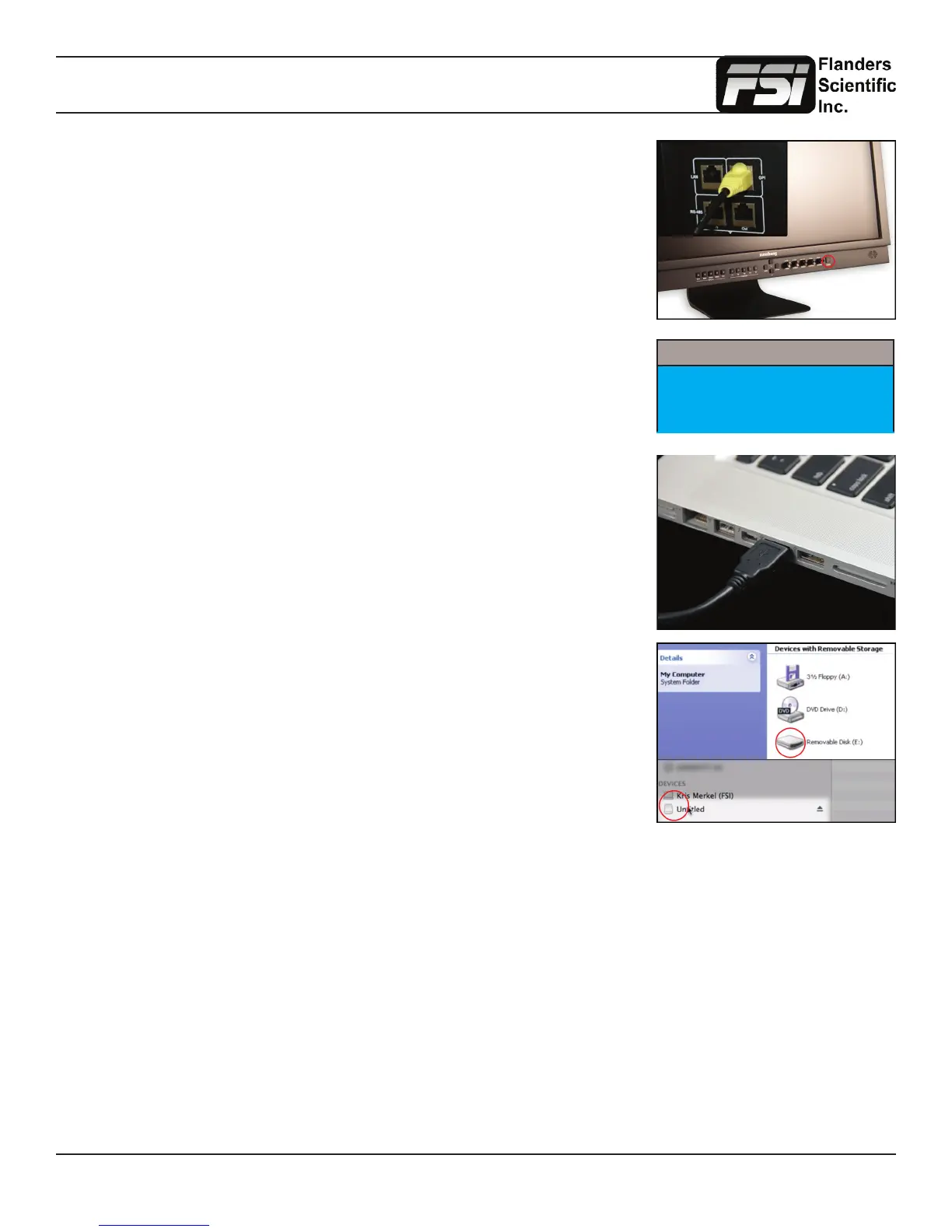
Connect the FSI update cable that came with your monitor (USB to RJ45) to the GPI
port on your monitor.
If you misplaced your update cable, they are available from ShopFSI.com.
Connect the FSI update cable that came with your monitor (USB to RJ45) to an
available USB port on your computer.
After a short time, the computer should recognize the FSI monitor as a mass storage
device, viewable in Mac’s Finder or PC’s My Computer.
Drag and drop the downloaded (unzipped) CFE les to the monitor. It will take a few
moments to transfer.
It is important to transfer ALL of the new downloaded CFE les to the monitor.
Verify that the monitor’s update mode is turned on via the System Menu:
System -> UDisk Mode -> On
System
LED Light On
UDisk Mode On
DHCP On



 To Next Page