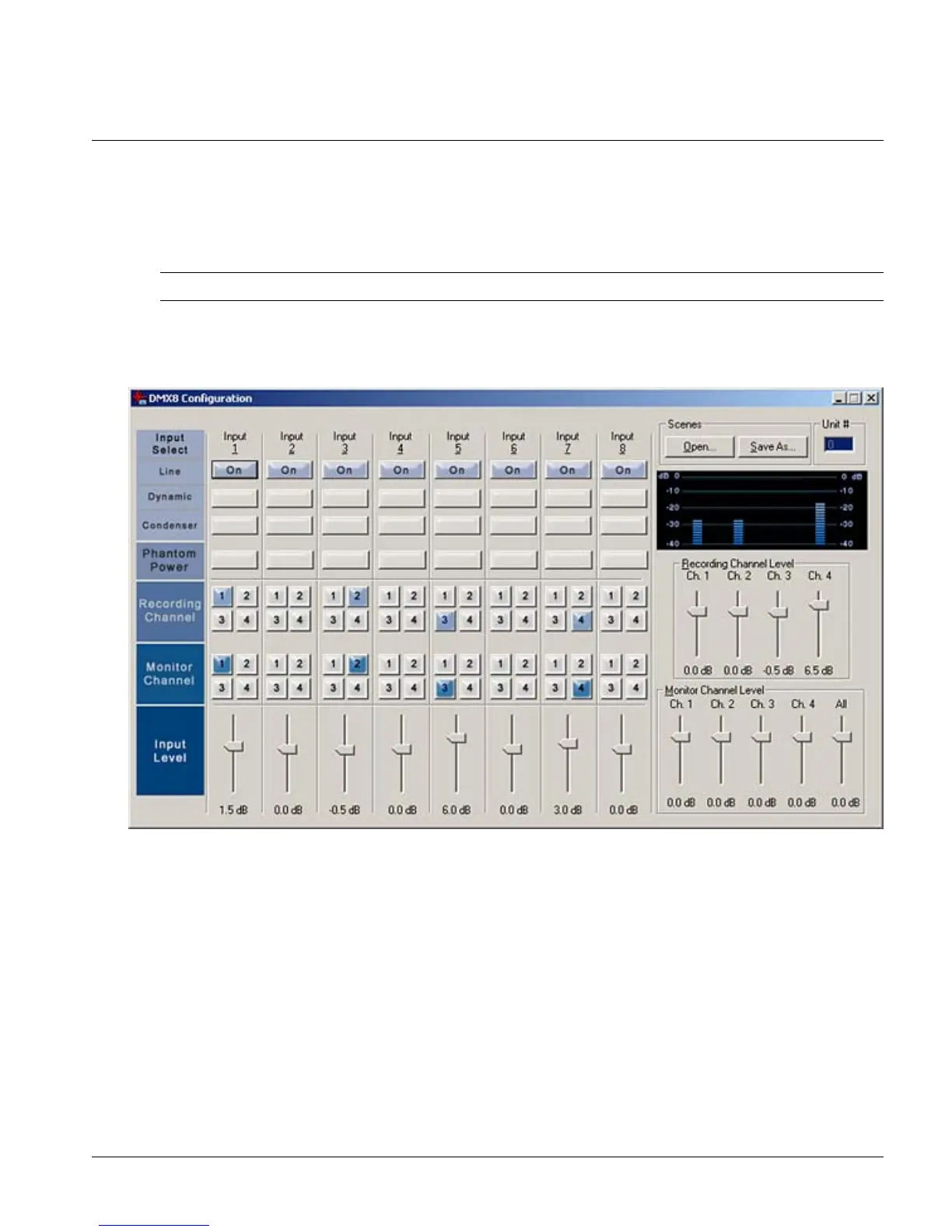
Configuring the DMX8 USB Mixer
To open the DMX8 Configuration:
• Click Start, point to All Programs, navigate to the DMX8 USB Mixer folder and click
DMX8 Configuration.
Tip: You can create a shortcut on your desktop to open the DMX8 Configuration.
Controls
Settings
Input Select
For each input select the type of input device. The options available are:
• Line - for equipment that works at nominal line level
• Dynamic - for dynamic microphones
• Condenser - for condenser microphones
Page 13



 To Next Page