About DMX8 Configuration
If you need to contact your vendor about a problem operating the DMX8 USB Mixer, you
may be asked to supply the version number.
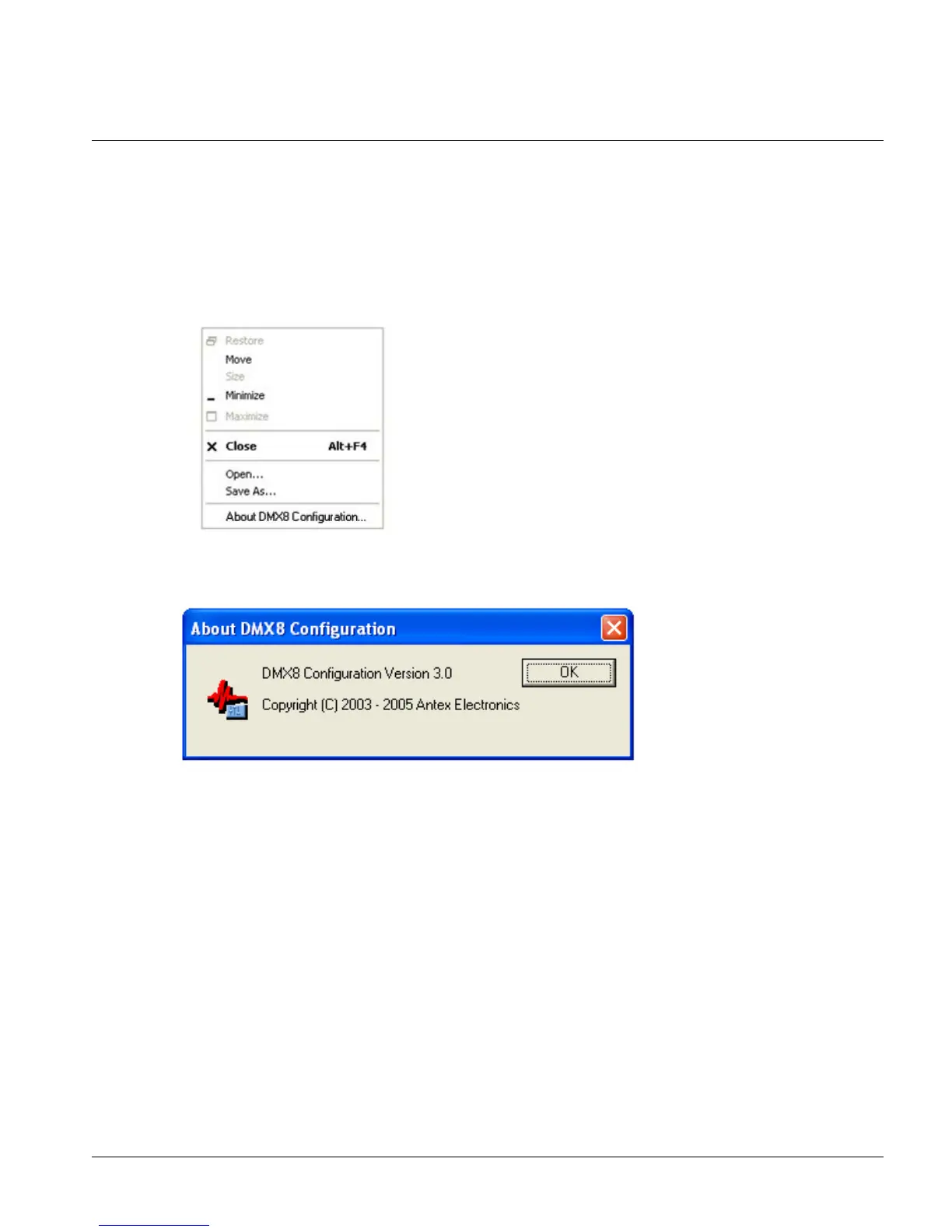
To locate the version number from DMX8 Configuration:
3. Click the ForTheRecord icon in the title bar to show the system menu and click
About DMX8 Configuration….
4. From the About DMX8 Configuration dialog box note the version information
and then click OK to close the dialog box.
To locate the version number from DMX8 Meter:
1. Click the ForTheRecord icon in the title bar to show the system menu and click
About DMX8 Meter…
Page 19



 To Next Page