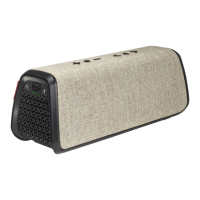
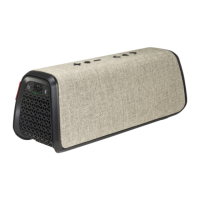
User Manual Fugoo GO Bluetooth Speaker Model FSNA3 page 2 1/27/2017
In the box
•
Fugoo GO Bluetooth Speaker
• Micro USB cable
• Startup Guide
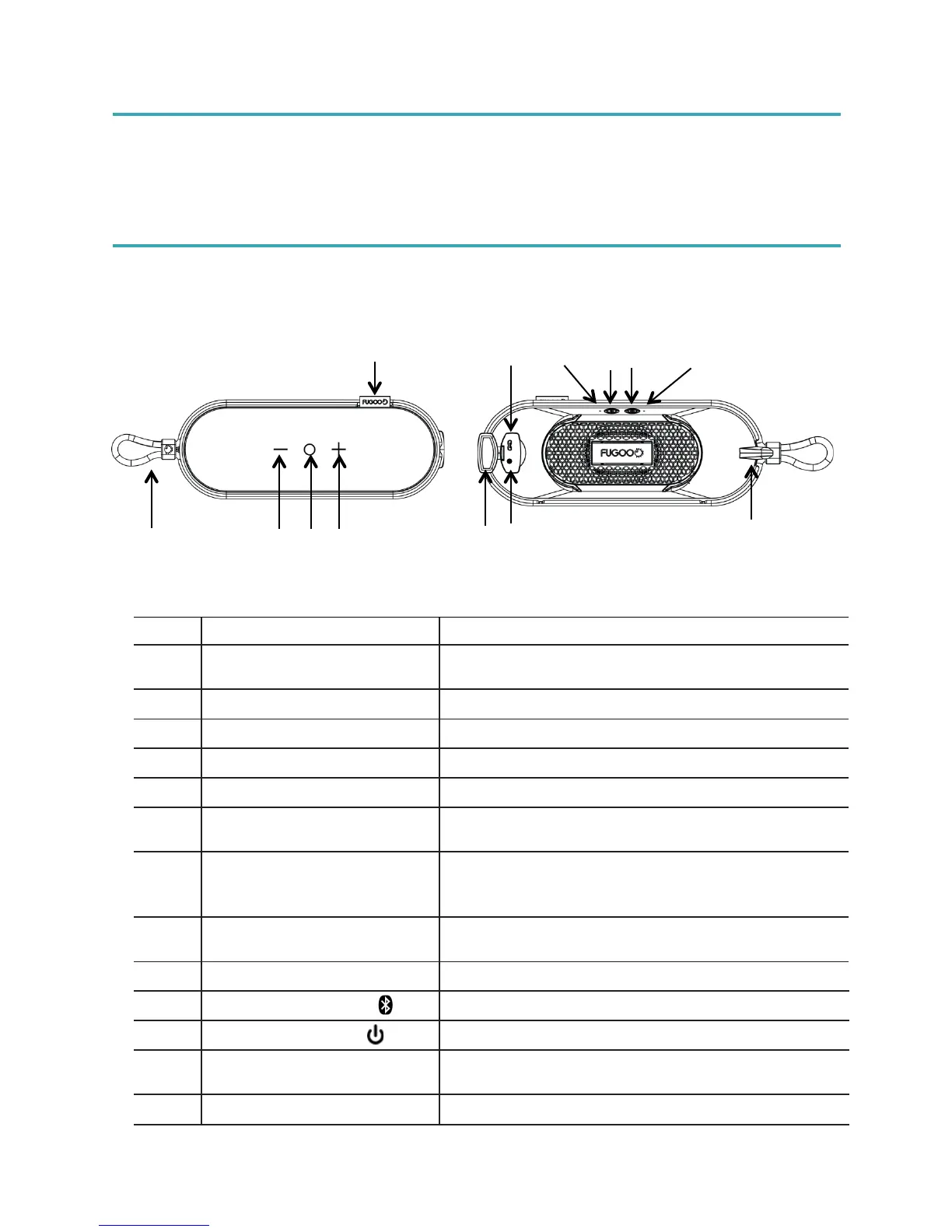
Fugoo GO Bluetooth Speaker controls
For hanging the unit, or attaching it to a pole,
golf cart, ATV or just about anything else!
Use to remove the fabric cover for cleaning
Waterproof/Dustproof Port
Door
Helps keep I/O ports free of sand, salt, and
other hazards.
This feature is not available on all models. If
present, use it to attach a music player or other
device that does not have Bluetooth capabilities
Use to charge the unit from any USB power
source
Displays status of Bluetooth connection
Connect or disconnect with Bluetooth devices
For powering the unit on or off
Displays the power and charging status of the
unit
Attach the mounting cord here


 To Next Page