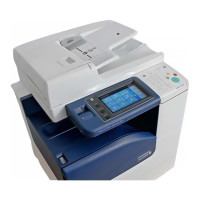
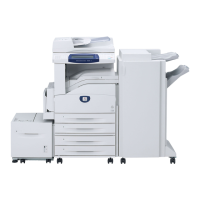
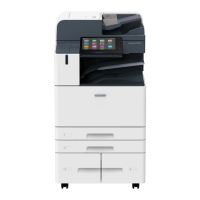
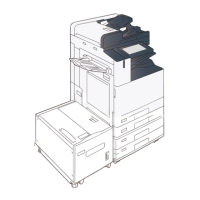
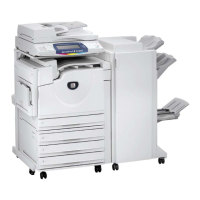
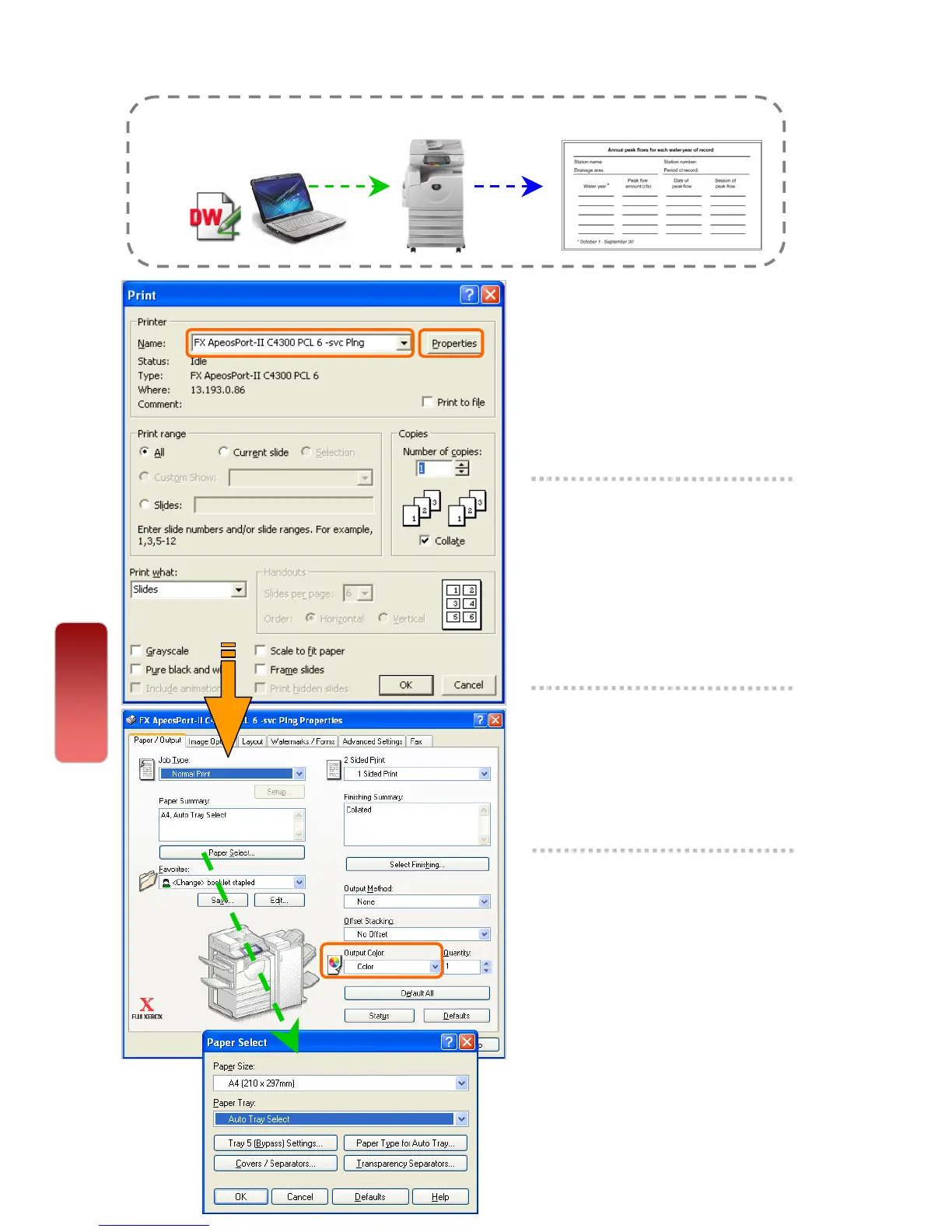
From your application, you can print directly from computer.
1 From application, Select
Printer – [Properties]
2 On the [Paper/Output] tab,
select <Paper Select> to
select required paper tray.
Click [OK]
3 Select <Output Color> as
COLOR or BLACK
4 Select [OK] on all open
windows to print.
Print
Making a Direct Print from computer
27
27


 To Next Page
 Loading...