- 21 -
4-3-3. Completion
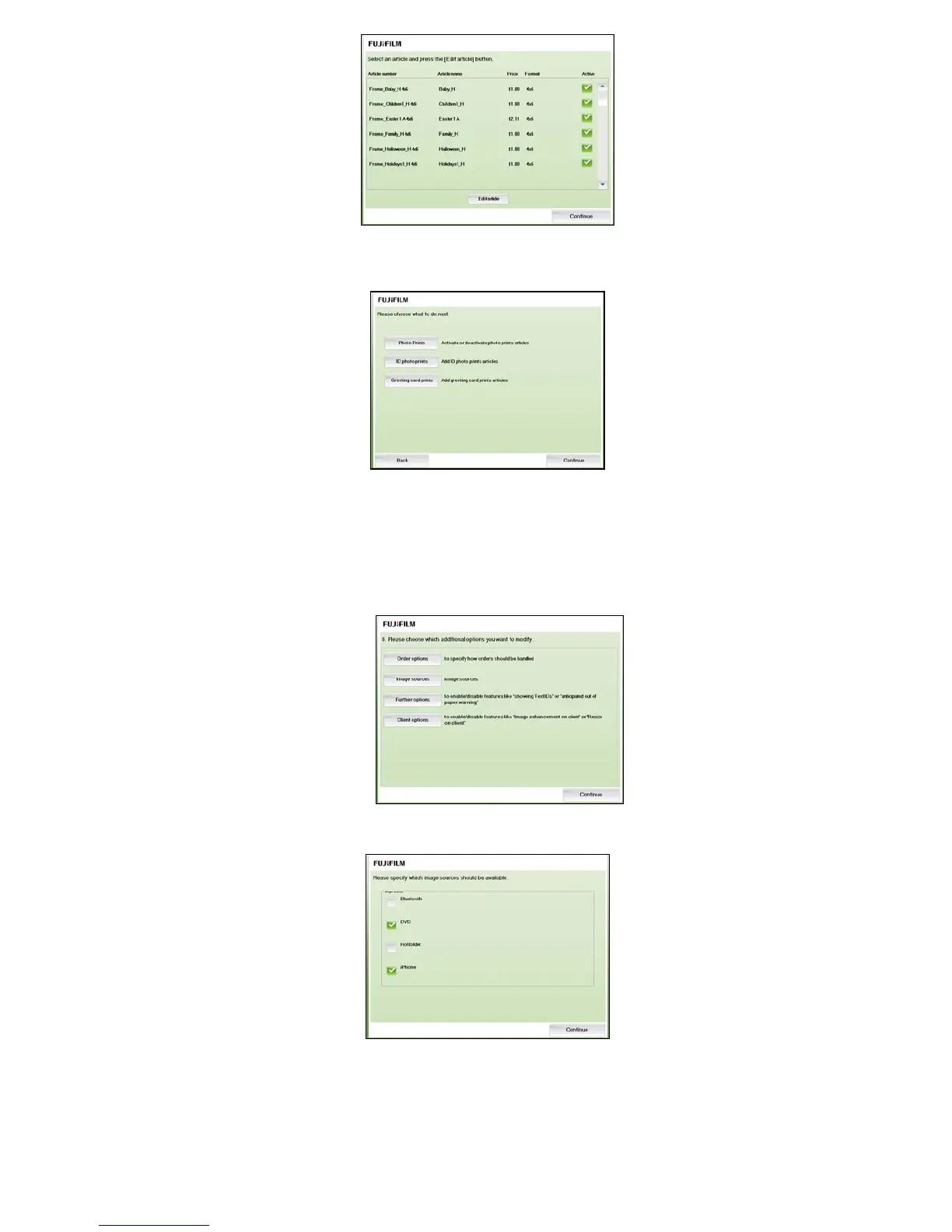
Complete the setup of the articles by pressing the [Continue]. assist-it will return to the main menu.
4-4. Option setting
4-4-1. Wireless module
If you have set wireless module to DPC Portable, you need to set “order-it” in order to use the device.
4-4-1-1. Bluetooth as Image Source
After pressing the [Kiosk options] in the [assist-it] main menu the following screen is displayed:
After pressing the [Image Sources] in above screen the following screen is displayed:
If this option is checked Bluetooth is enabled as image source. As a result the Bluetooth icon is
shown within the data media selection screen. Hence, the customer can select this icon and can
send images via Bluetooth to the kiosk.



 To Next Page