EasyManua.ls Logo

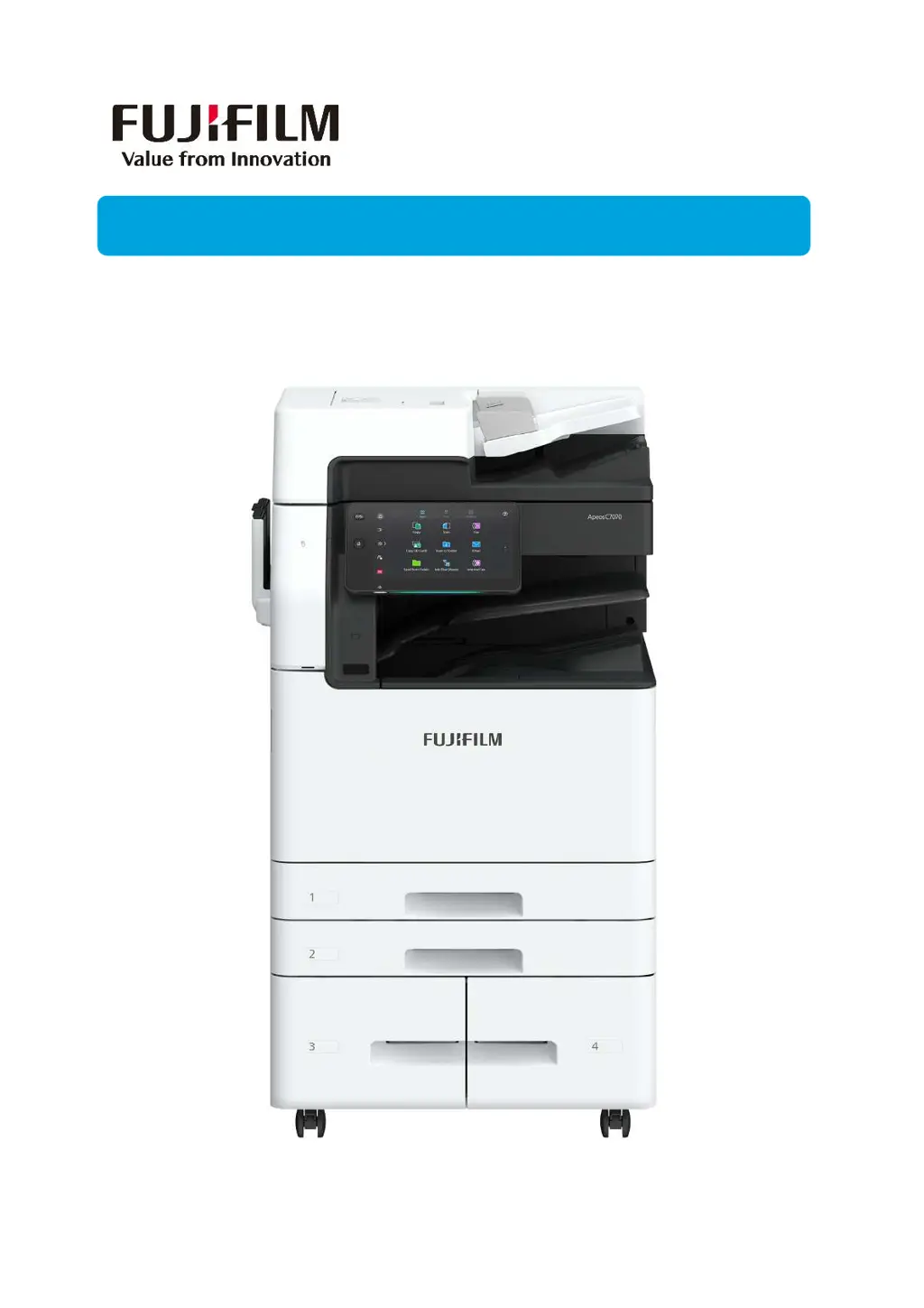
FujiFilm Apeos C6570 - User Manual

FujiFilm Apeos C6570
44 pages
Print Icon
To Next Page IconTo Next Page
Loading...
Quick User GuideQuick User Guide
Apeos C7070/6570/5570/4570/3570/3070
Quick User Guide
Quick User Guide

Other manuals for FujiFilm Apeos C6570

Questions and Answers

Summary

Copying Features

2-Sided Copying

Copy 1-sided or 2-sided documents onto one or both sides of paper.

Printing Functions

2-Sided Printing & Job Types

Perform 2-sided printing and set secure print jobs with passcodes.

Releasing Secure Print Jobs

Print or delete secure print jobs by entering the correct passcode.

Scanning Operations

Scan to Email

Scan documents and attach the scanned data to an email.

Fax Transmission

Basic and 2-Sided Faxing

Transmit 2-sided documents to single or multiple fax recipients.

Machine Maintenance

Clearing Paper Jams

Step-by-step guide for removing jammed paper from document feeder and trays.

Clearing Specific Jam Locations

Detailed procedures for clearing jams in Fusing Unit, Center Tray Exit, and Duplex Unit.

Replacing Consumables

Instructions for replacing toner cartridges and waste toner containers.

Replacing Staple Cartridges

Procedures for replacing staple cartridges in R1, R2, and R3 finishers.

Machine Status Monitoring

Job Status Monitoring

Check and manage current, pending, and completed print jobs.

Address Book Management

EP-BB Self Registration

Account Registration Process

Guide to self-registering your account for Green Report service.

Summary

Copying Features

2-Sided Copying

Copy 1-sided or 2-sided documents onto one or both sides of paper.

Printing Functions

2-Sided Printing & Job Types

Perform 2-sided printing and set secure print jobs with passcodes.

Releasing Secure Print Jobs

Print or delete secure print jobs by entering the correct passcode.

Scanning Operations

Scan to Email

Scan documents and attach the scanned data to an email.

Fax Transmission

Basic and 2-Sided Faxing

Transmit 2-sided documents to single or multiple fax recipients.

Machine Maintenance

Clearing Paper Jams

Step-by-step guide for removing jammed paper from document feeder and trays.

Clearing Specific Jam Locations

Detailed procedures for clearing jams in Fusing Unit, Center Tray Exit, and Duplex Unit.

Replacing Consumables

Instructions for replacing toner cartridges and waste toner containers.

Replacing Staple Cartridges

Procedures for replacing staple cartridges in R1, R2, and R3 finishers.

Machine Status Monitoring

Job Status Monitoring

Check and manage current, pending, and completed print jobs.

Address Book Management

EP-BB Self Registration

Account Registration Process

Guide to self-registering your account for Green Report service.

FujiFilm Apeos C6570 Specifications

General IconGeneral
BrandFujiFilm
ModelApeos C6570
CategoryPrinter
LanguageEnglish

Related product manuals