EasyManua.ls Logo

FujiFilm Finepix A610 - User Manual

FujiFilm Finepix A610
164 pages
Print Icon
To Next Page IconTo Next Page
Loading...
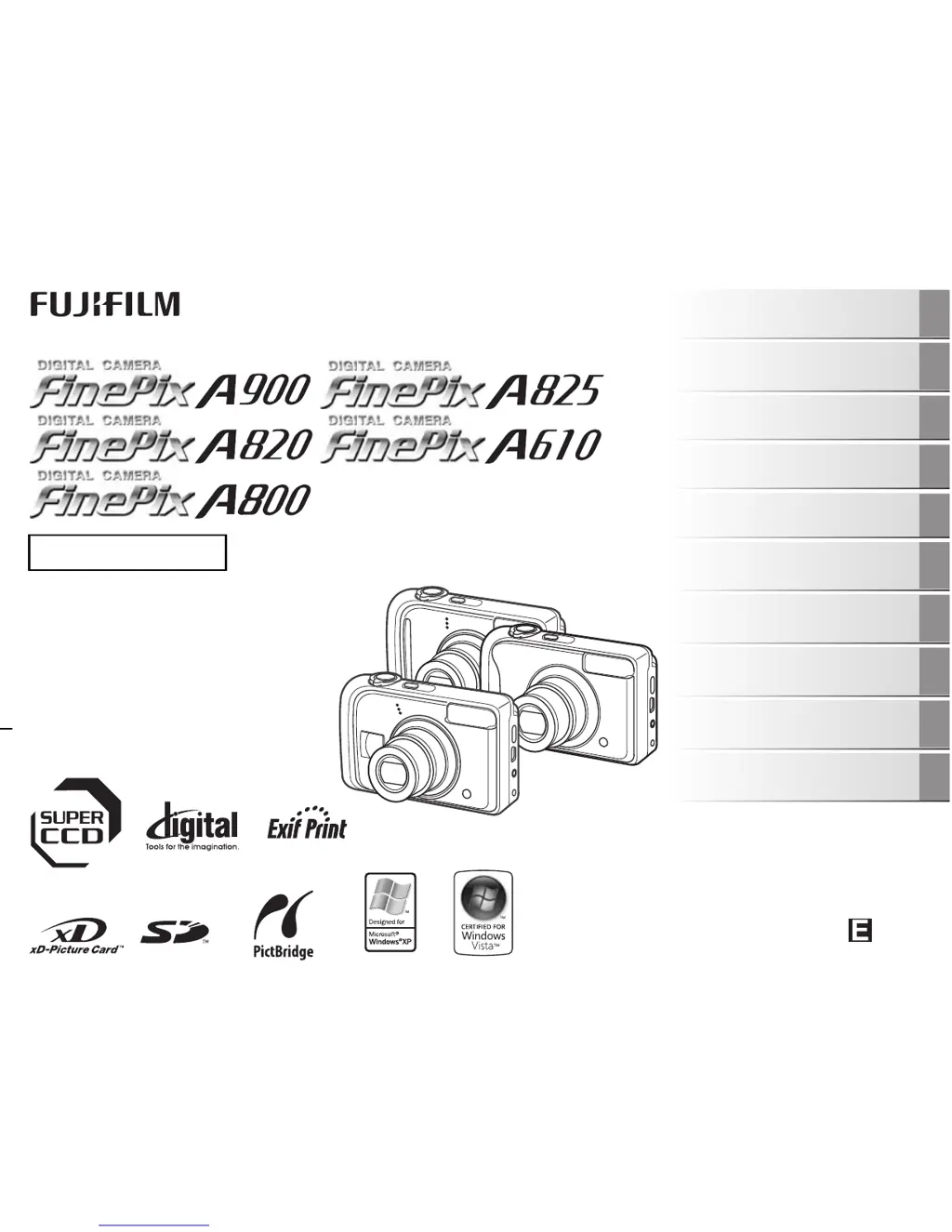
OWNER’S MANUAL
This manual will show you how to use
your FUJIFILM DIGITAL CAMERA
FinePix A900/FinePix A825/FinePix
A820/FinePix A610/FinePix A800
correctly.
Please follow the instructions carefully.
BL00593-202(1)
Getting Ready
Using the Camera
Advanced Features
Photography
Settings
Camera Connection
Software
Installation
Playback
•Movie
Appendices
Troubleshooting

Table of Contents

Questions and Answers

  • J
    John FisherAug 20, 2025
    Why does my FujiFilm Finepix A610 say nothing happens when pressing power?
    • P
      Paul AdamsAug 20, 2025
      If your FujiFilm Digital Camera doesn't respond when you press the power button, it could be due to several reasons: the batteries may be depleted (load new or fully charged batteries), the batteries might be inserted incorrectly (load the batteries in the correct direction), the battery cover might not be closed properly (close the battery cover securely), or the camera and AC power adapter aren't correctly connected (connect the camera and AC power adapter correctly).
  • M
    Megan FrancisAug 22, 2025
    What to do if my FujiFilm Digital Camera batteries run out quickly?
    • S
      Stephanie RobertsonAug 22, 2025
      If the batteries in your FujiFilm Digital Camera are draining rapidly, here are a few possible causes and solutions: * If you're using the camera in extremely cold conditions, try warming the batteries in your pocket before use. * The battery terminals might be dirty; wipe them with a clean, dry cloth. * If you've been using the same batteries for a long time, they may no longer be rechargeable, so replace them with new ones. * If using rechargeable batteries, they may have become deactivated. Use the rechargeable battery discharging function to restore them to full capacity.
  • J
    Jeffrey JohnsonAug 25, 2025
    Why does my FujiFilm Finepix A610 power cut out during operation?
    • A
      Amanda BurnsAug 25, 2025
      If your FujiFilm Digital Camera loses power during use, it could be because the batteries have run out, so try loading new or fully charged batteries. Alternatively, check that the AC power adapter plug hasn't come out of the power outlet and plug it back in.
  • R
    Ronald PerezAug 26, 2025
    Why won't my FujiFilm Digital Camera take a photograph when pressing the shutter button?
    • C
      coxlauraAug 27, 2025
      If your FujiFilm Digital Camera isn't taking photos when you press the shutter button, consider these potential causes: * The memory card or internal memory might be full. Try inserting a new memory card or erasing unnecessary frames. * The memory card or internal memory might not be formatted. Format the memory card or internal memory on the camera. * The memory card contact area could be soiled. Wipe the memory card contact area with a soft, dry cloth. * The memory card might be damaged. Insert a new memory card. * The batteries may have run out. Load new or fully charged batteries. * The auto power off function may have turned the camera off. Turn the camera on.
  • R
    Richard GonzalesAug 27, 2025
    How to fix a blurred image on FujiFilm Finepix A610 Digital Camera?
    • D
      Daniel GuerreroAug 28, 2025
      If your FujiFilm Digital Camera images are blurry, the lens may be dirty, so try cleaning it. Also, if '{' appeared when taking pictures, check the focus on the subject and take pictures. If '||' appeared when taking pictures, it may be due to camera shake, so hold the camera steadily.
  • S
    Sarah JonesAug 29, 2025
    What to do if nothing happens when pressing the buttons on FujiFilm Digital Camera?
    • S
      Sheila NixonAug 30, 2025
      If your FujiFilm Digital Camera isn't responding when you press the buttons, it may be a temporary camera malfunction. Briefly remove the batteries or disconnect the AC power adapter, then reload the batteries or reconnect the AC power adapter and try again. Also, ensure that the batteries have enough power; load new or fully charged batteries if necessary.
  • M
    Matthew SantosAug 31, 2025
    How to fix FujiFilm Finepix A610 Digital Camera when it no longer works correctly?
    • T
      taylorlarrySep 1, 2025
      If your FujiFilm Digital Camera is malfunctioning, it may be a temporary issue. Try briefly removing the batteries or disconnecting the AC power adapter. Then, reload the batteries or reconnect the AC power adapter and try again.
  • J
    Jonathan GraySep 2, 2025
    Why I cannot use the flash on my FujiFilm Digital Camera?
    • M
      Michelle RiveraSep 2, 2025
      If the flash on your FujiFilm Digital Camera isn't working, it could be due to several reasons: * You might have pressed the shutter button while the flash was charging; wait until charging is completed before pressing the shutter button. * The shooting mode might be set to a mode that disables the flash. Change the shooting mode. * The batteries may have run out; load new or fully charged batteries. * The flash might be set to C SUPPRESSED FLASH mode; set to another flash mode excluding the C SUPPRESSED FLASH mode. * The flash settings might be restricted due to the camera settings being tailored to the scene; change the shooting mode for a wider range of flash settings.
  • S
    scottwalshSep 4, 2025
    Why is there no image or sound on the TV from my FujiFilm Finepix A610 Digital Camera?
    • Q
      qwilliamsSep 4, 2025
      If you're not getting any image or sound on your TV from your FujiFilm Digital Camera, ensure that the camera is correctly connected to the TV. If you connected the included video cable or A/V cable during movie playback, stop the movie playback mode first, then connect the camera and TV correctly. Also, verify that the video output setting is correct, and change the setting to NTSC or PAL if needed.
  • A
    Alexandra HardinSep 6, 2025
    Why is the TV image black and white when connected to my FujiFilm Finepix A610 Digital Camera?
    • T
      Theresa HuynhSep 6, 2025
      If the TV image is black and white when connected to your FujiFilm Digital Camera, the video output setting is likely incorrect. Change the setting to NTSC or PAL to resolve this.

Summary

Warning

IMPORTANT

Camera Parts and Features (FinePix A610)

Camera Parts and Features (except FinePix A610)

Getting Ready

Loading the Batteries

Instructions on how to insert batteries into the camera correctly.

Loading the Memory Card

Steps for inserting xD-Picture or SD memory cards into the camera.

Using the Camera

Taking Pictures (AUTO Mode)

Basic steps for capturing images using the automatic shooting mode.

Advanced Features - Photography

Advanced Features - Playback

Settings

Camera Connection

Connecting Camera Directly to Printer - PictBridge Function

How to print images directly from the camera to a PictBridge compatible printer.

Software Installation

Installation on a Windows PC

Requirements and steps for installing FinePixViewer software on Windows PCs.

Appendices

Power Supply and Batteries

Information on battery types, usage, charging, and disposal.

Warning Displays

Explanations and remedies for various warning messages displayed on the camera.

Troubleshooting

Z Shooting

Common problems encountered during shooting and their solutions.

Flash

Troubleshooting for problems related to flash functionality.

Z Connecting

Troubleshooting for connectivity issues with TVs, PCs, and printers.

Specifications

Safety Notes

FujiFilm Finepix A610 Specifications

General IconGeneral
Optical Zoom3x
Digital Zoom6.2x
Weight160 g
Focal Length6.3 - 18.9 mm
Screen Size2.5"
Video Resolution640 x 480
Battery TypeAA batteries
Shutter Speed1/2000 sec
Storage MediaxD-Picture Card

Related product manuals