49
Advanced Features
3
Use this setting to soften or emphasize outlines or
to adjust the quality of the image.
HARD: Emphasizes the outlines.
Best for shots of subjects such as
buildings or text where sharp images
are desirable.
NORMAL: Best for ordinary photography.
Provides edge sharpness that is ideal
for most picture taking situations.
SOFT: Softens the outlines.
Best for shots of subjects such as
people, where a softer image is
desirable.
G
SHARPNESS
Available Photography mode:
Use this setting to change the amount of light
emitted by the flash to suit the photography
conditions or to achieve a desired effect.
h Compensation range: ±2 levels
–2/3 EV to +2/3 EV in approx. 1/3 EV increments
(total: 5 levels selectable)
See P.110 for information on EVs.
●
!
Depending on the type of subject and the shooting distance,
brightness adjustment may have no effect.
●
!
The image may appear dark when the shutter speed is set to
speeds higher than 1/1000 sec.
SHARPNESSSHARPNESS
SOFTSOFT
HARDHARD
NORMALNORMAL
FLASHFLASH
±0±0
+1/3+1/3
−1/3−1/3
−2/3−2/3
48
PHOTOGRAPHY MENU
PHOTOGRAPHY MENU
H FOCUSING
Available Photography mode:
AF
(
Auto Focus
)
The camera focuses on the center of the LCD
monitor. Use this setting when taking pictures using
AF/AE lock (➡P.21).
AF
(
Auto Focus
)
MF
(
Manual Focus
)
250250 F5 .6
N 12
N 12
ISO ISO 80
250250 F5.6
N 12
N 12
ISO ISO 8080
MF
(
Manual Focus
)
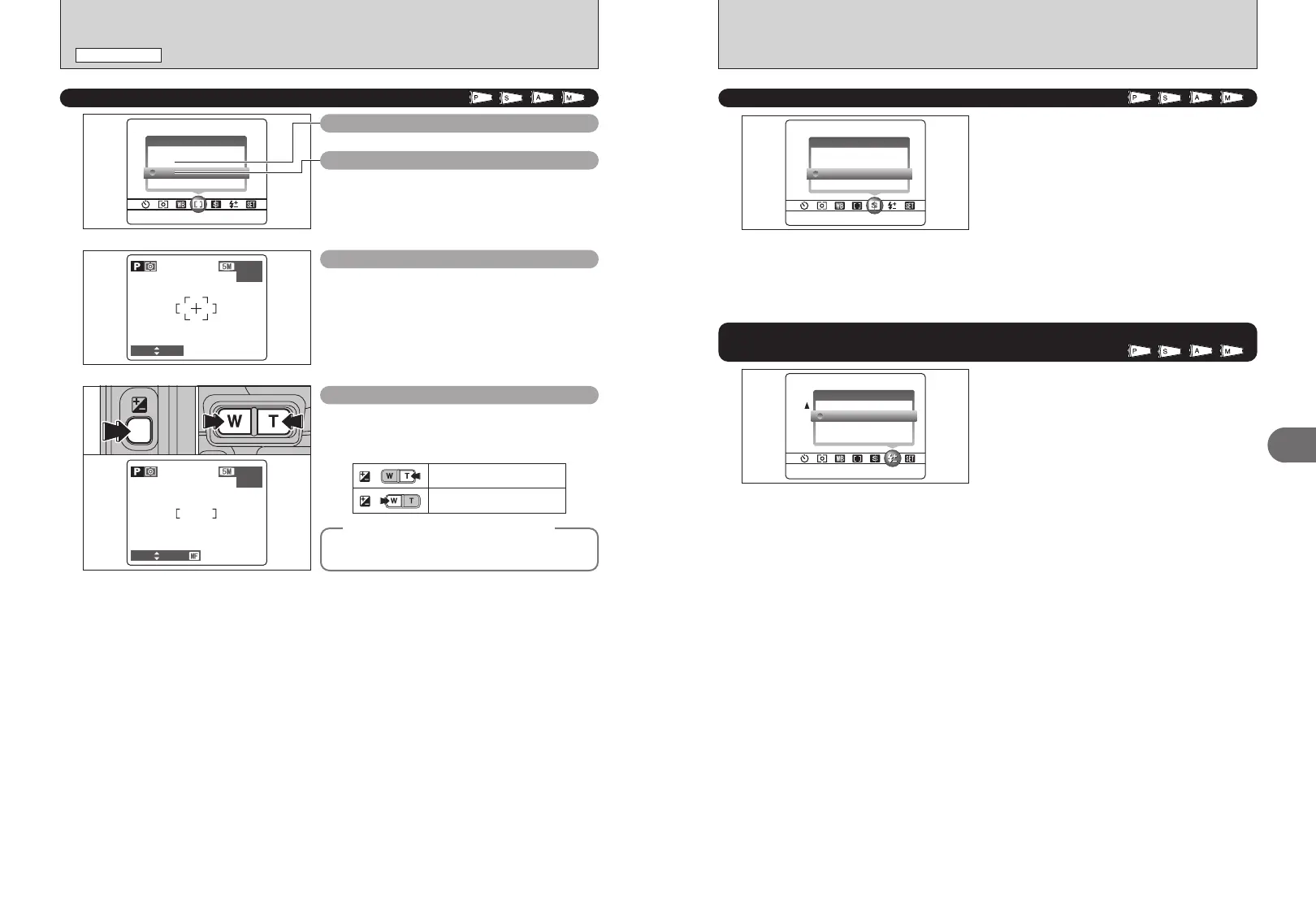
1Hold down the “D” button.
2Press the “T” or “W” button to adjust the focus.
Use the LCD monitor to check the focus.
01 02
✽ Displaying the menus (➡P.45)
Moves the focus further.
Moves the focus closer.
+
+
◆
Mastering manual focusing
◆
The image is unfocused when the camera moves.
Use a tripod to avoid camera shake.
z
FLASH BRIGHTNESS ADJUSTMENT
Available Photography mode:











 To Next Page