EasyManua.ls Logo

FujiFilm FinePix F47fd - User Manual

FujiFilm FinePix F47fd
180 pages
Print Icon
To Next Page IconTo Next Page
Loading...
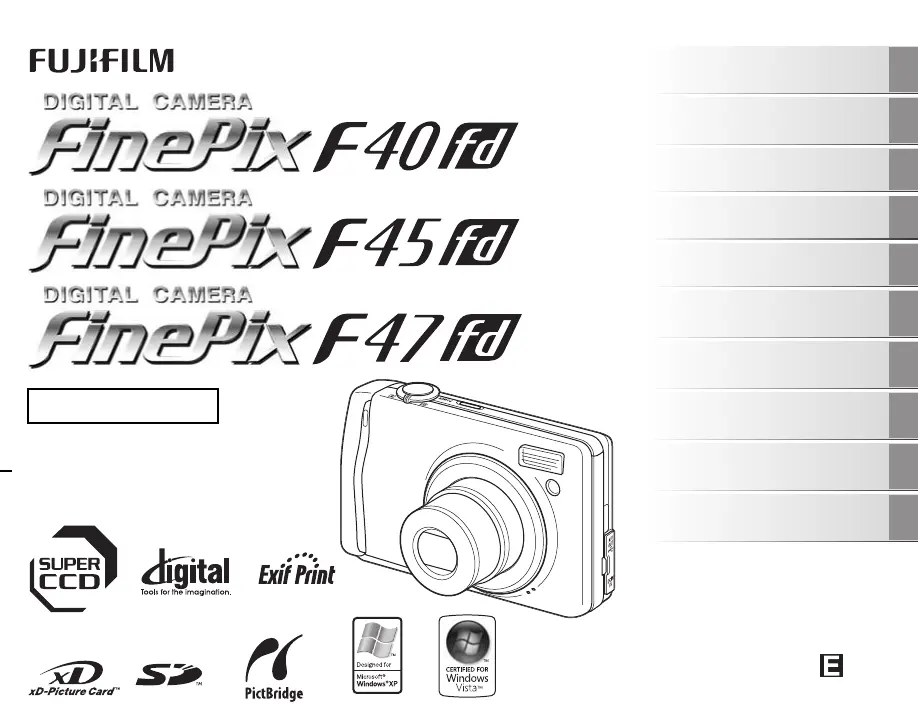
OWNER’S MANUAL
This manual will show you how to use
your FUJIFILM DIGITAL CAMERA
FinePix F40fd / FinePix F45fd / FinePix
F47fd correctly.
Please follow the instructions carefully.
BL00599-201(1)
Getting Ready
Using the Camera
Advanced Features
Photography
Settings
Camera Connection
Software
Installation
Playback
•Movie
Appendices
Troubleshooting

Table of Contents

Questions and Answers

  • A
    Adam VincentSep 13, 2025
    Why can't I erase a frame on my FujiFilm FinePix F47fd Digital Camera?
    • B
      Barry FrancoSep 13, 2025
      If you cannot erase a frame on your FujiFilm Digital Camera, it might be because the frame is protected. Unprotect the frame using the camera on which the protection was initially applied.
  • J
    John DillonAug 25, 2025
    What to do if my FujiFilm FinePix F47fd is not turning on?
    • P
      Peter CaldwellAug 25, 2025
      If your FujiFilm Digital Camera isn't turning on when you press the power button, there are several potential causes: * The battery may be completely drained, so load a fully charged battery. * The battery might be inserted incorrectly; ensure it's loaded in the correct direction. * The battery cover might not be securely closed; make sure it's properly closed. * If you're using an AC power adapter, it might not be correctly connected; ensure it's properly connected to both the camera and the power source.
  • M
    Morgan PerkinsAug 25, 2025
    Why is my FujiFilm FinePix F47fd not taking pictures?
    • S
      sullivantiffanyAug 26, 2025
      If your FujiFilm Digital Camera isn't taking pictures when you press the shutter button, consider these possible causes: * The memory card or internal memory might be full. Either insert a new memory card or delete unnecessary photos. * The memory card or internal memory might not be formatted. Format the memory card or internal memory on the camera. * The memory card contact area might be dirty. Wipe the contact area with a soft, dry cloth. * The memory card might be damaged. Insert a new memory card. * The battery might be dead. Load a fully charged battery. * The auto power off function may have turned the camera off. Turn the camera back on.
  • T
    Timothy LaneSep 23, 2025
    Why isn't CONT. working on my FujiFilm FinePix F47fd Digital Camera?
    • M
      Megan TaylorSep 23, 2025
      To ensure the CONT. function in the frame number setting works on your FujiFilm Digital Camera, always turn the camera off when replacing the battery or memory card. Opening the battery cover without turning the camera off may cause the frame number memory to not function.
  • A
    Amanda TylerSep 14, 2025
    Why is my FujiFilm FinePix F47fd Digital Camera not charging?
    • J
      Joshua HuntSep 14, 2025
      If your FujiFilm Digital Camera isn't charging, consider these potential causes: * The battery might be loaded backward; ensure it's in the correct direction. * The battery charger and connection cord might not be properly connected; ensure they are correctly connected. * The battery terminals could be soiled; remove the battery briefly and wipe the terminals with a clean, dry cloth before reloading. * The battery may no longer be rechargeable; try loading a new battery.
  • D
    dennismariaSep 23, 2025
    Why is there no image or sound on the TV from my FujiFilm Digital Camera?
    • A
      Ashley SmithSep 23, 2025
      If your FujiFilm Digital Camera is not displaying images or sound on the TV, ensure that: * The camera is correctly connected to the TV. Connect the camera and TV correctly. * If playing a movie, ensure the A/V cable was not connected during playback. Stop movie playback mode, then connect the camera and TV. * The TV input is set to “VIDEO,” not “TV”. Set the TV input to “VIDEO.” * The video output setting is correct (NTSC or PAL). Change the setting to NTSC or PAL. * The TV volume is not turned down. Adjust the volume.
  • S
    Scott BrownSep 6, 2025
    How do I get my PC to recognize my FujiFilm FinePix F47fd Digital Camera?
    • D
      David ArnoldSep 6, 2025
      If your PC isn't recognizing your FujiFilm Digital Camera, make sure the USB cable is correctly connected to both the PC and the camera. Set up the camera properly before connecting the USB cable.
  • N
    Natalie MaciasSep 7, 2025
    Why are my photos and videos not being saved on my FujiFilm Digital Camera?
    • K
      Kenneth FrostSep 7, 2025
      If your FujiFilm Digital Camera isn't recording images or movies, it might be because the AC power adapter was connected or disconnected while the camera was on. Only connect or disconnect the AC power adapter when the camera is off to prevent damage to the memory card or malfunctions during PC connection.
  • M
    Mary SmithSep 23, 2025
    How to unprotect frames on my FujiFilm FinePix F47fd?
    • D
      Dr. Teresa FritzSep 23, 2025
      To unprotect frames on your FujiFilm Digital Camera, use the camera on which the protection was initially applied.
  • C
    Cynthia BarronAug 31, 2025
    What to do if my FujiFilm Digital Camera power cuts out during operation?
    • D
      Deborah HughesAug 31, 2025
      If your FujiFilm Digital Camera suddenly loses power during use, the cause may be: * The battery has run out, so load a fully charged battery. * The camera and AC power adapter are not connected correctly, so connect the camera and AC power adapter correctly.

Summary

Getting Ready

Charging the Battery

Instructions on how to charge the camera's rechargeable battery before initial use.

Loading the Battery

Step-by-step guide on how to insert the battery into the camera correctly.

Loading the Memory Card

Instructions for inserting an xD-Picture Card or SD Memory Card into the camera.

Turning On and Off

Guide on how to power the camera on and off in both Photography and Playback modes.

Setting the language, date, and time

Initial setup procedure for camera language, date, and time after purchase.

Using the Camera

Taking Pictures (AUTO Mode)

Basic operation guide for taking photos using the automatic shooting mode.

Using Intelligent Face Detection when taking pictures

Explanation of how to use the Intelligent Face Detection feature for focus and brightness.

Taking pictures with the focus and exposure locked

Guide on using AF/AE lock for precise focus and exposure control.

Viewing the Images

Instructions on how to access and view captured images and movies on the camera.

Erasing the Images;Movies

Methods for deleting unwanted images or movies from the camera's memory.

Advanced Features - Photography

Using the Photography Functions - Procedure of Setting

Overview of specifying camera settings for optimal photography results.

Setting the Shooting Mode

Guide to selecting various shooting modes for different photographic scenarios.

Using F-MODE MENU (Photography);SHOOTING MENU

Using the F-MODE MENU and SHOOTING MENU for image quality and focus adjustments.

Advanced Features - Playback

Setting the PLAYBACK MENU

Instructions for navigating and using the Playback Menu options.

Advanced Features - Movie

Recording Movies

Guide on how to use the camera to record movies with sound.

Playing Back Movies

Instructions for playing back recorded movie files on the camera.

Settings

Using the SET-UP menu

Overview of the SET-UP menu and how to change camera settings.

Camera Connection

Connecting to a TV

Steps for connecting the camera to a television for wider screen viewing.

Connecting Camera Directly to Printer - PictBridge Function

Guide to printing images directly from the camera using PictBridge.

Software Installation

Installation on a Windows PC

Instructions for installing the camera software on a Windows computer.

Installation on a Mac OS X

Instructions for installing the camera software on a Mac OS X computer.

Appendices

System Expansion Option

Overview of optional accessories and system expansion capabilities.

Accessories Guide

List and description of compatible camera accessories.

Using Your Camera Correctly

Important guidelines for proper camera handling, care, and usage.

Power Supply and Battery

Information regarding the camera's battery, charging, and power supply.

Warning Displays

Explanation of warning messages displayed on the camera's LCD monitor.

Troubleshooting

FujiFilm FinePix F47fd Specifications

General IconGeneral
Effective Pixels9.0 million
Optical Zoom3x
Image StabilizerNo
Built-in FlashYes
USBUSB 2.0
TypeCompact
Image SensorCCD
Image Resolution3488 x 2616 pixels
LensFujinon
Focal Length6.3 - 18.9mm
Maximum ApertureF2.8
Aperture RangeF2.8 / F8.0
ISO SensitivityAuto, 100, 200, 400, 800, 1600
Maximum shutter speed1/2000 sec
Screen resolution230, 000 dots
Video Recording640 x 480 @ 30 fps
Supported memory cardsxD Picture Card
Weight155g (including battery and memory card)

Related product manuals