EasyManua.ls Logo

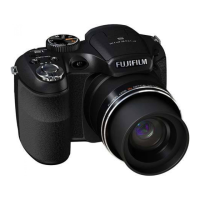
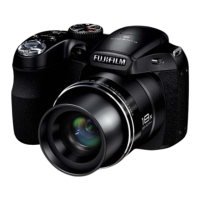
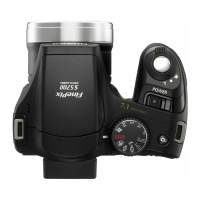
FujiFilm FinePix S5700 - User Manual

FujiFilm FinePix S5700
191 pages
Print Icon
To Next Page IconTo Next Page
Loading...
Movie
Setting~
Playback
Software·
Installation
Appendic~s
Getting
Ready
Using
the
Camera
Advanced
Features
.• Photography
5700
D1ti~TJ~1..
C.,.;
..
"J]!:~A
J!!.n9~l'1%S5700
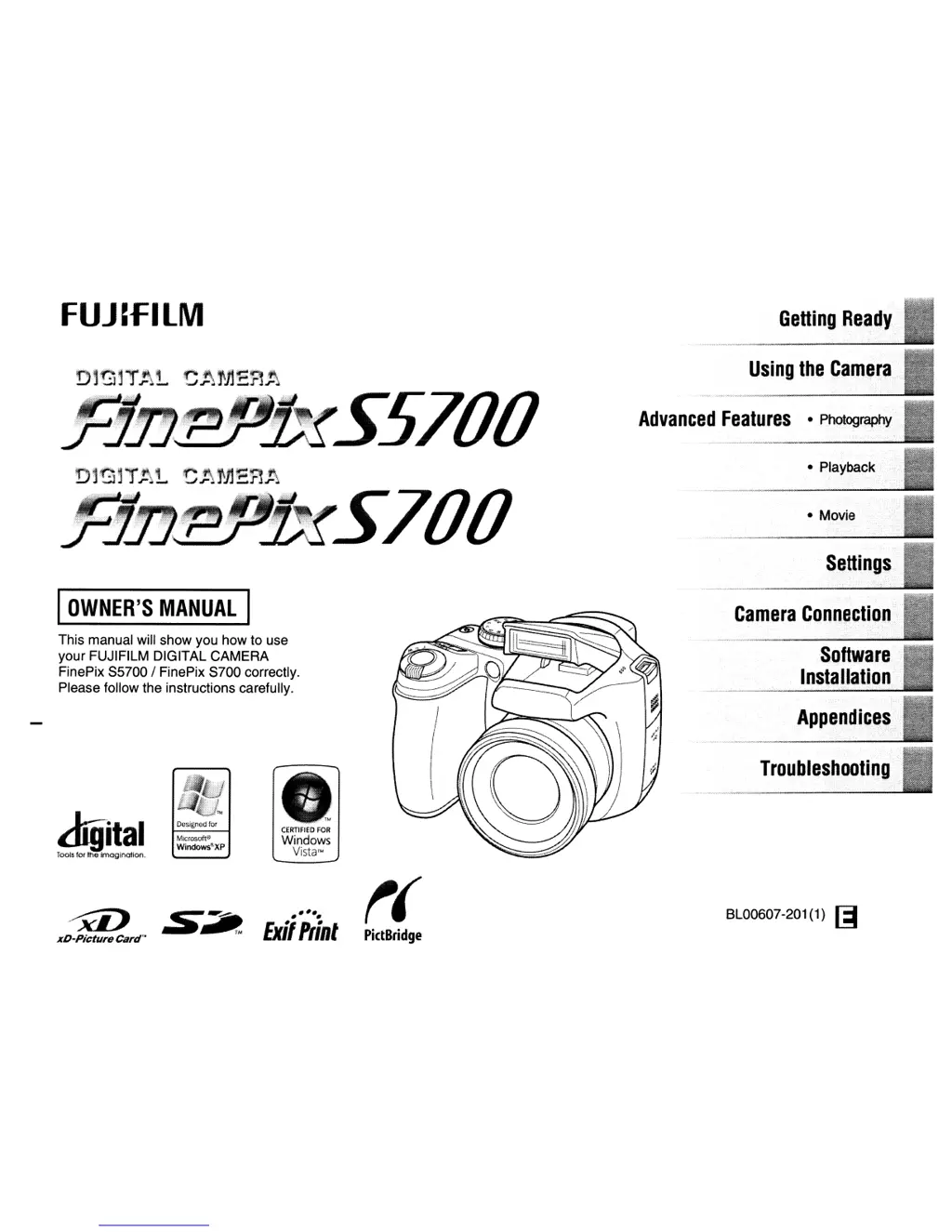
This manual will show you how to use
your FUJIFILM DIGITAL CAMERA
FinePix
85700/
FinePix
8700
correctly.
Please follow the instructions carefully.
digital
Designed for
,'TM
CERTIFIED
FOR
Microsoft"
Windows
Windows"XP
Tools for the
imagination.
Vista™
~
:S~
•••••
t(
BL00607-201(1)
[;I
Exi/flint
xD-Picture
Card'·
PictBridge
I
OWNER'S
MANUAL
I

Table of Contents

Other manuals for FujiFilm FinePix S5700

Questions and Answers

  • D
    Dawn GarciaAug 12, 2025
    What to do if my FujiFilm FinePix S5700 Digital Camera is not taking pictures?
    • P
      pcoffeyAug 12, 2025
      If your FujiFilm Digital Camera isn't taking photos when you press the shutter button, it might be due to several reasons: * The memory card or internal memory could be full. Try inserting a new memory card or deleting some unnecessary photos. * The memory card or internal memory might not be formatted. Format it on the camera. * The memory card contact area may be dirty. Clean it with a soft, dry cloth. * The memory card could be damaged. Try inserting a new one. * The batteries might be dead. Replace them with new or fully charged ones. * The camera may have turned off due to the auto power off function. Turn the camera back on.
  • J
    Jordan EnglishAug 16, 2025
    Why won't the flash work on my FujiFilm FinePix S5700 Digital Camera?
    • C
      Christopher WeissAug 16, 2025
      If the flash on your FujiFilm Digital Camera isn't working, here are a few potential causes: * You may have pressed the shutter button while the flash was charging. Wait until charging is complete before pressing the shutter button. * The shooting mode might be incompatible with flash. Change the shooting mode. * The batteries could be dead. Load new or fully charged batteries. * Continuous shooting might be enabled. Set continuous shooting to OFF. * The flash might be set to C SUPPRESSED FLASH mode. Change to another flash mode. * Super macro mode might be selected. Cancel Super macro mode.
  • E
    epaulAug 20, 2025
    How to fix focusing issues on my FujiFilm FinePix S5700 Digital Camera?
    • Y
      yorkjoshuaAug 20, 2025
      If your FujiFilm Digital Camera is having trouble focusing, it could be because: * You're taking a close-up shot without Macro mode selected. Select Macro mode. * You're photographing scenery with Macro mode enabled. Cancel Macro mode. * The subject isn't suitable for autofocus. Use AF/AE lock or manual focus mode.
  • E
    emily35Aug 23, 2025
    Why are my FujiFilm FinePix S5700 Digital Camera photos dark even with flash?
    • K
      kaylee77Aug 23, 2025
      If the playback image on your FujiFilm Digital Camera appears dark even after using the flash: * The subject might be too far away. Move closer to the subject, within the effective flash range. * Your finger might have been covering the flash. Ensure you hold the camera correctly.
  • J
    Jessica CarrAug 27, 2025
    Why does the screen darken after taking a picture on my FujiFilm FinePix S5700?
    • E
      Edward FrostAug 28, 2025
      The screen darkens after taking a picture with your FujiFilm Digital Camera because the flash is charging. Please wait a short time.
  • M
    Mr. Jeremy BrownAug 31, 2025
    Why can't I pop up the flash on my FujiFilm Digital Camera?
    • A
      atkinsonsandraAug 31, 2025
      The reason you can't pop up the flash on your FujiFilm Digital Camera might be: * The flash is set to C SUPPRESSED FLASH mode. Change to another flash mode. * The shooting conditions are bright enough that flash isn't needed. If you want to use flash, set the camera to d FORCED FLASH mode.
  • S
    Sarah WallSep 3, 2025
    Why can't I set my FujiFilm FinePix S5700 to Macro mode?
    • R
      riverstomSep 3, 2025
      You cannot set the FujiFilm Digital Camera to Macro (close-up) mode because the Shooting mode is set to m,,, ., 8,,,,, or .. Change the Shooting mode.
  • J
    Jennifer CardenasSep 7, 2025
    How to change the language to English on FujiFilm Digital Camera?
    • S
      Samuel AndrewsSep 8, 2025
      The screens on your FujiFilm Digital Camera are not displayed in English because a language other than English is selected in the setting in the SET-UP menu. Select ENGLISH.

Summary

Owners Manual

Camera Preparation Guide

Essential steps to prepare the camera for use, including attaching accessories and loading components.

Camera Operations Overview

Camera Parts and Features Identification

Identification and description of camera components and controls.

Camera Power Management

Procedures for powering the camera on, off, and switching modes.

Reviewing Captured Images

How to check and navigate through photos on the camera.

Photography Functions and Modes

Photography Function Guide

Overview of how to use various photography functions and settings.

Selecting Shooting Modes

Guide to choosing appropriate shooting modes for different scenes.

Exposure Compensation Guide

How to adjust image brightness for desired exposure levels.

Image Management and Playback

Deleting Photos and Videos

Methods for removing unwanted files from memory or card.

Image Playback Management Tools

Using functions like rotate, protect, copy, and trim images.

Connectivity and Software

Direct Printing via PictBridge

Instructions for printing photos directly from the camera to a printer.

Windows Software Installation Guide

Steps for installing camera software on a Windows PC.

PC Connectivity and Data Transfer

How to connect the camera to a PC for image transfer.

Safety, Troubleshooting, and Specifications

Camera Warning Indicators Explained

Explanation of on-screen warnings and their appropriate remedies.

Troubleshooting Camera Problems

Solutions for common issues with power, operations, and connectivity.

Critical Safety Guidelines

Essential safety precautions for proper and safe use of the camera.

FujiFilm FinePix S5700 Specifications

General IconGeneral
Megapixel7.1 MP
Sensor typeCCD
Image stabilizerYes
Digital zoom4.8 x
Optical zoom10 x
Focal length range6.33 - 63.3 mm
InterfaceUSB
Camera shutter speed4-1/1000 s
Effective sensor resolution230000 pixels
Focal length (35mm film equivalent)38 - 380 mm
Normal focusing range0.3 - ∞ m
Auto focusing (AF) modesContinuous Auto Focus
Super Macro focusing range0.01-1 m
Macro focusing range (tele)0.06-3 m
Macro focusing range (wide)0.04-3 m
Internal memory27 MB
Compatible memory cardssd, xd
Motion JPEG frame rate30 fps
Video formats supportedAVI
Maximum video resolution640 x 480 pixels
Display diagonal2.5 \
Product colorBlack
Battery type4 AA
Battery technologyNickel-Metal Hydride (NiMH)
Flash modesAuto
Scene modesbeach, Documents, Fireworks, Museum, Night, party (indoor), Portrait, Sports, Sunset, Landscape (scenery)
Image editingrotating, trimming
White balanceauto, Cloudy, custom modes, daylight, flash, Fluorescent, Incandescent, Shade
Camera playbacksingle image, slide show
Light exposure modesaperture priority AE, auto, manual, shutter priority AE
Camera shutter typeelectronic, mechanical
Weight and Dimensions IconWeight and Dimensions
Depth80.7 mm
Width106.1 mm
Height75.7 mm
Weight306 g

Related product manuals