Jumper settings
12 - English A26361-D1534-Z120-2-7419
Jumper settings
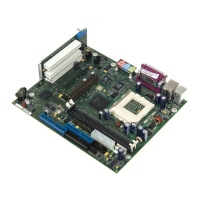
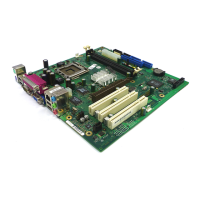
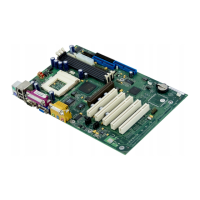
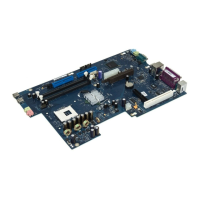
Your mainboard is equipped with jumpers alternatively. The positions of the jumpers are shown on
page "Cover".
21
Pin pair 1 inserted =
Skipping system and BIOS Setup password
Pin pair 2 inserted =
System BIOS recovery
Any other setting =
State of supply; jumper has no function
i
The clock frequency of the processor is set automatically.
Skipping system and BIOS Setup password - pinpair 1
Pinpair 1 enables skipping the system and BIOS Setup password.
On System and BIOS Setup password are skipped when the device is switched on and
may be changed.
Off System and BIOS Setup password must be entered when the device is switched on.
Recovering System BIOS - pinpair 2
Pinpair 2 enables recovery of the old system BIOS after an attempt to update has failed. To restore
the old BIOS you need a Flash BIOS Diskette (see "BIOS update" chapter).
On The System BIOS executes from floppy drive A: and the inserted "Flash-BIOS-
Diskette" restores the System BIOS on the mainboard.
Off Normal operation (default setting).



 To Next Page