4 - English Interfaces and connector
s
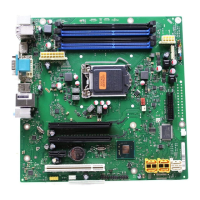
Interfaces and connectors
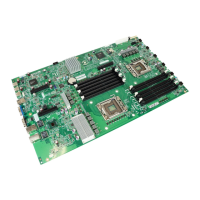
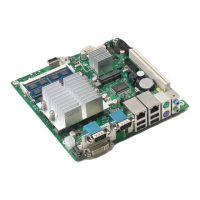
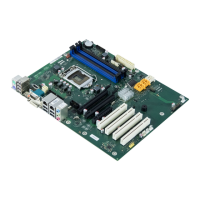
The location of the interfaces and connectors of your mainboard is specified
at the beginning of the manual.
The com ponents and connectors marked are not nec essarily present o n the mainboard.
External ports
The location of the external connections of your mainboard is specified at the b eginning of the manual.
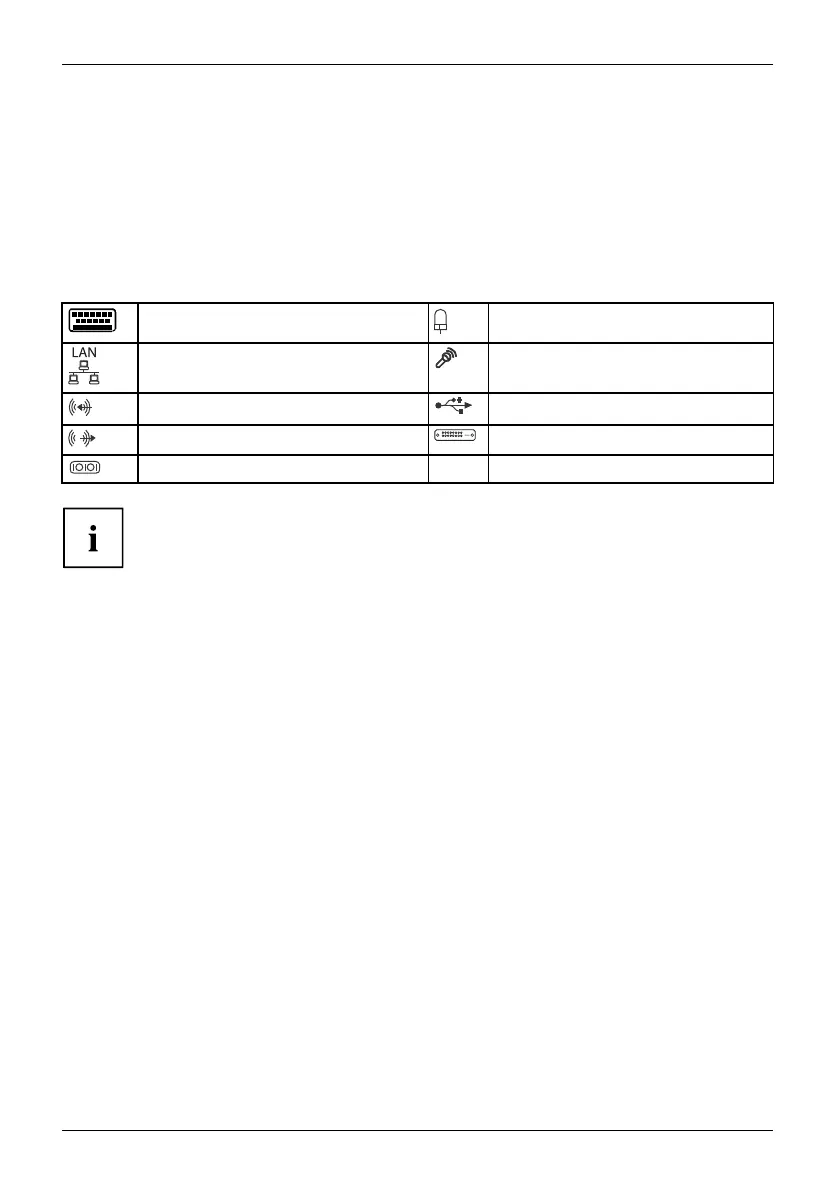
PS/2 keyboard port, pu rple PS/2 m ouse port, green
LAN port (RJ-45) Microphone jack (mono), pink
Audio input (Line in), light blue USB – Universal Serial Bus, black
Audio output (Line out), light green
DVI – I
Serial interface, turquoise
DP DisplayPort
According to the USB 2.0 specifications, no more than 500 mA must
be connected to t he external USB ports.
The use of a new chip set technology can mean that the procedure is different when
connecting older USB d evices (Fullspeed, USB 1.1). T his relates, for example, to older
digital cameras of w hich only one (not two or m ore at the same time) can be operated at
any one time. N ewer devices with specification USB 2.0 are not affected by this.
18 Fujitsu


 To Next Page