EasyManua.ls Logo

Fujitsu D3061 - Page 5

Fujitsu D3061
Print Icon
To Next Page IconTo Next Page
To Previous Page IconTo Previous Page
Loading...
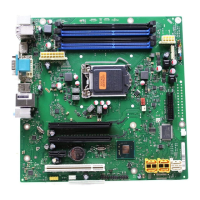
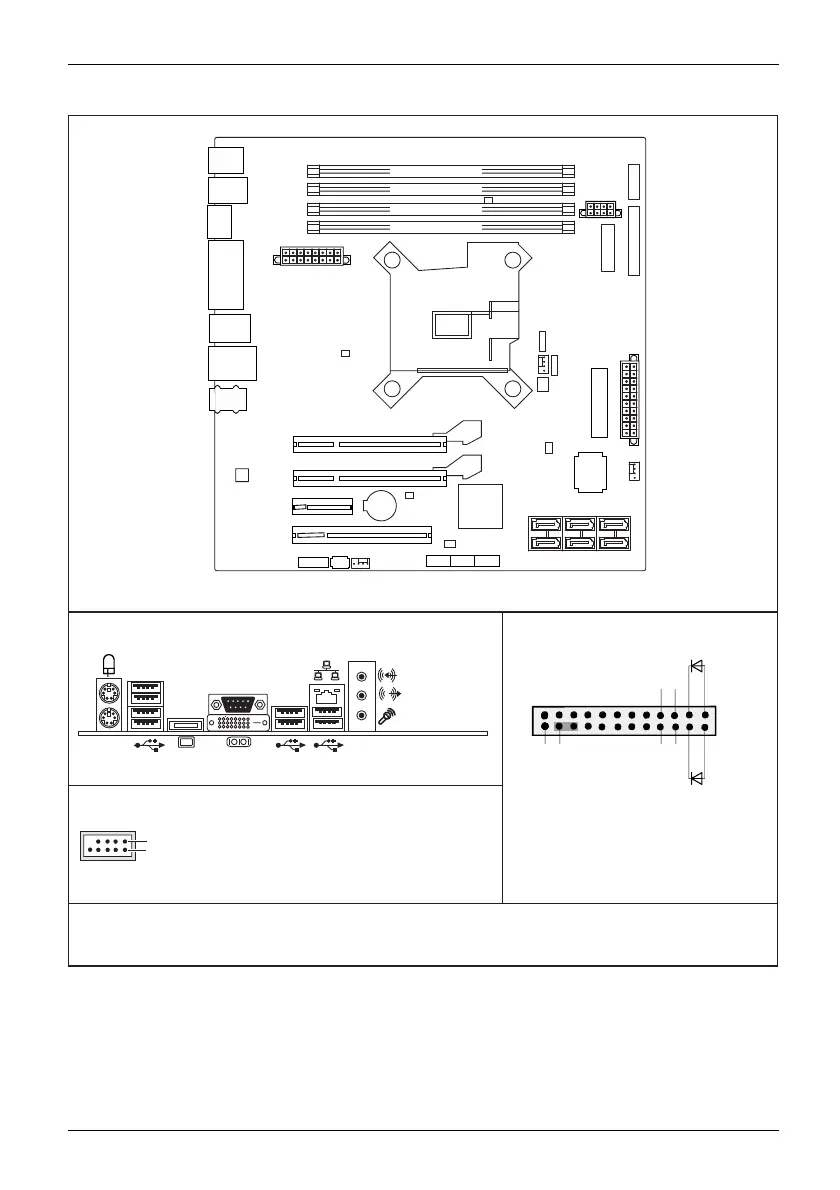
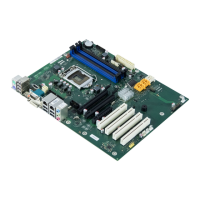
Internal connectors and slots
External connectors rear
USB dual channel
1
2
1 = 5V USB
2 = 5V USB
3 = Data negative Port X
4 = Data negative Port Y
6 = Data positive Port Y
Data positive Port X
7 =
5 =
GND
8 = GND
9 = Key
10 = Not connected
Front panel
Recovery inserted = The system starts
DVI-I
Module 2 Channel
B
Module 4 Channel B
Module 1 Channel
A
Module 3 Channel A
Battery
Audio PS2
COM
DVI-I
Display
Port
USBUSB
PCI
PCIe4(16)
Intrusion
FAN1
FAN2
HDD Power
Frontpanel
PSU FAN
Control
Audio
Frontpanel
SATA
0+1
SATA
4+5
SATA
2+3
CPU
LGA1
155
Power Supply
USB
5+6
FAN 3
PCH
Parallel Port
PCIe16
PCIe1
Super
I/O
Power Supply
Connector OEM
TPM Enable
Temp. Sensor
Temp. Sensor
Temp. Sensor
USB
3+4
USB
1+2
Desc Override
Enable
Intel-LAN
1
2
HD-LED
Recovery
Reset
Power
On/Off
Power LED
LAN,
USB
from USB stick and allows a BIOS recovery.
Details can be found in the BIOS manual.
A26361-D3062-Z340-1-7619
Fujitsu

Related product manuals