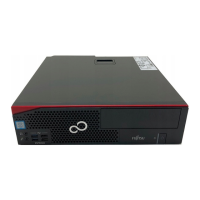
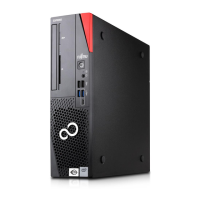
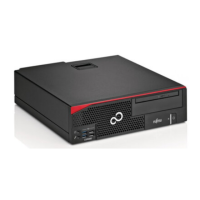
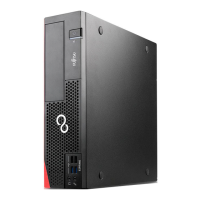
Your ESPRIMO
Your ESPRIMO
Overview
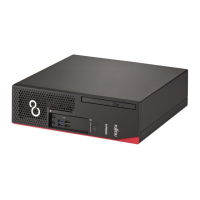
... is available with various configuration levels which differ in terms of hardware and software
equipment. You can install additional drives (for example a D VD drive) and other boards.
This manual tells you how to start using your device and how to operate it in daily use.
This manual applies for all c onfiguration levels. Depending on the cho sen configuration
level, some of the hardware components described may not be ava ilable on your PC.
Please also read the notes about your operating system.
Depending on the configuration selected, the operating system is preinstalled
on your hard disk (e.g. Windows).
Further information on t his device is provided:
• in the "Quick Start G uide" poster
• in the "Safety/regul
ations" manual
• in the "Warranty" manual
• in the BIOS manual f
or your device
• in the "System expansions and repairs" manual
• in the operating m
anual for the monitor
• in the manual for the mainboard
• in your operatin
g system documentation
• in the document "Data deletion"
ValidityoftheReferenceManual
This referen
ce manual applies to the following systems:
• FUJITSU Des
ktop ESPRIMO D538
• FUJITSU Desktop ESPRIMO D738
Fujitsu 5



 To Next Page