3LOCALTELEPHONEDIRECTORY
アキ メモリ ナシ
The message is displayed with the alarm sound when the
user tries to register the 51st, and the telephone
rejects the registration. In this case, please do the
registration of the local telephone directory over again
from the beginning after deleting the unnecessary one in
the local telephone directory which has already been
registered.
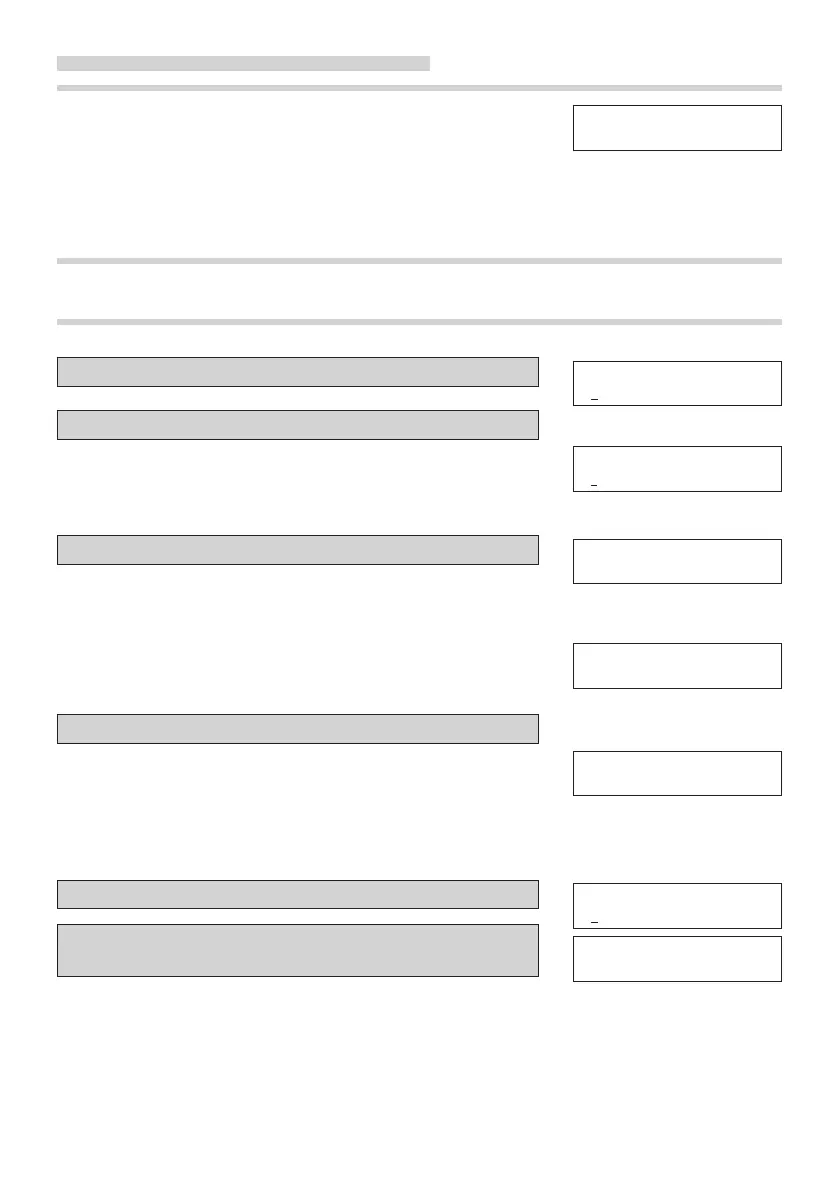
TO MAKE A CALL USING THE LOCAL TELEPHONE DIRECTORY
■ The search by a name
1 PresstheDIRbutton.AndpresstheCHRbutton.
2 Inputanametobesearched.
You don't need to input all of characters for the name to be
searched. The input characters are displayed on the LCD
display in the Japanese syllabary mode or alphabetical
character mode or numeric character mode.
3 PresstheDIRbuttontodisplaytheresultofsearch.
When you press ▼ button, searched data is displayed in
order. When you press ▲ button, searched data is
displayed in reverse order.
If there is no result of search, the message is displayed
with alarm tone, and the local telephone directory mode
is cancelled.
4 Doo-hookorpresstheSPEAKERbutton.
When the desired name is displayed, do off-hook or press
SPEAKER button to make a call.
If you want not to make a call, press DIR button again.
■ The search by scrolling
1 PresstheDIRbutton.
2 Press ▲or ▼buttonuntilthedesireddatais
displayed.
The directory data is displayed in order according to the
following.
1)Name starting from blank character.
2)Name in Japanese syllabary order.
3)Name in alphabetical order.
4)Name in numeric order.
5)No name (telephone number only).
カナ ナマエ ?
カナ ナマエ ?
ス
00312345678
ス
ズキ
ガイトウ データ ナシ
00312345678
ヨ
ビダシ
カナ ナマエ ?
00312345678
ス
ズキ



 To Next Page