3LOCALTELEPHONEDIRECTORY
3 Doo-hookorpresstheSPEAKERbutton.
00312345678
ヨビダシ
When the desired name is displayed, do off-hook or press
the SPEAKER button to make a call.
If you want not to make a call, press the DIR button
again.
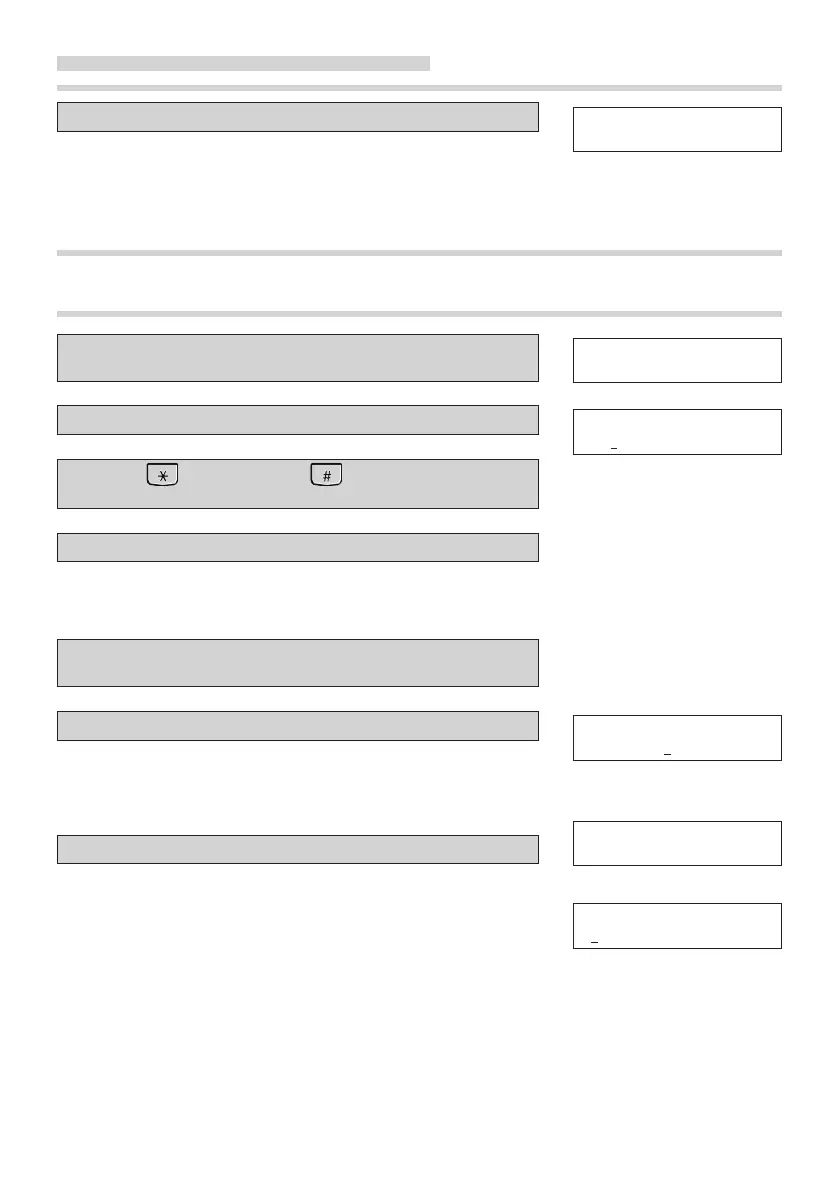
TO CORRECT A DIRECTORY DATA
1 Displaythedirectorydatatocorrectbysearchingor
scrolling.
2 PresstheCHRbutton.
3 Press( <) buttonor( >) buttonandmove
thecursortoacharactertocorrect.
4 Inputacorrectcharacter.
00312345678
スズキ
カナ ナマエ ?
スズキ
You can press DEL button to delete a character left of
the cursor. If you want to delete all characters, you
keep on pressing CALL LOG button for 2 seconds.
5 PresstheREGbuttontonishcorrectingname.And
correctthedialnumber.
6 Inputacorrectdialnumber.
TEL № ?
00312345678
Press DELL button to delete the telephone number to
correct.
If you want to delete all characters, you keep on
pressing CALL LOG button for 2 seconds.
7 PresstheREGbutton.
トウロク カンリョウ ノコリ xx
Press the REG button to complete correcting the directory
xx:The rest number of directory
database
data.
If you want not to correct the telephone number, you push
カナ ナマエ ?
the REG button without changing the telephone number.
Press DIR button twice to nish correcting the local
telephone directory.
21



 To Next Page