8
LifeBook A Series – Section Two
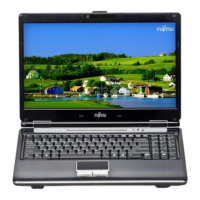
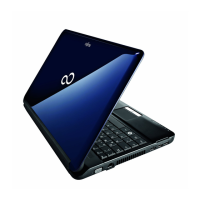
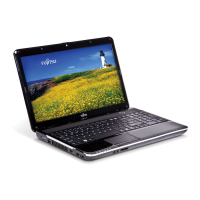
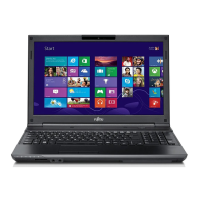
Figure 2-3 LifeBook A Series notebook with display open
Locating the Controls
and Connectors
TOP AND FRONT COMPONENTS
The following is a brief description of your LifeBook
notebook’s top and front components. (Figure 2-3)
Display Panel Latch
The display panel latch locks and releases the display
panel.
Display Panel
The display panel is a color LCD panel with back
lighting for the display of text and graphics. (See Display
Panel on page 26 for more information.)
Application Launch Buttons
The Application LAunch buttons allow you to launch
your favorite applications with the touch of a button.
(See Configuring your Application Launch Buttons on
page 21 for more information.)
Status Display Indicators
The Status display indicator lights correspond to specific
components of your LifeBook notebook. (See Status
Display Indicators on page 14 for more information.)
Suspend/Resume/Power On Button
The Suspend/Resume/Power On button allows you to
suspend notebook activity without powering off, resume
your notebook from suspend mode, and power on your
notebook when it has been shut down from Windows.
(See Suspend/Resume/Power On Button on page 30 for
more information.)
Stereo Speakers
The built-in dual speakers allow for stereo sound.
Keyboard
A full-size keyboard with dedicated Windows keys.
(See Keyboard on page 16 for more information.)
Touchpad Pointing Device
The Touchpad pointing device is a mouse-like cursor
control with three buttons (left, right, and scroll
buttons). (See Touchpad Pointing Device on page 19 for
more information.)
Wireless LAN Button
(On Wireless LAN-configured models only)
The Wireless LAN button activates and deactivates the
Wireless LAN device in you LifeBook notebook.
Display
Panel
Latch
Display
Suspend/Resume/
Power On Button
Keyboard
Application
Status
Stereo
Stereo
Touchpad
Scroll Button
Display
Panel
Speaker
Speaker
Battery
Indicator
Pointing Device
Power
Indicator
Indicators
Wireless LAN Button
(wireless LAN
configurations only)
Launch
Buttons
B5FH-5121-01EN-00.book Page 8 Wednesday, April 10, 2002 11:02 AM


 To Next Page
 Loading...