Operation
Notes on the program "DisplayView Click"
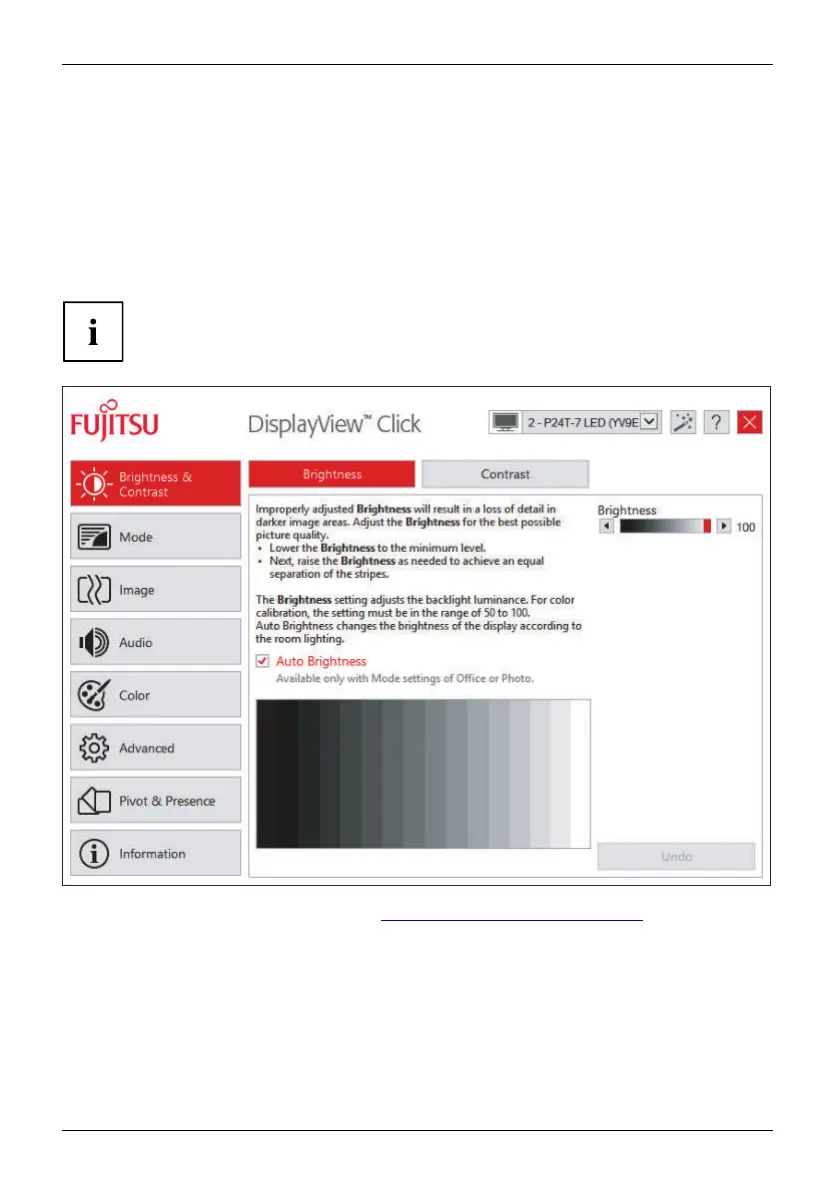
DisplayView Click It is a Windows utility that provides the user with a simple interface
to customise features normally associated with the OSD.
Changes to brightness, contrast, image position and other default monitor settings can
be made easily and intuitively. The help programme includes guided instructions on how
to fine-tune the monitor to achieve optimal display results.
The help programme also supports advanced functions such as Auto-Pivot or the presence sensor.
Your device may differ from the described scope of function in some areas.
DisplayView Click Can be downloaded here: "http://www.fujitsu.com/fts/download"
Function overview:
• OSD replacement for monitors equipped with DDC/CI
•Step
by step fine tuning
• OSD direct access for quick changes
•Set
tings for power saving mode and security settings for the presence sensor
(on
ly for models with presence sensor)
• Automatic rotation of screen content (only for models with rotation sensor)
36 Fujitsu












 To Next Page