Chapter1 Preliminary Steps before Installing the Sensor Driver
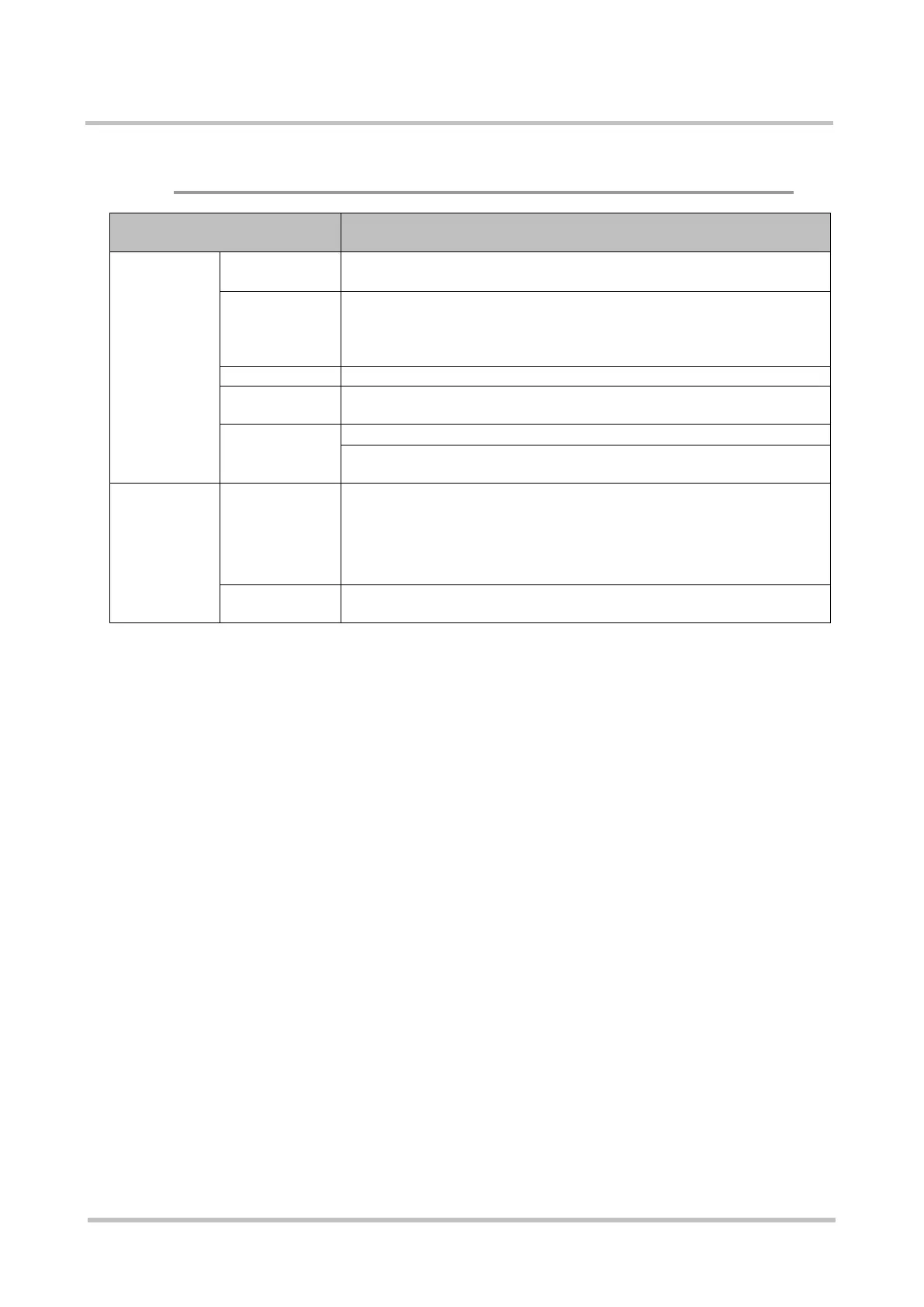
◆ Sensor Driver for Extended Function (Windows Version)
Hardware and Software
Requirements
Description
Hardware
Requirement
CPU
™
2 Duo 2.40GHz or more
(must also comply with the recommended value for the given OS )
Memory
(Note 1)
x86 version : 1GB or more
x64 version : 2GB or more
However, 256 MB or more for Windows XP
(must also comply with the recommended value for the given OS)
(Note 2)
9 MB or more
Sensor
・
For information on the firmware version level on the Sensor
unit, refer to the "System Development Guide".
Software
Requirement
OS (Note 3)
・
・Windows Vista SP2 (x86 and x64)
・Windows 7 SP1 (x86 and x64)
・Windows 8 (x86 and x64)
・Windows 8.1 (x86 and x64)
Download the latest version from the SDK Support Website
Note 1) The Sensor driver requires 4.5MB or more memory.
4.5MB is required for each Sensor (2 Sensors require 9MB) when
connecting multiple Sensors.
>See> For information on multiple Sensor connection, refer to the "System
Development Guide" and "Authentication Library Reference Guide".
Note 2) Minimum required space for the Sensor driver.
9MB is required for each Sensor (2 Sensors require 18MB) when
connecting multiple Sensors.
>See> For information on multiple Sensor connection, refer to the "System
Development Guide" and "Authentication Library Reference Guide".



 To Next Page