Chapter2 Installing the Sensor Driver by Using Installer Version
2.1 Installing the Sensor Driver in Windows
XP / Vista / 7 Environments
This section describes how to install the Sensor driver in Windows XP / Vista / 7
environments by using Installer version.
!Caution When the Sensor driver is already installed
Uninstall the existing Sensor driver before the installation.
>See> For information on how to uninstall the Sensor driver, refer to "2.2
Uninstalling the Sensor Driver in Windows XP / Vista / 7 Environments".
O
O
p
p
e
e
r
r
a
a
t
t
i
i
o
o
n
n
Step1 Ensure that the Sensor is not connected to the target hardware.
Step2 Log in as Administrator.
Step3 Extract the downloaded installer version and copy the installer of the
Sensor driver “Setup.exe” from the folder created by the extraction to
any folder on the target hardware.
Step4 Double-click the Sensor driver installer (Setup.exe) that you copied to
the target hardware.
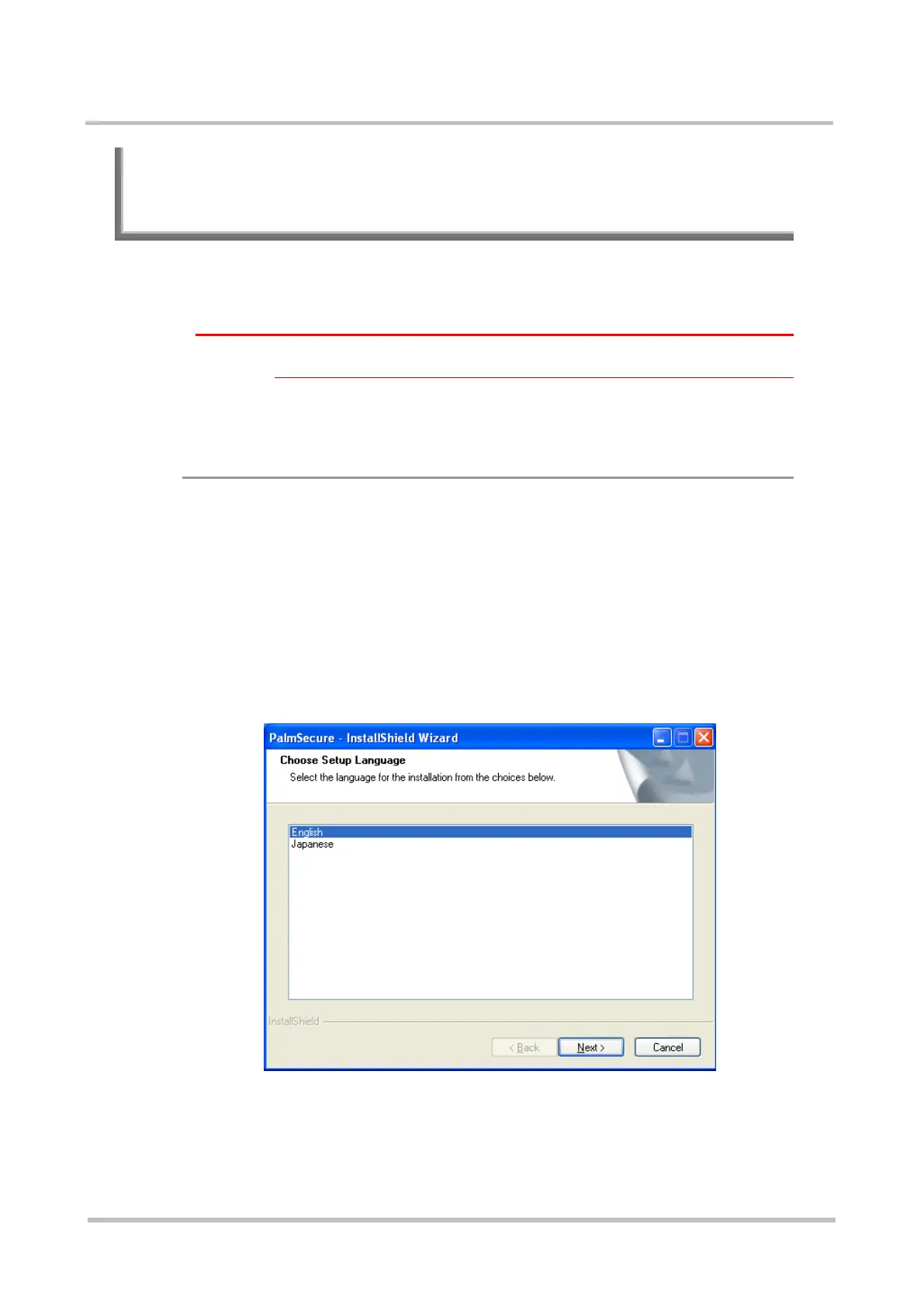
The installer launches and displays the Choose Setup Language screen.



 To Next Page