2.1 Installing the Sensor Driver in Windows XP / Vista / 7 Environments
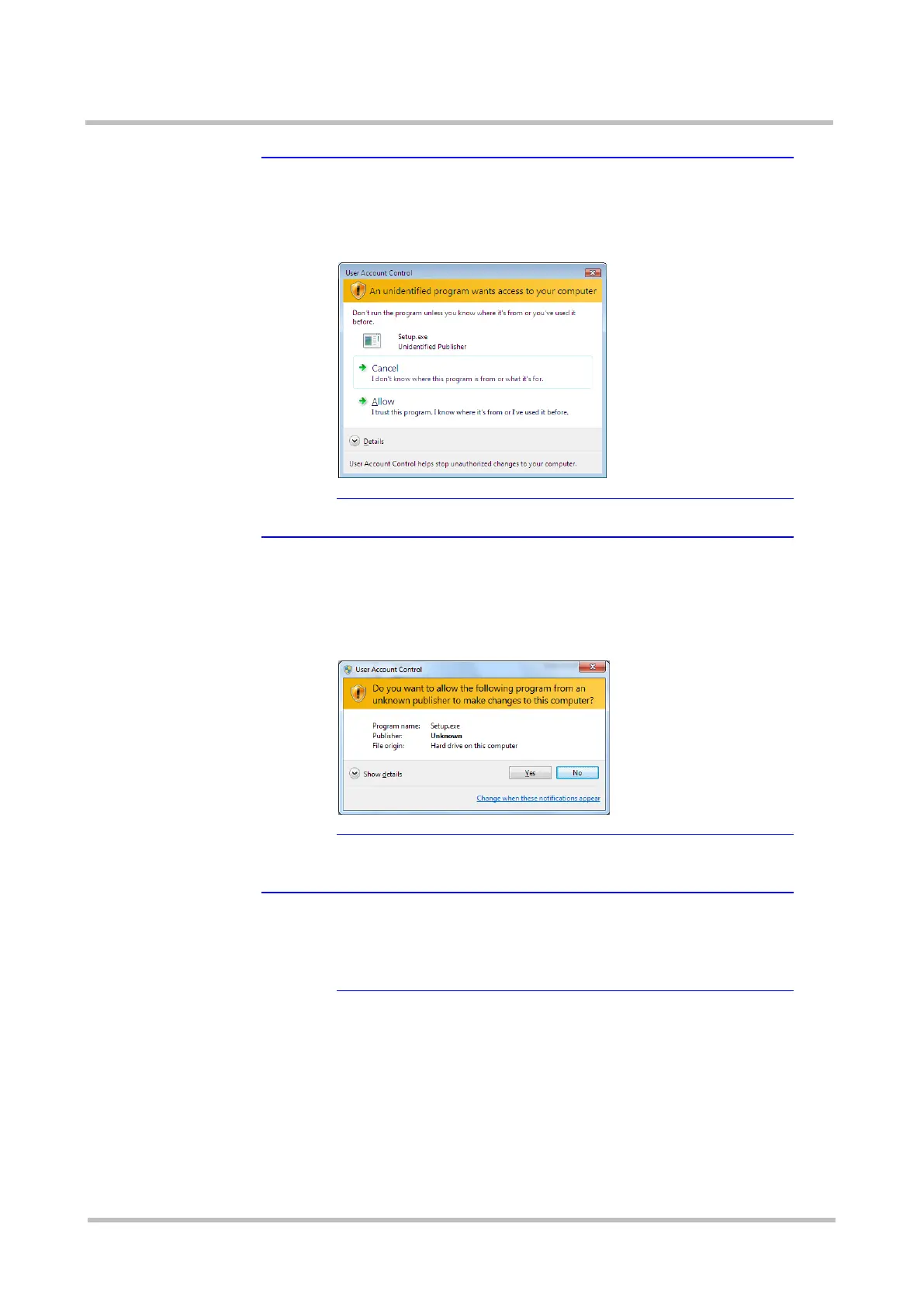
★Tip A dialog box "An unidentified program wants access to your
computer" is displayed
The following dialog box is displayed when the installer starts
in a Windows Vista environment.
Continue the process by selecting [Allow].
★Tip A dialog box is displayed to ask permission for a program
from an unknown publisher to make changes
The following dialog box is displayed to ask permission for a
program from an unknown publisher to make changes when
the installer starts in a Windows 7 environment.
Continue the process by selecting [Yes].
Step5 Select the language as necessary.
★Tip Language selection
You can select either English or Japanese as the language
used for setup. This document describes the procedure using
screen shots taken from the case where the screens are
displayed in English.



 To Next Page