Chapter1 Preliminary Steps before Installing the Sensor Driver
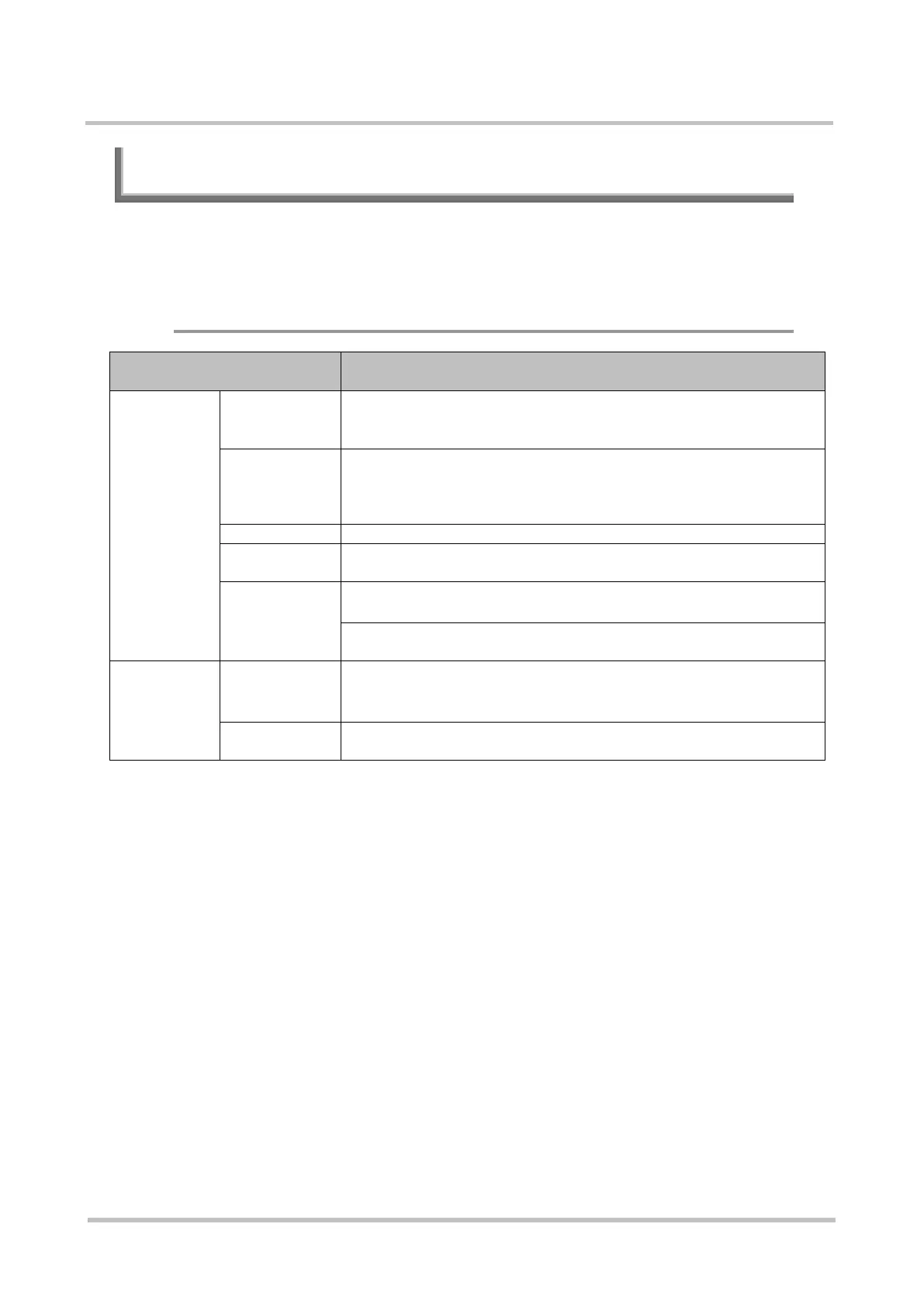
1.2 Hardware and Software Requirements
The following describes hardware and software requirements for installing the
Sensor driver.
◆ Conventional Sensor Driver (Windows Version)
Hardware and Software
Requirements
Description
Hardware
Requirement
CPU
™
Intel® ULV Celeron® 650MHz or more for Windows XP (Note 1)
(must also comply with the recommended value for the given OS)
Memory
(Note 2)
x86 version : 1GB or more
x64 version : 2GB or more
However, 256 MB or more for Windows XP
(must also comply with the recommended value for the given OS)
3 MB or more
Sensor
・
・PalmSecure Sensor V2
For information on the firmware version level on the Sensor
unit, refer to the "System Development Guide".
Software
Requirement
OS (Note 4)
・
・Windows Vista SP2 (x86 and x64)
・Windows 7 SP1 (x86 and x64)
Download the latest version from the SDK Support Website
Note 1) Use an Intel® Core™ 2 Duo 2.40GHz or faster CPU when identifying or
using the detailed information notification function for the guidance
image display.
>See> For information on the identification, refer to the “System
Development Guide” and “Authentication Library Reference
Guide”.
>See> For information on the detailed information notification function
for the guidance image display, refer to the "Authentication
Library Reference Guide".



 To Next Page