2.1 Installing the Sensor Driver in Windows XP / Vista / 7 Environments
Step7 Click the [Next] button.
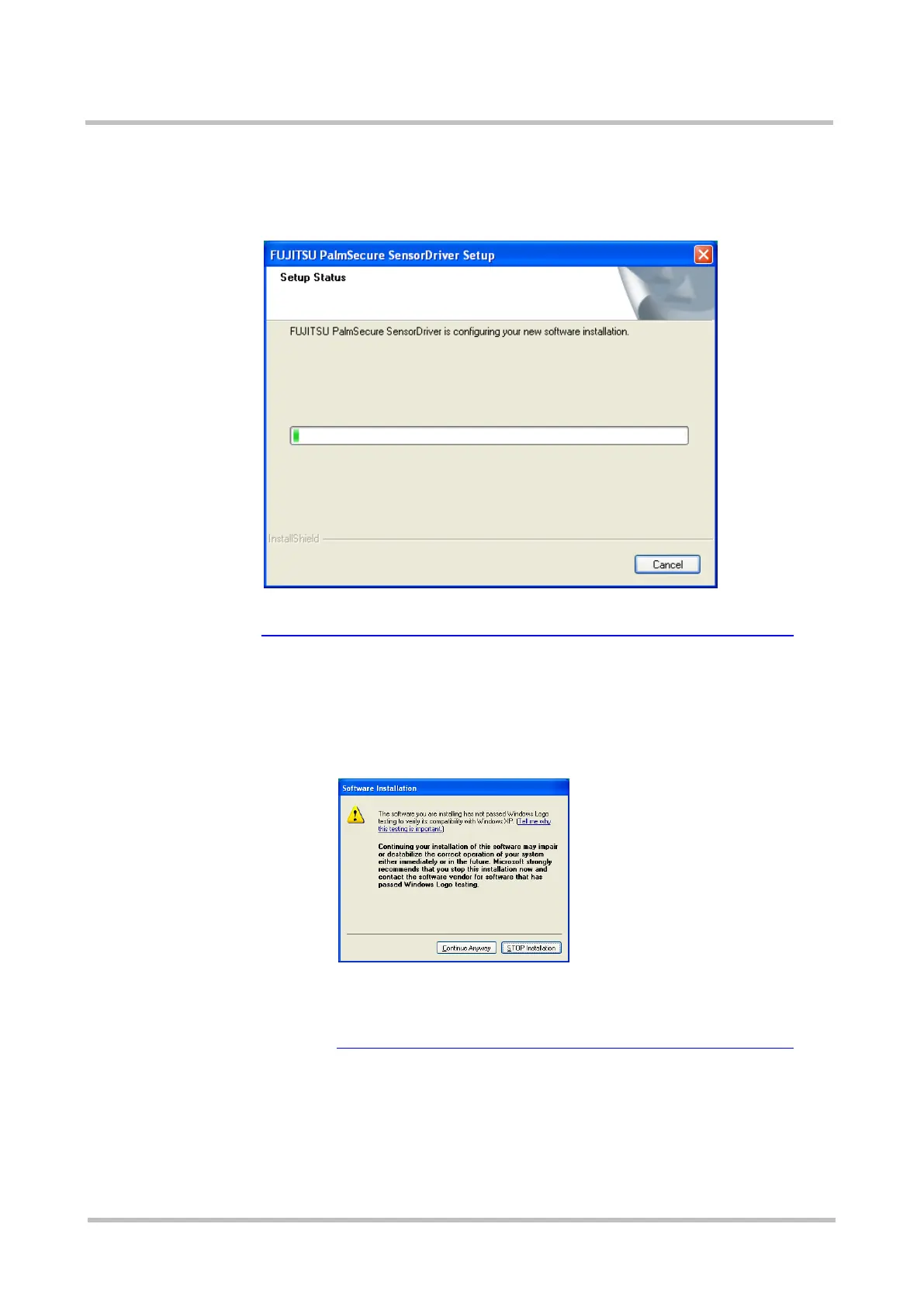
Installation of the Sensor driver is initiated, and the Setup Status screen
is displayed.
★Tip A warning dialog box whether or not to continue the
installation is displayed
The following warning dialog box is displayed when the
installer starts in a Windows XP environment to warn
whether or not to continue the installation.
Continue the process by clicking the [Continue Anyway]
button.
If the installation is cancelled by clicking the
[STOP Installation] button, step 7 alone of the Sensor driver
uninstallation procedure must be performed before the
reinstallation.
>See> For information on how to uninstall the Sensor driver, refer to
"2.2 Uninstalling the Sensor Driver in Windows XP / Vista / 7
Environments".



 To Next Page