4.1 Applying Modification to the Sensor Driver Installed in Windows XP / Vista / 7 Environments Manually
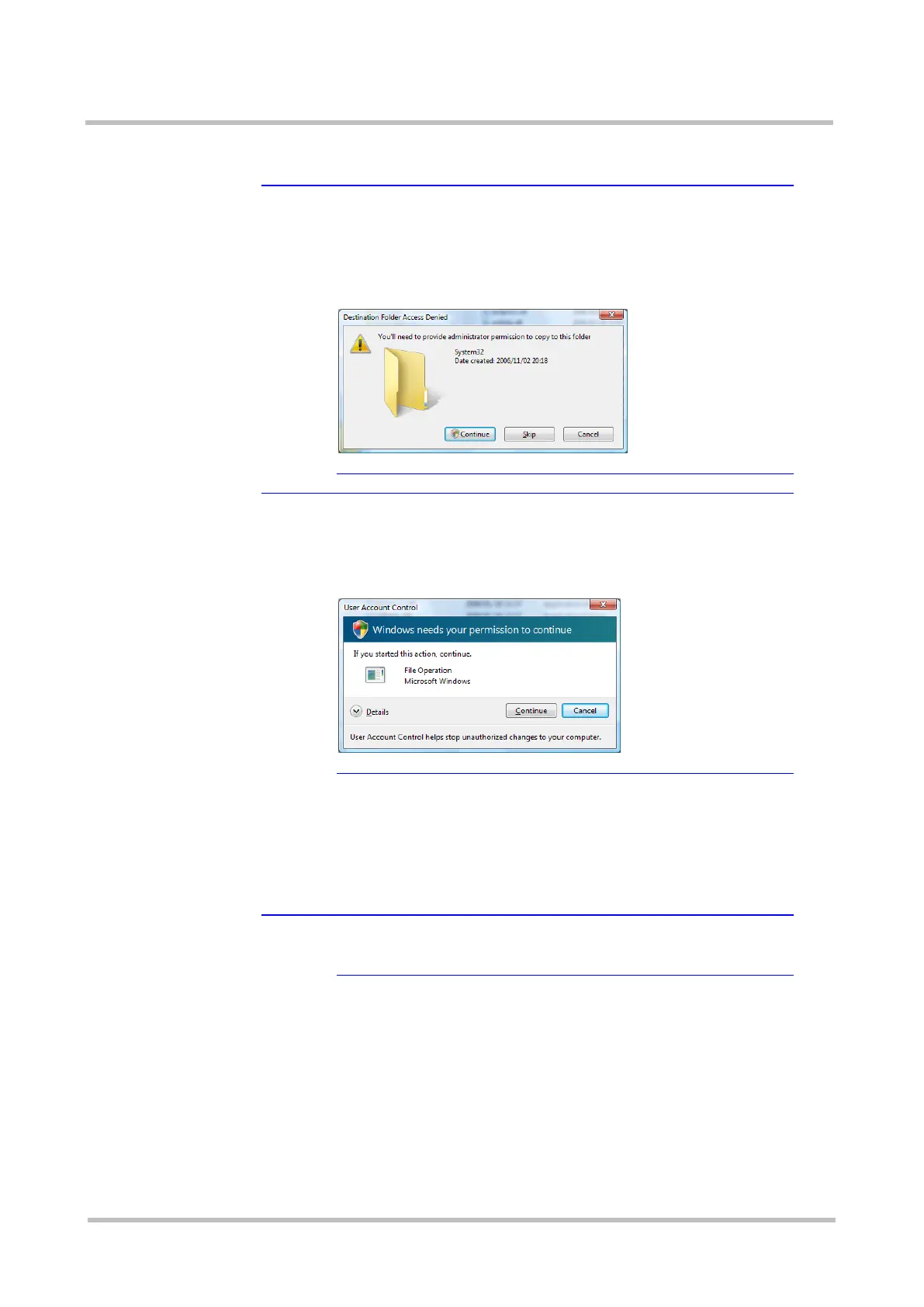
★Tip A [Destination Folder Access Denied] dialog box is
displayed
The following [Destination Folder Access Denied] dialog box
may be displayed when copying the above files in a Windows
Vista / 7 environment.
Continue the process by clicking the [Continue] button.
★Tip A [User Account Control] dialog box is displayed
The following [User Account Control] dialog box may be
displayed when copying the above files in a Windows Vista
environment.
Continue the process by clicking the [Continue] button.
Step4 Connect the Sensor to the target hardware.
>See> For information on how to connect the Sensor, refer to the
"Sensor Instruction Manual" or "Mouse Type Sensor
Instruction Manual".
The Sensor is automatically detected.
★Tip If the Sensor cannot be disconnected
If the Sensor cannot be disconnected in step 1, restart the
target hardware.



 To Next Page