Installing the NAS
18 Fujitsu
System Messages
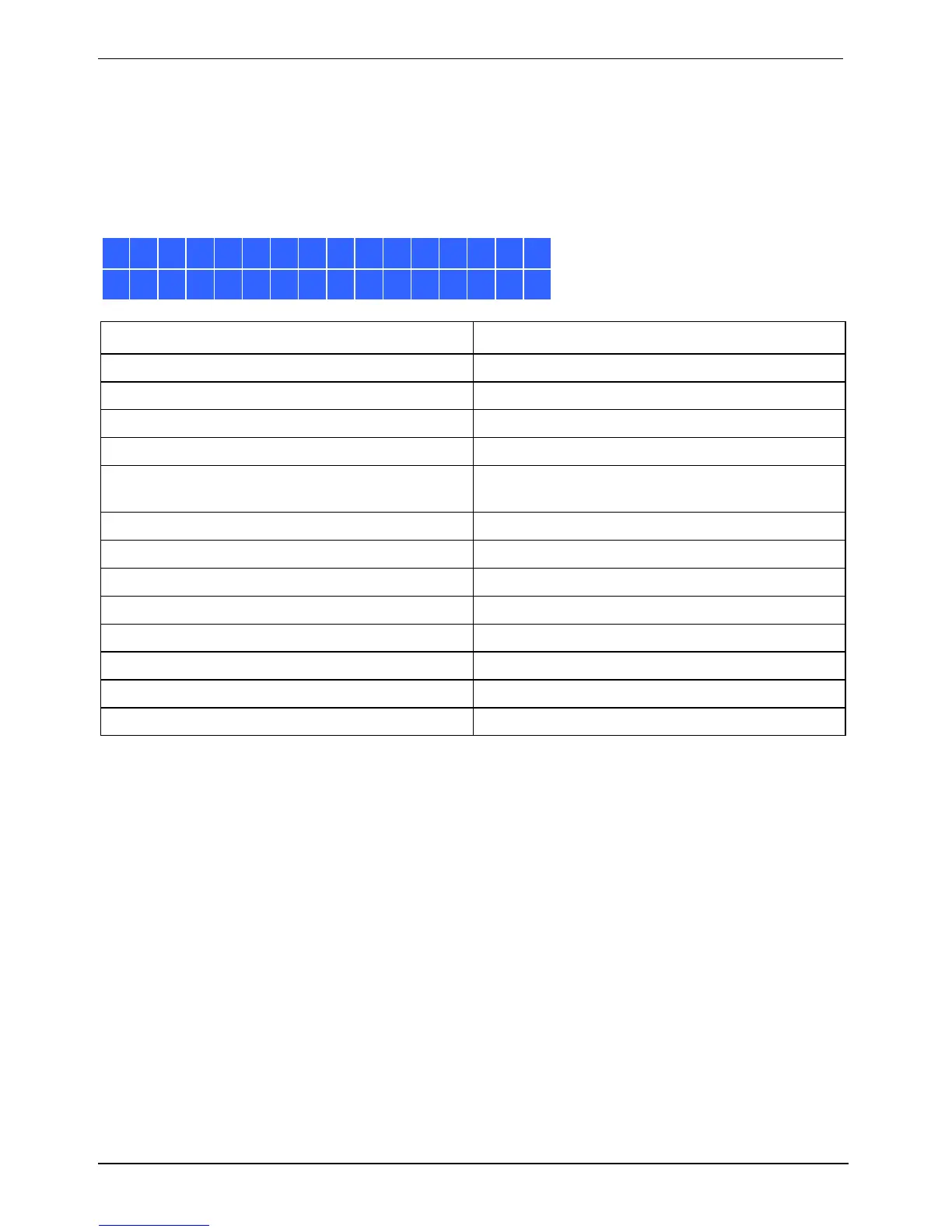
If an NAS system error occurs, a corresponding error message is displayed in the LCD panel.
To display an error message, press Enter.
To display the next error message, press Enter again.
System Error!
Pls. Check Logs
System Message Description
Sys. Fan Failed
The system fan fails.
Sys. Overheat
The system overheats.
HDD Overheat
A hard drive overheats.
CPU Overheat
The CPU overheats.
Network Lost
Both LAN 1 and LAN 2 are disconnected in
failover or load balancing mode.
LAN1 Lost
LAN 1 is disconnected.
LAN2 Lost
LAN 2 is disconnected.
HDD Failure
A hard drive fails.
Vol1 Full
The disk volume is full.
HDD Ejected
A hard drive is ejected.
Vol1 Degraded
The disk volume is in degraded mode.
Vol1 Unmounted
The disk volume is unmounted.
Vol1 Nonactivate
The disk volume is inactive.



 To Next Page