NAS maintenance
50 Fujitsu
NAS maintenance
Shutting down/rebooting the server
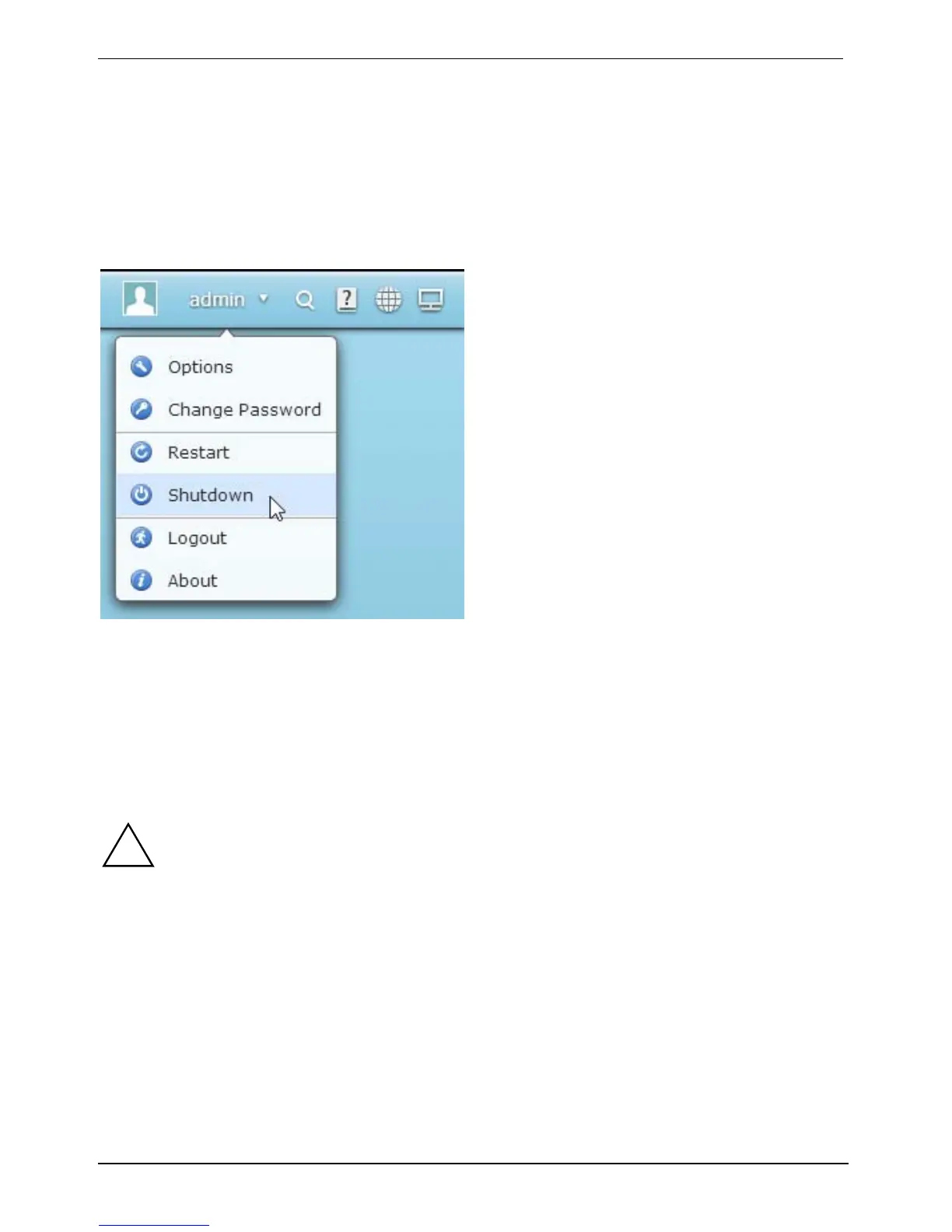
Follow the steps below to shut down or reboot the server:
► Log into the NAS.
► Click on the user name you used to log in (e.g. "admin") in the upper right section of the
screen.
► Click Restart to reboot the server.
► Select Shutdown to switch off the device.
You can force the shutdown if the server will not shut down in the normal way.
!
Forcing a shutdown may damage the file system and lead to data loss.
► To force a shutdown of the server, press and hold down the ON/OFF button for at least
10 seconds. The server will beep once and then shut down immediately.



 To Next Page