NetBak Replicator
46 Fujitsu
Using NetBak Replicator
► Before using NetBak Replicator, please login to the NAS administration page and go to Access
Right Management - Share Folders to create a share folder for backup purposes. Make sure the
share folder is available for access by all users, or that you log in to the share folder with an
authorized account or as administrator.
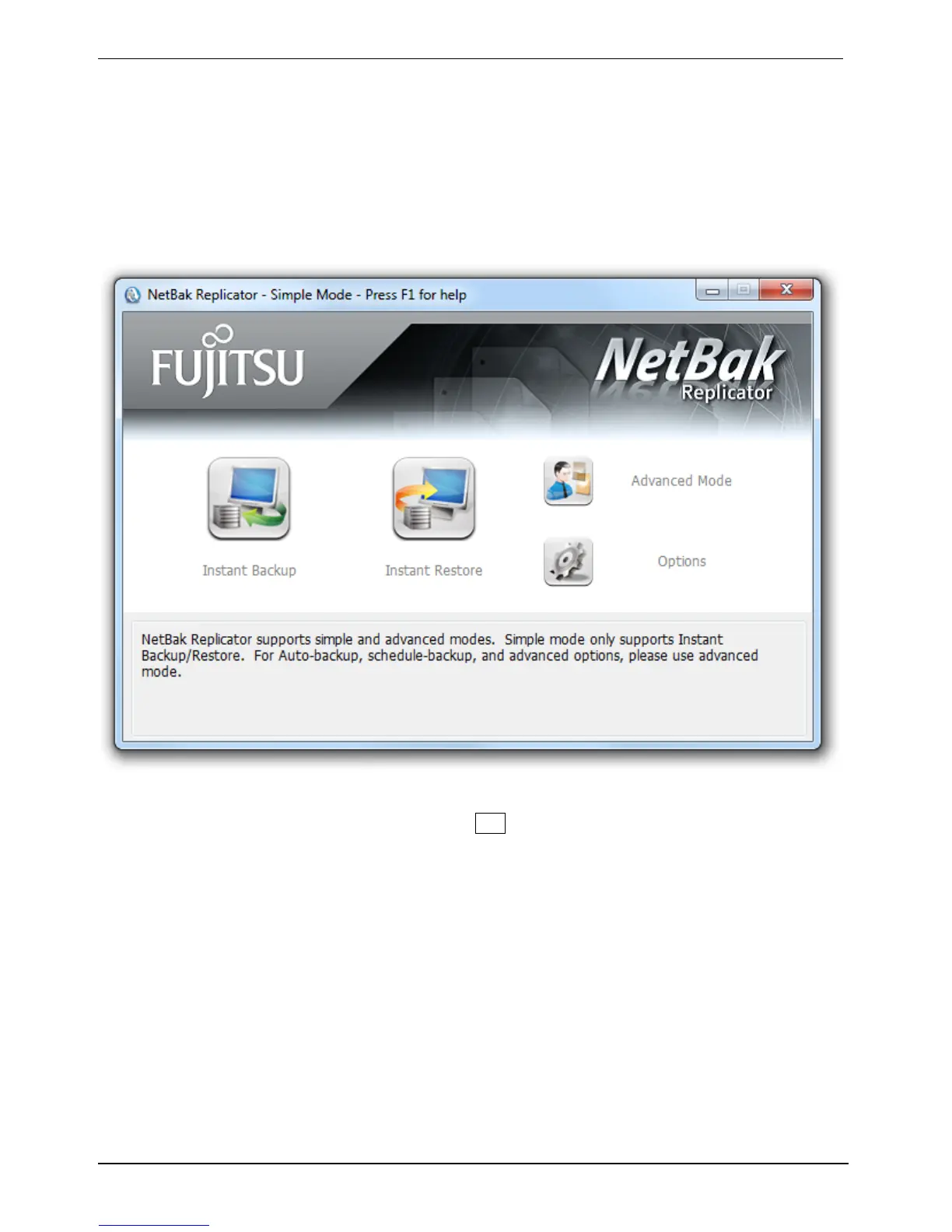
► Launch NetBak Replicator.
► For details on how to use the software, press F1 .



 To Next Page