NetBak Replicator
Fujitsu 45
NetBak Replicator
NetBak Replicator is a powerful data backup program (Windows only). Selected files and folders
from the local PC can be backed up in user-defined share folders on the NAS. Data is transferred via
LAN or WLAN.
Installing NetBak Replicator
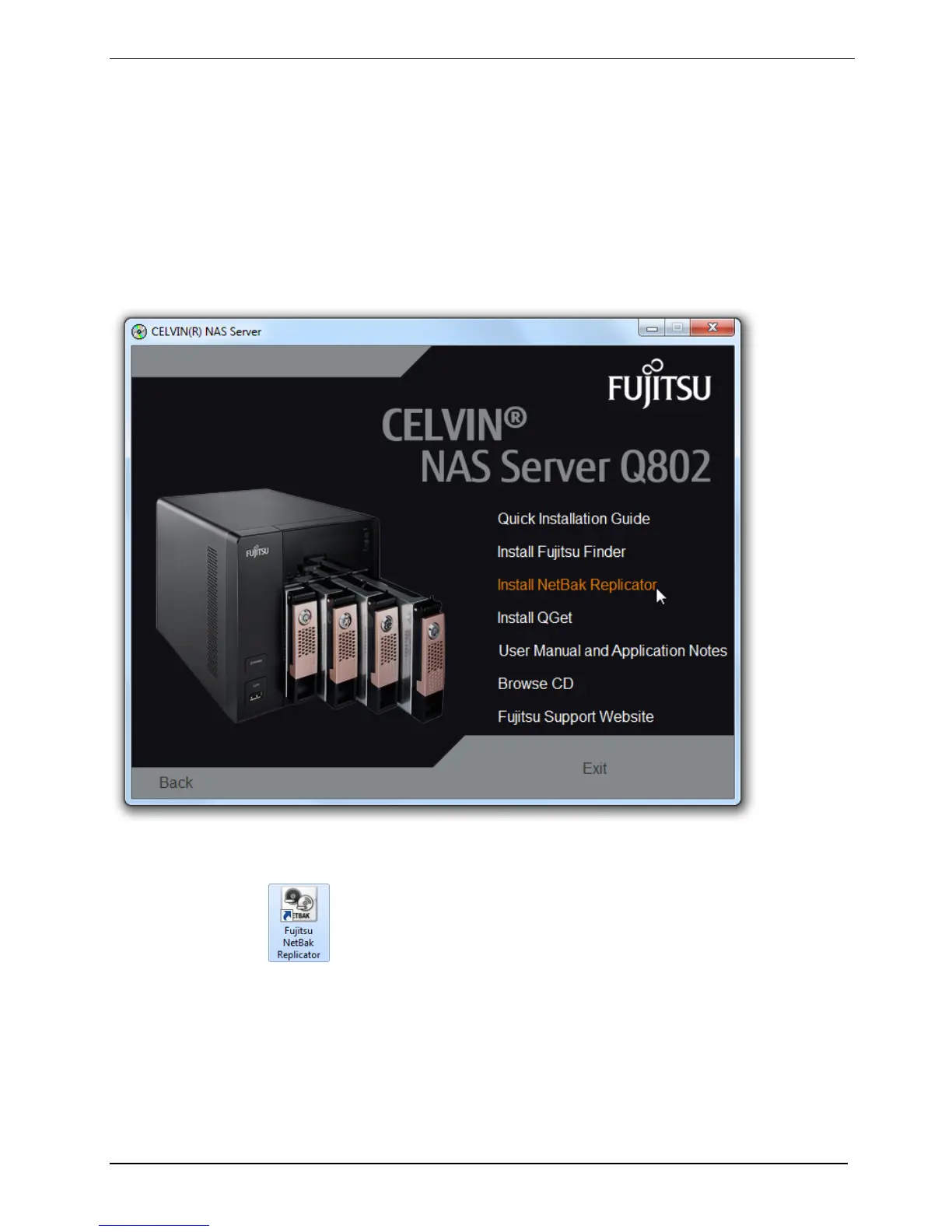
► Select Install NetBak Replicator from the menu on the NAS CD.
► Follow the on screen instructions to install the application.
► A shortcut icon
will appear on the desktop upon successful completion of the
installation process. Double click on this icon to launch NetBak Replicator.



 To Next Page