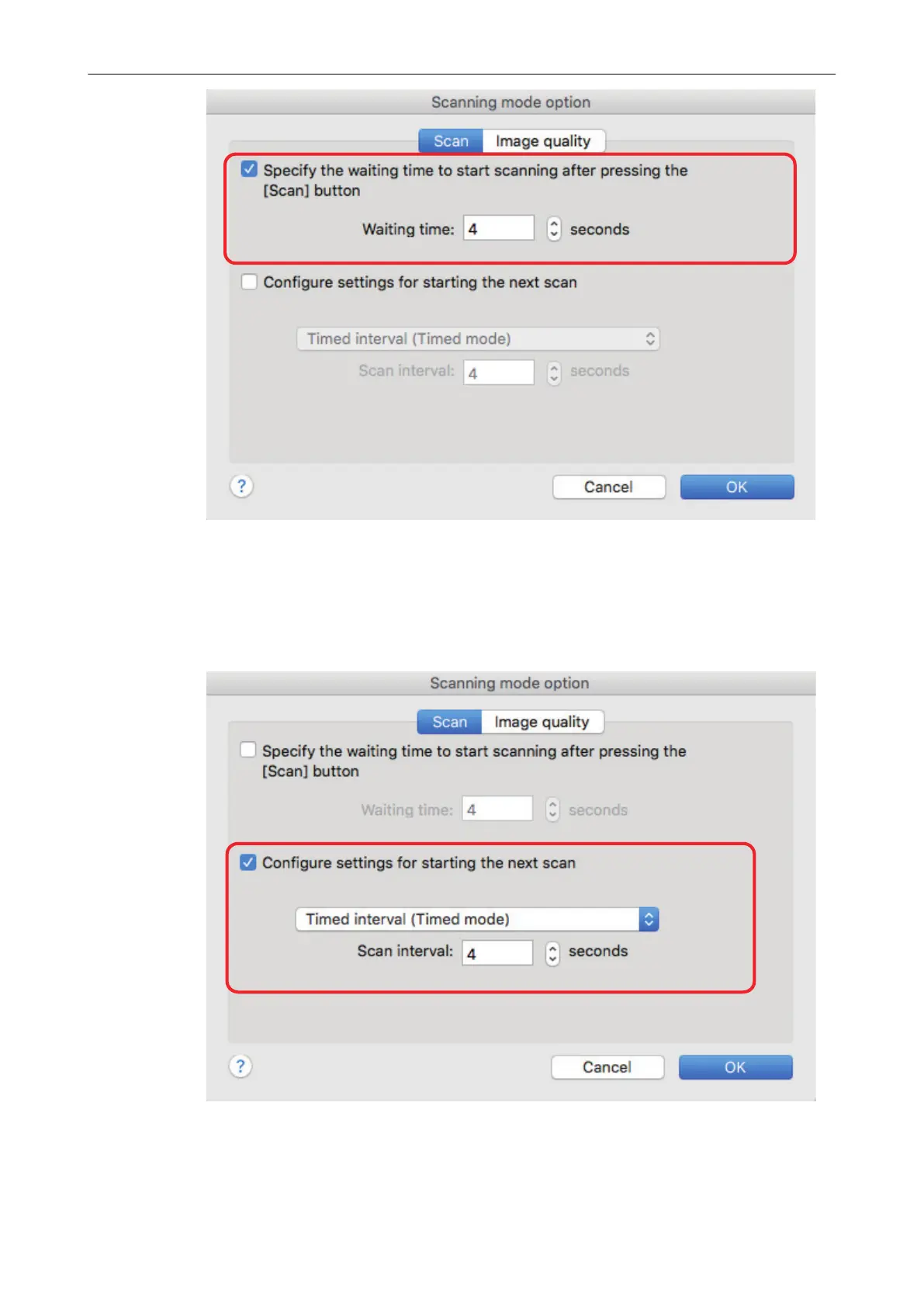
- To repeat a document scan after every specified time interval:
1. Select the [Configure settings for starting the next scan] checkbox, and then select
[Timed interval (Timed mode)].
2. Specify [Scan interval].
3. Click the [OK] button to close the [Scanning mode option] window.
4. Click the [Apply] button in the ScanSnap setup window.
Starting Scanning Automatically (SV600)
80



 To Next Page
 Loading...












