En-7
9. TURNING ON THE POWER
CAUTION
Recheck the wiring. Incorrect wiring will cause trouble.
(1) Check the wiring of MODBUS convertor.
(2) Check the wiring and switches of units connected to convertor before
tuning on the power.
(3) Check that the switches of MODBUS convertor are correct.
(4) Refer to the indoor unit operating manual and turn on the power of
indoor unit.
• The MODBUS Convertor is initialized for a period of approximately a few
seconds after the power is turned on.
LED5 (green) and LED6 (orange) fl ash.
• After initial setting is completed, operation will be restarted automati-
cally. LED5 (green) lights.
* MODBUS Convertor does not operate during initialization.
If an error occurs, the LED5, LED6, LED7 lights or fl ashes.
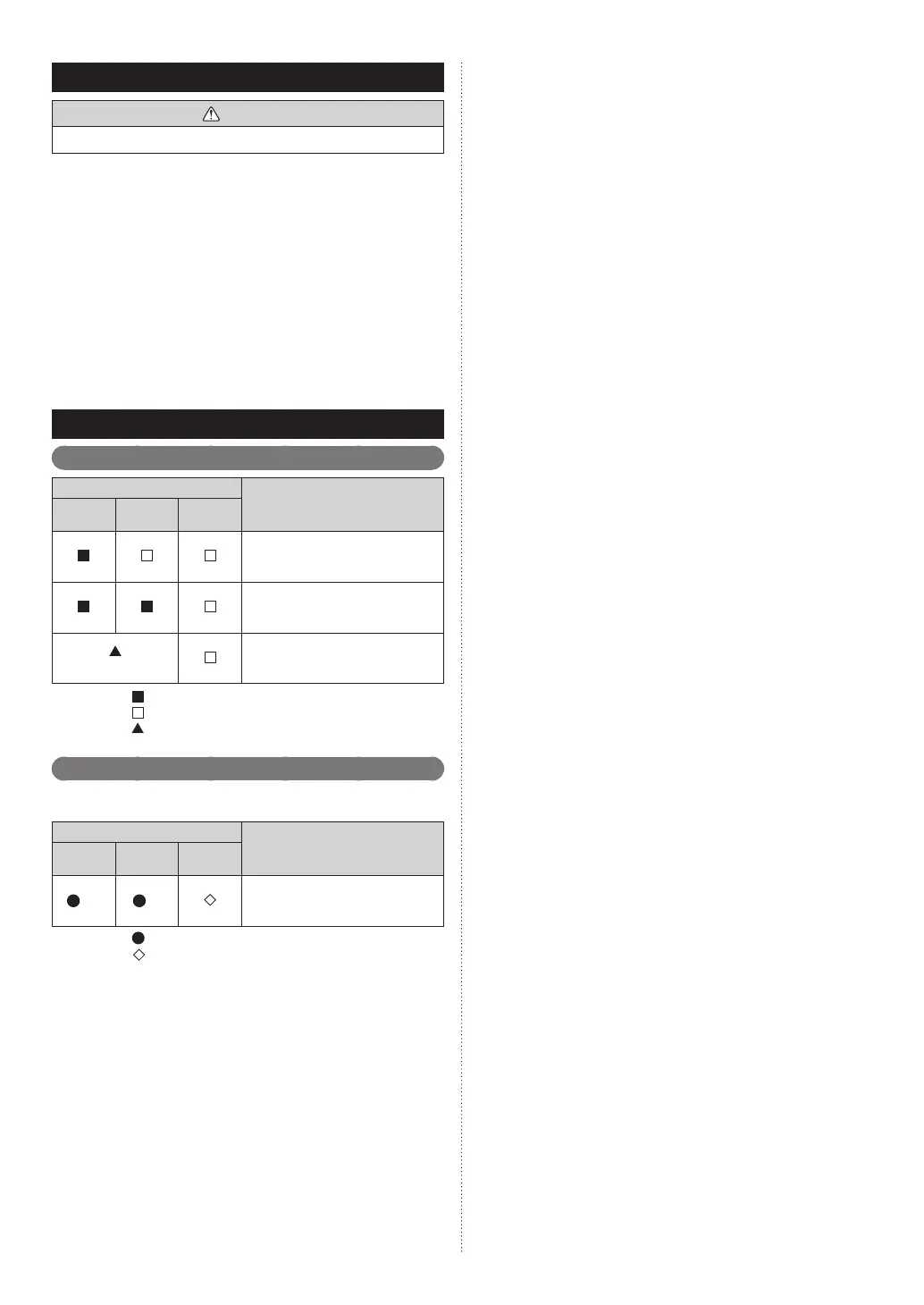
10. LED DISPL AY
10.1. Normal code
Normal indications
Normal contents
LED5
(green)
LED6
(orange)
LED7
(red)
Normal starting
MODBUS sending or receiving
(Flashes alternately)
Start sequence or address rewriting
Display mode : On
: Off
: 1.0s ON / 1.0s OFF
10.2. Error code
For the error indications of devices connected to the convertor, refer to
each manual.
Error indications
Error contents
LED5
(green)
LED6
(orange)
LED7
(red)
(11) (1) Peripheral unit main PCB error
Display mode : 0.5s ON / 0.5s OFF
: 0.1s ON / 0.1s OFF
( ) : Number of fl ashing
9374707140-03_IM.indb Sec1:79374707140-03_IM.indb Sec1:7 6/26/2019 1:57:31 PM6/26/2019 1:57:31 PM



 To Next Page