EasyManua.ls Logo

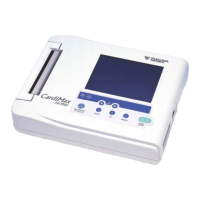
Fukuda Denshi CARDIMAX FX-7202 - User Manual

Fukuda Denshi CARDIMAX FX-7202
204 pages
Print Icon
To Next Page IconTo Next Page
Loading...
• Before using this device, read this operation manual.
• Store this manual in a location near the unit for future reference.
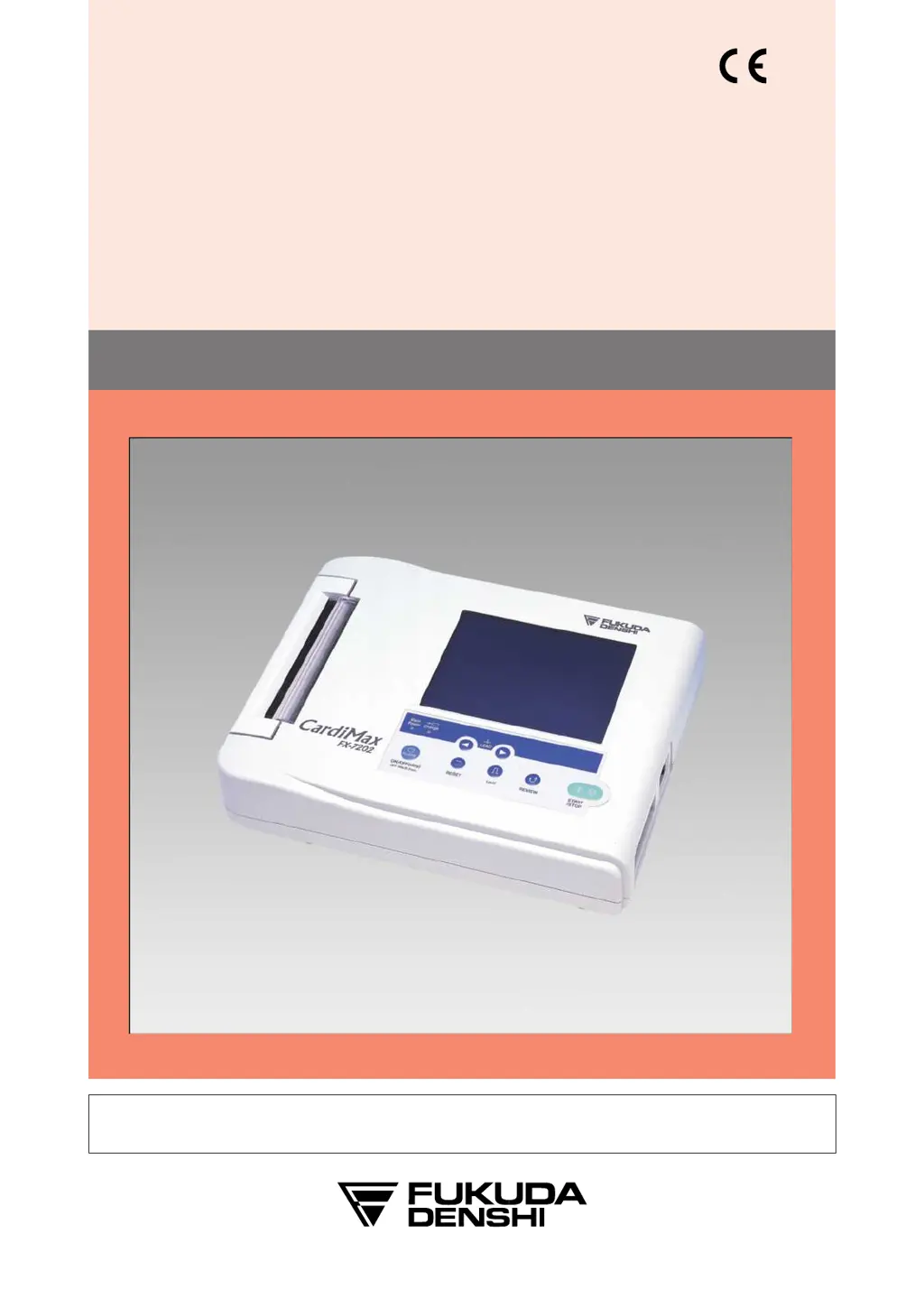
OPERATION MANUAL
CARDIMAX
FX-7202
ELECTROCARDIOGRAPH
0086
Ver.04

Table of Contents

Questions and Answers

Summary

Chapter 1: General Information

Introduction to General Information

Welcome to the operation manual, overview of the device.

Names and Functions of Parts

Details about the components and their functions.

Accessories

Lists common and special accessories for the FX-7202.

Optional Parts and Consumables

Information on optional parts like PC-7403 cartridge and battery.

Chapter 2: Preparing the Cardimax FX-7202

Site selection for Preparation

Guidelines for choosing a suitable installation site.

Loading the Recording Paper

Step-by-step instructions for loading recording paper.

Connecting the Power Supply Cord

Procedure for connecting the power supply cord.

Connecting the Ground

Instructions for providing a ground connection.

Connecting the Patient Cable

How to connect the patient cable to the device.

Turning ON Power

Steps to turn on the device.

Using the Battery (Option)

Information on operating the device using the battery.

Installing the Program Cartridge (Option)

Steps to install optional program cartridges.

Chapter 3: Operating the Cardimax FX-7202

Connecting the Patient Cable to the Electrodes

How to connect the patient cable to electrodes.

Attaching the Electrodes to the Patient

Instructions for applying electrodes to the patient.

Operation Panel Overview

Overview of the device's operation panel keys.

Touch-Panel Display Explanation

Explanation of the touch-panel display interface.

Entering Patient Data

How to input patient information for recording.

Recording the ECG

Overview of the ECG recording procedure.

Chapter 4: Recording the Electrocardiogram: Standard ECG Mode

What is the Standard ECG Mode?

Explanation of the Standard ECG Mode's purpose.

Automatic Recording Mode (AUTO)

Details on automatic lead recording.

Manual Recording Mode (MANUAL)

Using manual lead selection for recording.

Chapter 5: Recording the Electrocardiogram: Advanced Features

Review Recording Function

How to use the review recording function.

R-R Trend Test Mode

Using the R-R trend test for interval analysis.

Arrhythmia ECG Mode

How to perform arrhythmia analysis.

Compressed Recording

Using compressed recording mode.

Chapter 6: Managing ECG Data Files

Searching ECG Data

How to search for specific ECG data.

Printing a List of ECG Data

How to print a list of saved ECG data.

Deleting Selected ECG Data

Procedure for deleting ECG data.

Chapter 7: Setting Up Parameters

Overview of Parameters

Summary of adjustable parameters.

ECG CONTROL Parameters

Parameters for ECG signal control and filtering.

PATIENT DATA Parameters

Parameters for inputting and managing patient data.

STANDARD ECG MODE Parameters

Parameters specific to Standard ECG Mode.

ARRHYTHMIA ECG MODE Parameters

Parameters for Arrhythmia ECG Mode.

R-R TREND TEST MODE Parameters

Parameters for R-R Trend Test Mode.

General Flow of Parameter Setup

Overview of the parameter setup process.

Selecting Waveform Display Channels

Setting how many ECG channels are displayed.

Selecting the Recording Format

Setting the printout format for test results.

Chapter 8: Maintenance and Troubleshooting

Performing the Self-diagnostics Test

Running built-in tests for machine checks.

Troubleshooting Poor ECG Readings

Troubleshooting steps for poor ECG readings.

Handling Error Messages

Actions to take when error messages appear.

Cardimax FX-7202 Maintenance

General guidelines for device maintenance.

Daily Checks

Performing daily operational checks.

Periodic Checks

Performing scheduled periodic checks.

Appendix A: Specifications

Electrocardiograph Specifications

Technical specifications of the ECG device.

Operating Environment Specifications

Environmental conditions for device operation.

Appendix D: LAN Communication Function

Setting the Network Connection

Procedures for setting up network connectivity.

Transmitting ECG Data to a PC

How to send ECG data to a PC.

Glossary

Filter Explanation

Explanation of signal filters and their effects.

Fukuda Denshi CARDIMAX FX-7202 Specifications

General IconGeneral
BrandFukuda Denshi
ModelCARDIMAX FX-7202
CategoryMedical Equipment
LanguageEnglish

Related product manuals