Selectionof inverterfrequencycommand input channels.There are7 ma in fr equency set tingchannel s:
0: Keyboard
Accomplishkeyboa rd fr eq uency setting b y means of modifyingthe valueof function code F0.07
Key board frequency setting .
1: VI
2: External termin al A I
Th is means that the freque ncyis set up through analog input te rminals. DZB seri esinverter p rovides 2
analog inputchannel.AVI is 0-10Vv oltage input mode ,whileACIi s 0 (4)-20mAinput.
Th e 100.0% setting of a nalog input i s corre sponding t o the maximum frequency (Function Code F 0.04),
and -100.0% i scorresponding to ma ximum reversefrequency (Function CodeF0.04).
3:Reser ved
4:Mul ti-speed op er ati o n
Th e inve rteris operated i nthe modeof mult i-spe ed once thi s frequency setting mode i schosen. It is
neede dto s etup the parameters of F2Gr oupa nd F4 Group Multi -speed control group to determine the
coi ncidence re lation between given percentage a nd given frequency.
5 PID control
Selectionof this pa rameter m eans that theoperation mode of inverter i sPID c ontrolmode.In this c ase,
itis re quiredto set up F4 Group PID control group . The operation frequency of i nverter is the frequency
value w hic h P ID gives. Pleas e refer to the descrip tion of F 4 Group PID fun ctions for t he de finition of
PIDsetpointsource, assigned value, feedback source and s o on.
“”
“”
:
“”
“”
It is used to set u pt hemaximum output frequency of inverter. Please note t hat, it is the basisof frequency
setting and acceleratio n/deceleration speed.
It is the upperlimitof inverteroutputfrequenc y, w hic h should be lesst hanorequ al to the maximum
output freque ncy.
The lowerlimit ofinverteroutput frequency.
If setpoint fr equenc y is lowe r than lower limit frequency whenstartup, inver ter c an not run.operateat
t he lower li mit frequency,s top or bedormant.There in, Maximum out put freque ncy upper limit f requenc y
low er li mit frequen c y.
≥
≥
WhenFrequency Command is chosen as keyboard Setting , t his functioncode value is the ini tial
setvalue ofinverterfrequency.
“”
Ac celerati ontime mea nst he t imet 1r equiredfor i nverter to accelera te to the ma ximum output
frequency (F0.04) from 0Hz.
Deceleration ti me is the time t2 required for inverte r to decelerate to0Hz from t he maximumout put
frequency (F0.04).
It is indicated byfollowing f igure
6 Remotecommunicati on
The frequency command is given in the communication mode byu pper positionma chine.For details ,
please refer to DZBS eries inverter ModBus Communi cation Protocol .
:
“”
0: Valid, andtheinverter memorizes w henpower down.Able toset u p fr equency c omma nd, and me morize
thi s set frequenc y when t he inverteris power down. When thepower is bac k,automaticall y combine it w ith
current frequency se tting.
1: Valid, andtheinverter does not memori zewhen powe ris d own. Able to set up frequency,but when t he
inve rte r power isdown, thisfrequency settingi sn ot memorized.
2: Invalid. Thefrequency setthrough keyboard andterminalUP/DOWN is automatic al ly cleared,and the
settingsthr ough keyboard an d terminal UP/DOWN are invalid.
Note: After theuser restoresthe defaul t value s of inverter function parameters, thefrequency
value, set throughkeyboard and terminal UP/DOWN, is automaticall y cl eared.
F0. 04
Max imum o utput f req uen cy
10 .00 600.00H z
~
50.00Hz
Fu nction
Code
Name
Settin g Range
Default
Value
F0.05
Upper limit frequency
F0. 06 F 0. 04
~
50.00Hz
Fu nction
Code
Name
Settin g Range
Default
Value
F0.0 6
Lo wer lim it fr equenc y
0.0 0 Hz F0.05
~
0.00Hz
Fu nction
Code
Name
Settin g Range
Default
Value
F0.07
K eyboard f requency s etting
0.0 0 Hz F0.04
~
50.00Hz
Fu nction
Code
Name
Settin g Range
Default
Value
F0.08
ACCEL time 1
0.1 36 0.0s
~
10.0s
F0.09
DEC EL time 1
0.1 36 0.0s
~
10.0s
Fu nction
Code
Name
Settin g Range
Default
Value
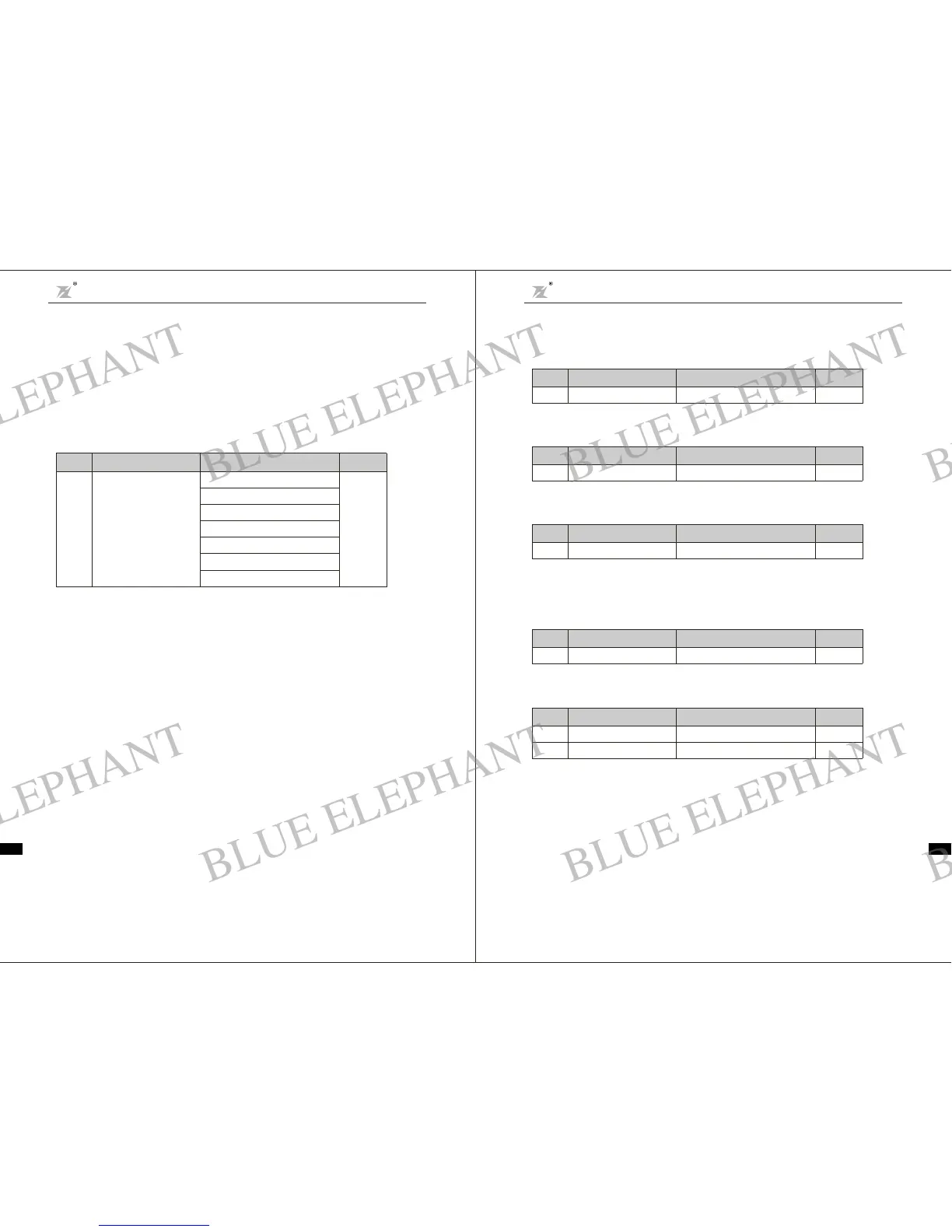
F0. 03
F requency command
Sele cti on
0: Key board
4: Mul ti-s peed
5: PID c ont rol
6: 485 comm unic atio n
1: Panel pote ntiome ter VI
2: External terminalAI
3: Reserv ed
0
Funct ion
Code
Nam e
SettingRange
Default
Valu e
Chapter 6 Parameter D escripti on
DZB Series
Chapter 6 Parameter Descr iption
DZB S eri es
-35- -36-
BLUE ELEPHANT
BLUE ELEPHANT
BLUE ELEPHANT
BLUE ELEPHANT
BLUE ELEPHANT
BLUE ELEPHANT
BLUE ELEPHANT
BLUE ELEPHANT
BLUE ELEPHANT
BLUE ELEPHANT
BLUE ELEPHANT
BLUE ELEPHANT
BLUE ELEPHANT
BLUE ELEPHANT
BLUE ELEPHANT
BLUE ELEPHANT
BLUE ELEPHANT
BLUE ELEPHANT
BLUE ELEPHANT
BLUE ELEPHANT
BLUE ELEPHANT
BLUE ELEPHANT
BLUE ELEPHANT
BLUE ELEPHANT



 To Next Page
 Loading...