20
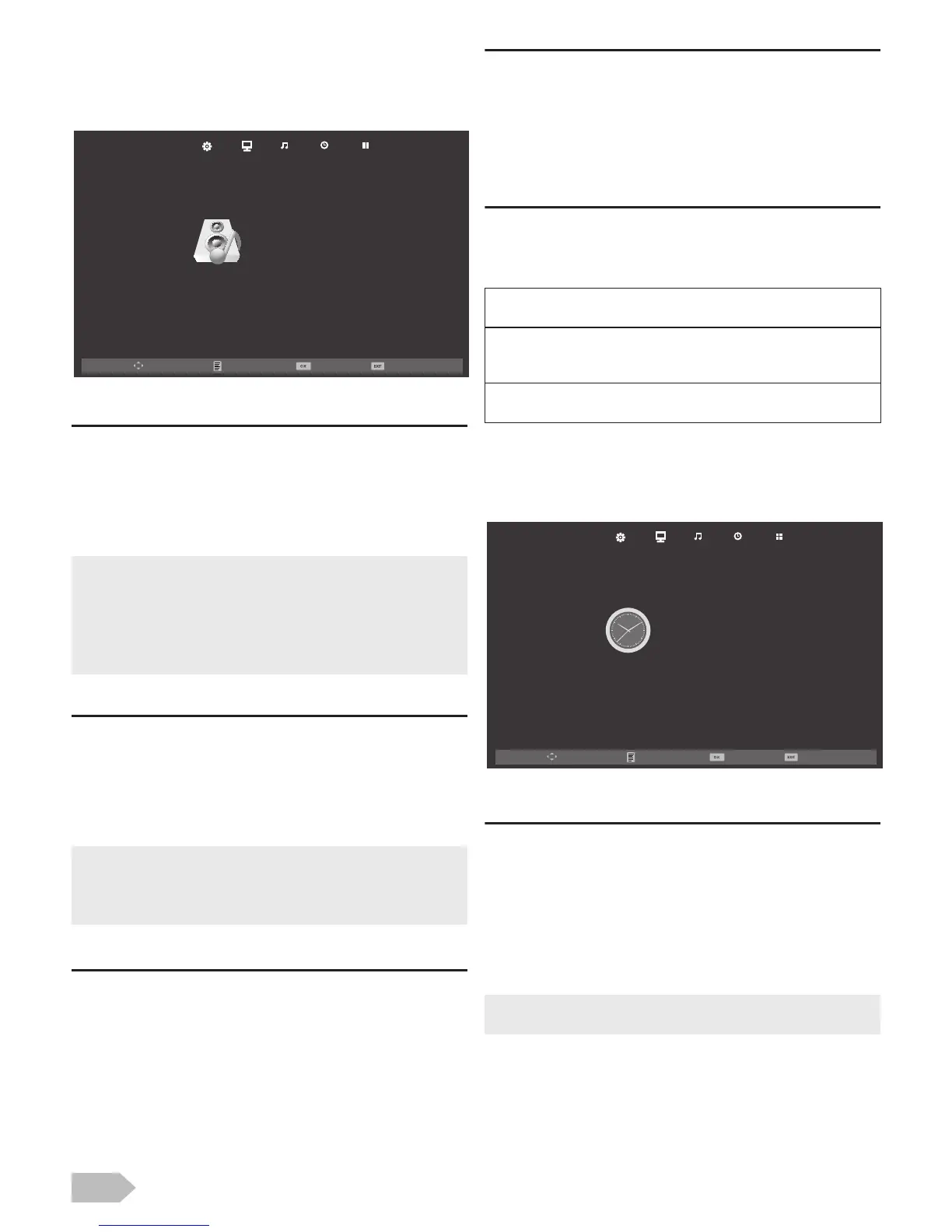
Sound Adjustment
You can adjust the sound settings according to your
personal preferences.
1 Use Ż / Ź to select [SOUND].
[Sound Mode]
2 Use Ÿ / ź to select [Sound Mode], then press
OK.
3 Use Ÿ / ź to select [Standard], [Music],
[Movie], [Sports] or [Personal], then press OK.
[Treble] / [Bass] / [Balance]
You can set left / right speaker setting.
2 Use Ÿ / ź to select the item you want. Then
press OK, and the setting display will appear.
3 Adjust the setting using Ż / Ź.
[Auto Volume]
If set to [On], sudden changes in volume will be
reduced automatically, for example, during
commercials or when switching channels.
2 Use Ÿ / ź to select [Auto Volume], and then
select [On] or [Off] using Ż / Ź.
[Surround Sound]
You can set to the sound modes for more spatial or
surround sound reproduction.
2 Use Ÿ / ź to select [Surround Sound], and
then select [On] or [Off] using Ż / Ź.
[SPDIF Mode]
2 Use Ÿ / ź to select [SPDIF Mode] and then
select [PCM], [Auto] or [Off] using Ż / Ź.
Timer Settings
You can change Timer setting.
1 Use Ż / Ź to select [TIMER].
[Sleep Timer]
The sleep timer can be set for the unit to go to the
standby mode after an incremental period of time.
2 Use Ÿ / ź to select [Sleep Timer], then press
OK.
3 Use Ÿ / ź to select the time you want, then
press OK.
• You can change sound mode easily using S MODE on the
Remote Control.
• Press S MODE repeatedly to select the sound mode you
want.
• While adjusting each setting, you can change the setting
item using Ÿ / ź.
• You can adjust [Treble] and [Bass] settings, if you set
[Personal] in [Sound Mode].
• While adjusting each setting, you can change the setting
item using Ÿ / ź.


 To Next Page