14
Before you start
EN
4 Timer Programming:
Programme a timer recording.
5 Auto Finalise:
Set Auto Finalise to “ON” or “OFF.”
6 Disc / CD Playback Mode:
“Disc” is available only when a DVD-RW / R disc is
inserted into the unit. If a DVD-Video (commercially
available), a new DVD-R disc or a finalised DVD-R
disc is inserted into the unit, you cannot select “Disc.”
“CD Playback Mode” is available only when an Audio
CD, Video CD or a CD-RW / R disc with MP3 / JPEG /
KODAK PICTURE CD files recorded is inserted into
the unit.
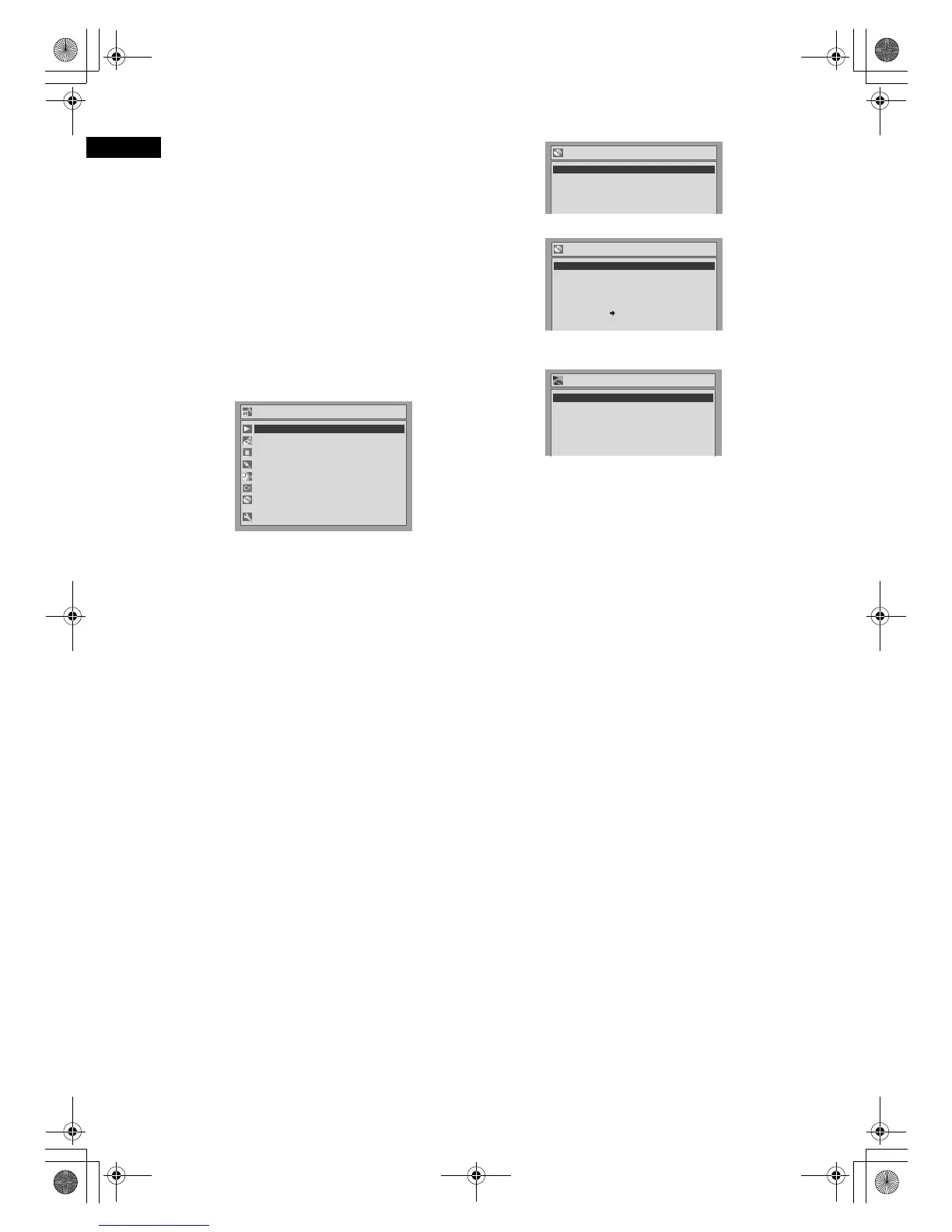
Advanced Setting Menu:
You can make all the settings available as follows.
1 Playback:
Set up the unit to play back a disc.
2 Recording:
Set up the unit to record to a disc or a tape.
3Display:
Set up the front panel display of the unit.
4 Select Video:
Choose an external input to record from other video
equipment to a disc or a tape.
5Clock:
Set the unit clock.
6Channel:
Set up and adjust channels.
7 Disc / CD Playback Mode:
“Disc” is available only when a DVD-RW / R disc is
inserted into the unit. If a DVD-Video (commercially
available), a new DVD-R disc or the finalised DVD-R
disc is inserted into the unit, you cannot select “Disc.”
“CD Playback Mode” is available only when an Audio
CD, Video CD or a CD-RW / R disc with MP3 / JPEG /
KODAK PICTURE CD files recorded is inserted into
the unit.
DVD-R & DVD-RW (Video mode)
DVD-RW (VR-mode)
CD, MP3, JPEG, KODAK PICTURE CD & Video
CD
This is an example screen for explanation. Some
items will be displayed in grey depending on the
inserted disc.
1 Title List / Playlist / Original:
Display the titles recorded on the disc.
2 Format (DVD-RW only):
Erase all of the recorded content on the disc.
• It is not possible to recover erased content. Make
sure before you format a disc.
• It is not possible to use a disc formatted with this unit
in another DVD recorder. When you use a disc with
another DVD recorder, format a disc using that DVD
recorder.
3 Finalise:
Finalise a disc containing recorded titles.
4 Disc Protect (VR mode only):
Protect a disc from accidental over-recording, editing
or erasing.
5Random Play:
Activate the random playback feature.
6 Program Play (except MP3 / JPEG /
KODAK PICTURE CD files):
Activate the programmed playback feature.
7 PBC (Video CD only):
Turn the PBC function “ON” or “OFF.”
8 Slide Show (JPEG / KODAK PICTURE CD
files only):
Select the display time.
Advanced Setting Menu
Recording
Display
Select Video
Clock
Channel
Disc
Easy Setting Menu
Playback
1
2
3
4
5
6
7
1
2
3
4
5
6
7
Disc
Format
Title List
Finalise
1
2
3
1
2
3
Disc
Original
Format
Finalise
Disc Protect OFF ON
Playlist
1
2
3
4
11
1
2
3
4
CD Playback Mode
Program Play
PBC(Video CD only)
Slide Show
OFF
5 sec.
Random Play
6
7
55
6
7
88
DRV_B2737_B2734.book Page 14 Thursday, March 31, 2005 10:04 PM



 To Next Page