26
Recording
EN
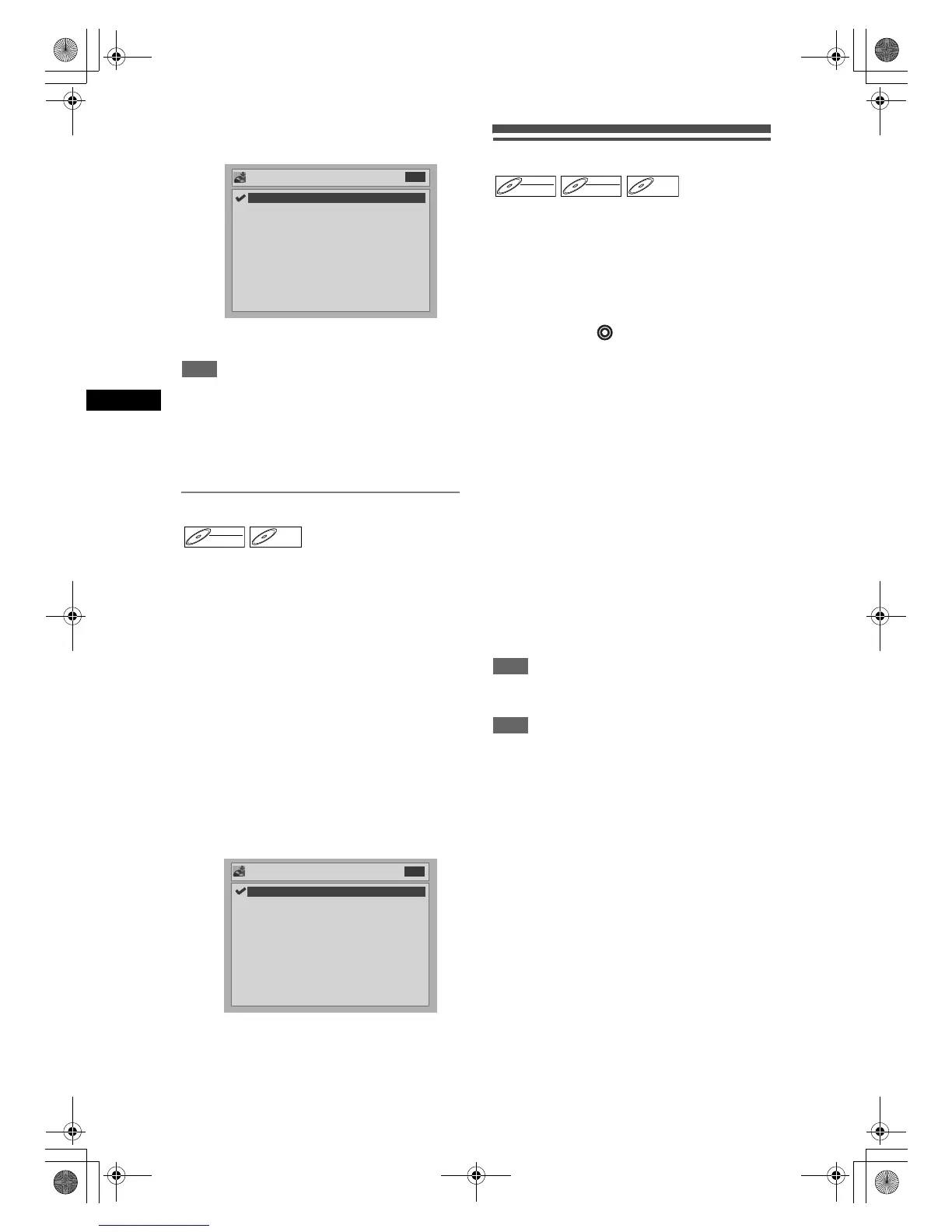
5 Select “Stereo” or “Bilingual” using
[Cursor U / D], then press [ENTER].
6 Press [SETUP] to exit.
Hint
Stereo: Both modes of Video and VR are recorded
in stereo.
Bilingual: The sound you set by “Bilingual Recording
Audio” is recorded in Video mode.
Both sounds of “Main” and “Sub” are
recorded in VR mode. You can select
audio modes during playback.
Setting Bilingual Recording Audio
You can select either “Main” or “Sub” audio to record a
bilingual broadcast in Video mode.
1 In stop mode, press [SETUP].
2 Select “Advanced Setting Menu”
using [Cursor U / D], then press
[ENTER].
If it has already appeared, proceed to step 3.
3 Select “Recording” using
[Cursor U / D], then press [ENTER].
4 Select “Bilingual Recording Audio”
using [Cursor U / D], then press
[ENTER].
5 Select “Main” or “Sub” using
[Cursor U / D], then press [ENTER].
6 Press [SETUP] to exit.
Basic recording
Follow the steps below to record a TV programme.
1 Turn on the unit and insert a
recordable disc.
Make sure that the TV input is set on the unit.
This operation may take a few moments to
complete.
2 Press [DVD ].
3 Select the recording speed using
[REC SPEED]
(See page 22.).
Make sure that the recording format is set to the
desired mode (see page 24).
4 Select the desired channel to record
using [PROG.U / D] or
[the Number buttons].
5 Press [REC / OTR] to start recording.
The ● mark will be displayed for 5 seconds.
To pause the recording, press [PAUSE p]. Press
[REC / OTR] or [PAUSE p] to restart the
recording.
6 Press [STOP S] to stop the
recording.
This operation may take a few moments to
complete.
Hint
• You can change the channel while in the REC pause
mode.
Note
• Recording starts immediately and continues until the
disc is full or you stop recording.
• If the clock is not set, the date and time space next
to title names in the Original or Playlist will be blank.
• You cannot mix two formats on DVD-RW discs. If
you insert a previously recorded disc, changing the
recording format is not possible even if you change it
in the Setting menu.
• You cannot change the recording speed while in the
REC or REC pause mode.
• It is possible to record video only in the PAL system.
• During recording, if a signal other than PAL is
decoded (such as NTSC), recording is paused.
External input Audio
Bilingual
Stereo
DVD
DVD-RWDVD-RW
Video
DVD-RDVD-R
Bilingual Recording Audio
Sub
Main
DVD
DVD-RWDVD-RW
Video
DVD-RWDVD-RW
VR
DVD-RDVD-R
DRV_B2737_B2734.book Page 26 Thursday, March 31, 2005 10:04 PM



 To Next Page