52
Editing
EN
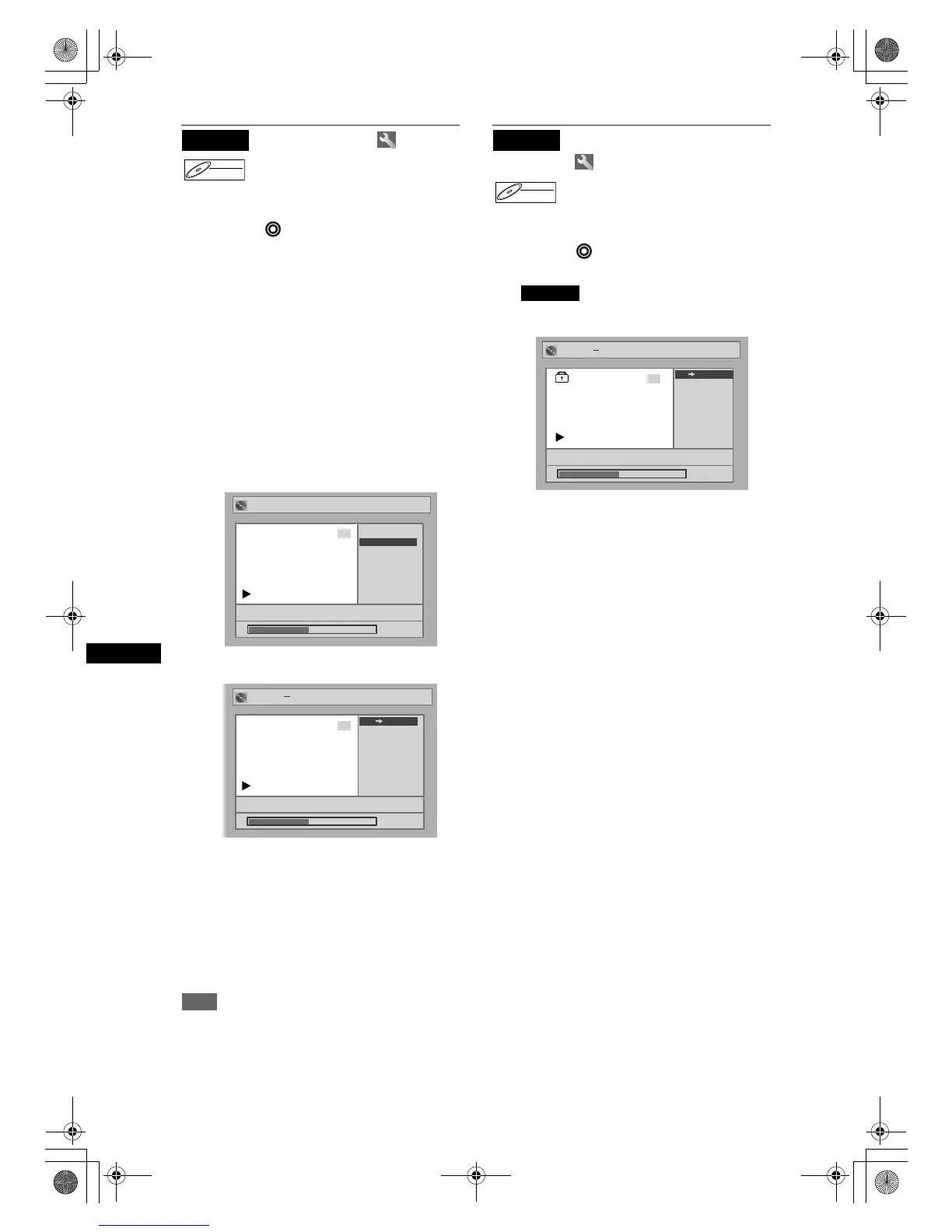
Protecting titles
To prevent the accidental editing or erasing of the
titles, you can protect them in the original menu.
Press [DVD ] first.
1 In stop mode, press [SETUP].
“Easy Setting Menu” or “Advanced Setting Menu”
will appear.
2 Select “Disc” using [Cursor U / D],
then press [ENTER].
3 Select “Original” using
[Cursor U / D], then press [ENTER].
4 Select the desired title using
[Cursor U / D / L /
P], then press
[ENTER].
5 Select “Protect” using
[Cursor U / D], then press [ENTER].
6 Press [ENTER] again.
7 Press [SETUP].
Writing on the disc starts.
It may take a while to write the data on a disc.
To protect a whole disc (DVD-RW VR mode
only):
Select “Disc Protect” from the Disc menu, then
select “Yes.” Refer to “Setting a disc to protect” on
page 34.
Hint
• The protected title is marked with a key icon in the
original list.
Releasing titles from
protecting
You can cancel the title protection feature after it is
applied.
Press [DVD ] first.
1 Follow steps 1 to 4 in
“ Protecting titles.”
2 Press [ENTER].
3 Press [ENTER] again.
The key icon will disappear from the title in the
original list.
4 Press [SETUP].
Writing on the disc starts.
It may take a while to write the data on a disc.
Original
DVD-RWDVD-RW
VR
Original
P8 EP
Title Delete
Protect
3
Protect
0:00:59
Original
15/04 19:00 P12 1H
Title Delete
Protect
3
Protect
0:00:59
3
15/04 19:00 P12 1H
3
0:00:59
Original Protect
OFF ON
Original
DVD-RWDVD-RW
VR
Original
Original Protect
P8 EP
3
0:00:59
Original Protect
P8 EP
3
0:00:59
Original Protect
15/04 19:00 P12 1H
3
0:00:59
ON OFF
DRV_B2737_B2734.book Page 52 Thursday, March 31, 2005 10:04 PM



 To Next Page