28
Recording
EN
Note
• You cannot use the pause function during one-touch
timer recording.
• The unit will be turned off automatically under the
following conditions.
- No space remains on the disc.
- If a power failure occurs.
• If DVD one-touch timer recording is completed
during VCR playback or recording, the DVD will be
in stop mode and the VCR keeps the current mode.
• When one-touch timer recording is finished and the
power is turned off, the unit will switch to the timer-
standby mode automatically if a timer recording has
been programmed. Press [T-SET] to cancel the
timer-standby mode to use the unit continuously.
Timer recording
You can set the unit to record up to 8 programmes, up
to a month in advance. Daily or weekly programme
recordings are also available.
• Be sure to set the clock before entering a timer
programming.
• You can select the timer programming list by
pressing [TIMER PROG.]. In this case, continue
from step 5.
Insert a recordable disc or a tape with a
record tab.
1 In stop mode, press [SETUP].
2 If you select “Advanced Setting
Menu,” proceed to step 3.
If you select “Easy Setting Menu,”
proceed to step 4.
3 Select “Recording” using
[Cursor U / D], then press [ENTER].
4 Select “Timer Programming” using
[Cursor U / D], then press [ENTER].
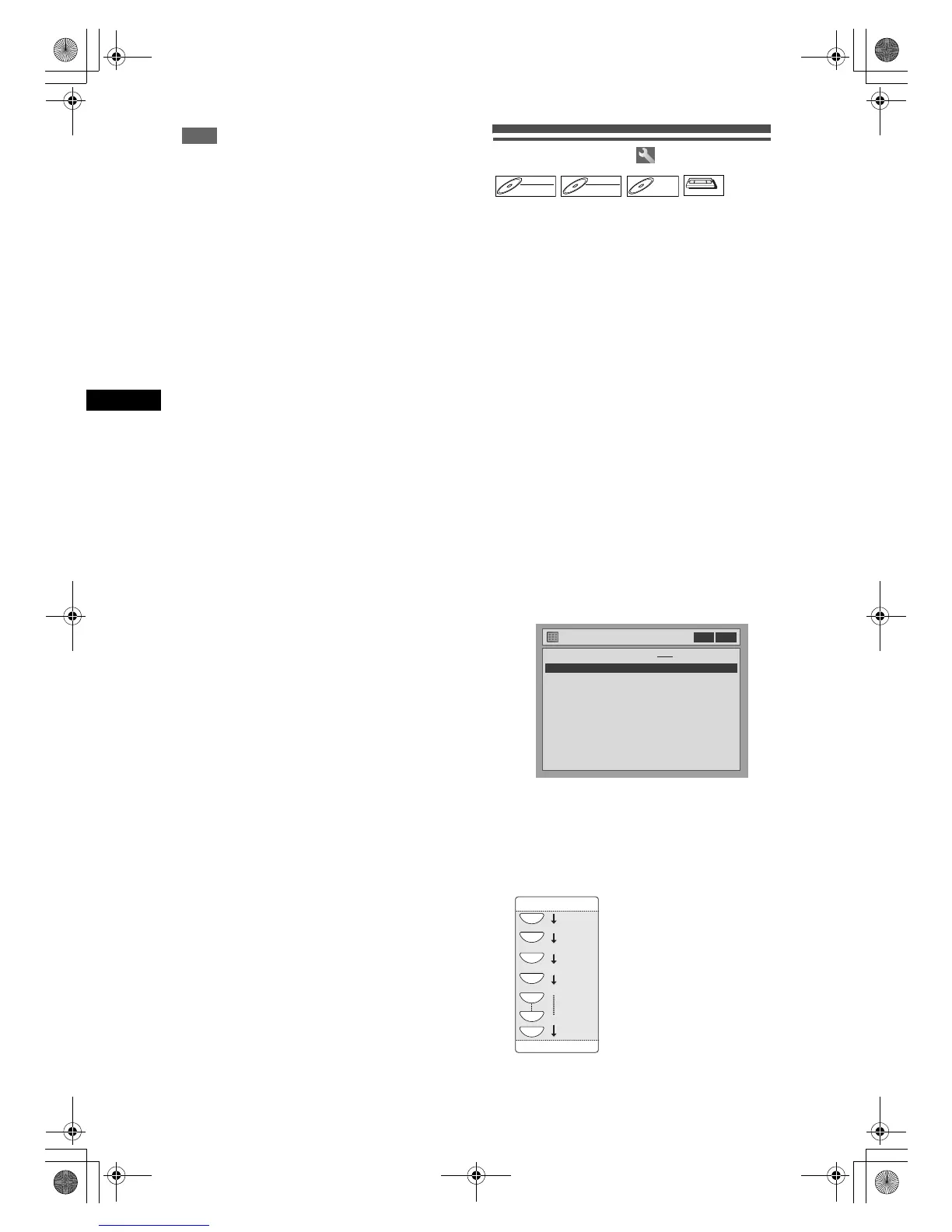
The Timer Programming list will appear.
5 Select a programme that is not set
using [Cursor U / D], then press
[ENTER].
6 Enter the date using [Cursor U / D],
then press [Cursor P].
Each time you press [Cursor D] at the current
date, the timer recording mode will change as
follows.
e.g., 1st January
DVD-RWDVD-RW
Video
DVD-RWDVD-RW
VR
DVD-RDVD-R
VCR



 To Next Page