2. INITIAL SETUP
19
5. Referring to the tables below, set up the radar.
[Radar] menu - [Radar Initial Setup]
[Radar] menu - [Antenna Position]
How to align the antenna heading
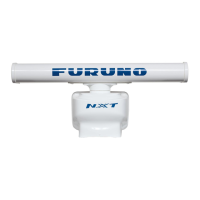
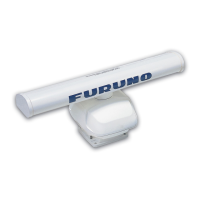
You have mounted the antenna unit facing straight ahead in the direction of the bow.
Therefore, a small but conspicuous target dead ahead visually should appear on the
heading line (zero degrees).
You may observe a minor bearing error on the display. This is due to the difficulty in
orienting the radar accurately. The following adjustment will compensate for the error.
Menu item Description
[Antenna Rotation] Select the antenna rotation speed.
[Antenna Heading Align] See "How to align the antenna heading" on page 19.
[Main Bang Suppression] If main bang appears at the screen center, slide the circle
icon so that the main bang disappears, while watching the
radar echo at the left-hand side of the display.
[Enable Sector Blanking] Up to two sectors may be selected for blanking (no trans-
mission). Select [ON] to enable this feature. Set the start
and end angles (0° to 359°).
[Enable Sector 2 Blanking]
Menu item Description
[Longitudinal (from bow)] Referring to the figure on the right, enter the ra-
dar antenna positioning bow-stern (Longitudi-
nal) and port-starboard (Lateral) position from
the origin.
[Lateral (-Port)]
[Antenna Height] Selects the height of the antenna above the waterline.
[Antenna Length] Selects the length of the antenna. RezBoost function re-
flects the selection of this menu item.
[Radar Monitoring] Display various information regarding the connected ra-
dar.
[TX Channel] Select [1], [2] or [3], the channel where the interference is
smallest.
[Target Analyzer Mode] You can emphasize rain clutter or target echoes when the
target analyzer is active. Select [Rain] or [Target] as ap-
propriate.
[Auto acquire by Doppler] When selecting [ON], approaching targets within 3 NM
from own ship are automatically acquired by the Doppler
calculated from the radar echo.
[Set Hardware To Factory
Default]
Resets the radar selected at [Radar Source] to factory de-
fault.
[Reset Default Settings] Resets [Radar] menu settings to default.
Origin


 To Next Page
 Loading...